Google Workspace AI Automation: Wiring Gemini, Claude & OpenAI into Apps Script
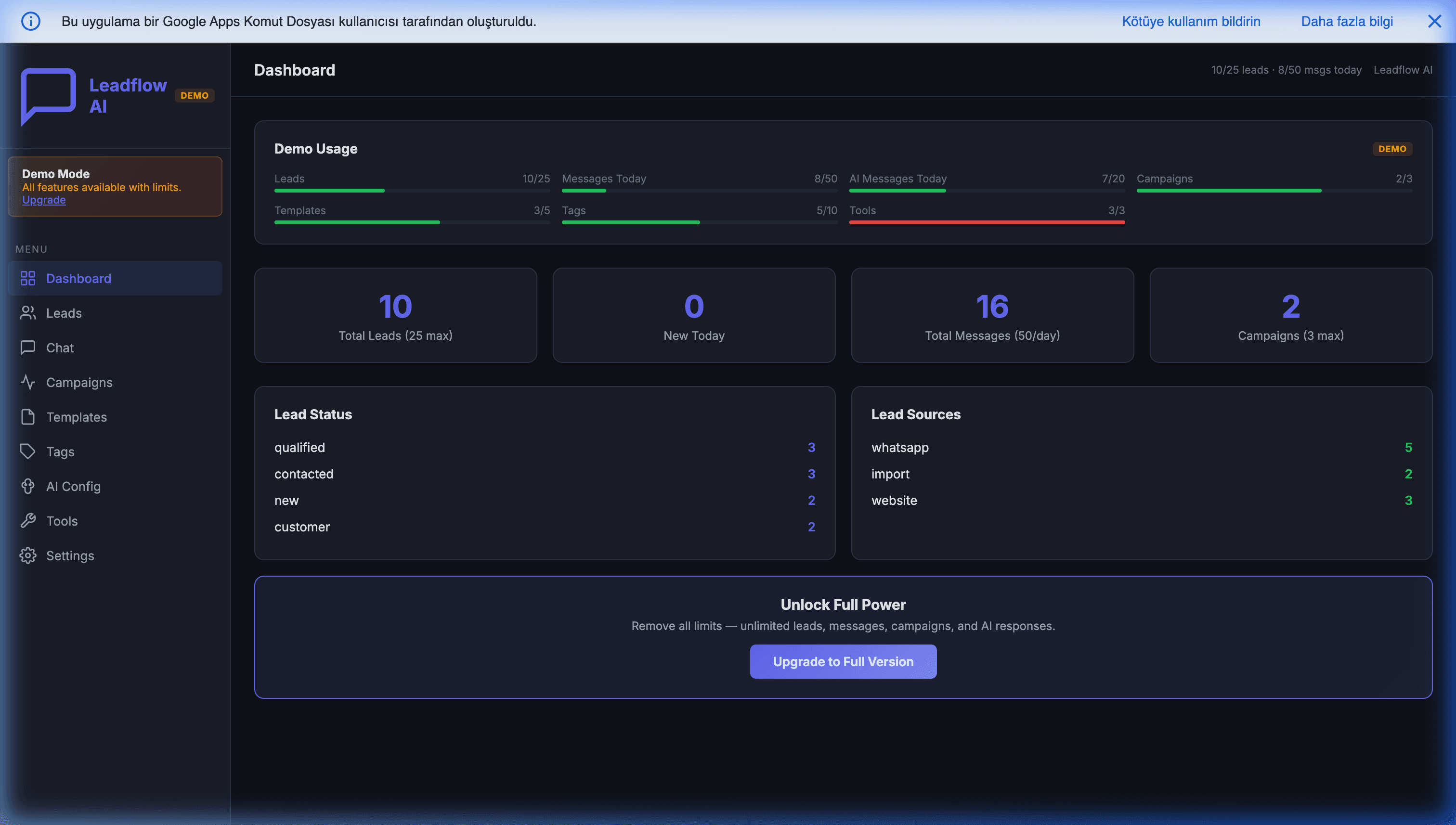
AI automation on Google Workspace means wiring large language models — Gemini, Claude, or OpenAI — directly into Google Sheets, Gmail, and WhatsApp through Apps Script, so an AI agent reads your data, makes a decision, and writes the result back, all inside your own Google account with no monthly SaaS bill. A single Apps Script project can run a WhatsApp AI CRM, auto-analyze sales, extract invoices from photos, and answer customers 24/7 — for the cost of API tokens (typically $5–40/month) instead of the $200–2,000/month you'd stack up paying for separate AI SaaS tools.
This is the hub page for that whole category. It won't re-teach every build end to end — each use case below has a dedicated deep-dive guide, and this page links down to all of them. What this page does is define the category, explain why Workspace is the cheapest place to run AI for a small business, and give you a map so you can find the workflow worth automating first.
What you can build (the index)
Each row links to the full guide for that use case.
| What you want | The AI workflow | Full guide |
|---|---|---|
| Capture orders & reply on WhatsApp | AI agent reads inbound messages, books orders, answers 24/7 | WhatsApp AI CRM in Google Sheets |
| Turn chats into a sales pipeline | Conversational sales captured to Sheets automatically | Automating WhatsApp sales |
| Sell from a chat thread | A mini storefront that runs inside WhatsApp | WhatsApp mini storefront |
| Understand your numbers | AI reads the sheet and writes the analysis | Gemini AI sales analysis in Sheets |
| Prioritize the right leads | AI scores every lead as it arrives | Lead scoring autopilot |
| Kill manual invoice entry | Vision model reads a photo, extracts fields | Invoice extraction via WhatsApp AI vision |
| Answer customers without live agents | Grounded AI chat instead of a $/seat live-chat tool | AI chatbot vs live chat · Add AI chat to Magento |
| Talk, not type | Full-duplex voice agents for commerce | Voice commerce in 2026 |
Everything in that table runs on the same four building blocks and the same token-based cost model. Let's start with why those blocks beat renting the same capability from an automation platform.
Why run AI inside Google Workspace instead of n8n / Make / Zapier AI?
The honest answer is cost structure and ownership, not raw capability. n8n, Make, and Zapier are genuinely good products — if you need to connect to an obscure SaaS with a pre-built node, or stand up a one-off experiment this afternoon, they'll beat a custom build on speed.
But for a workflow you intend to run forever, three things work against the rented platforms:
- You pay rent on top of tokens. Every AI step inside Zapier or Make still bills you the underlying model's tokens — and then charges you a per-task or per-operation fee on top, plus the monthly platform subscription. The platform is a middleman taking a cut of work that the model already did.
- The bill scales with your success. Per-task pricing means the busier you get, the more you pay — exactly when you least want a variable cost. An Apps Script build's runtime is free under quotas you already have, so volume growth doesn't raise the runtime bill at all; only your token usage moves.
- You don't own the workflow. The logic lives on someone else's canvas. Cancel the subscription and the automation stops. With Apps Script, the code sits in your Google account as readable JavaScript — you own it, can read every line, and it keeps running even if your vendor disappears.
In the projects we've built and instrumented, the practical picture is consistent: a small business running an AI workflow on a rented platform pays a few hundred dollars a month between subscription, per-task fees, and tokens. The same job moved into Apps Script drops to just the token cost — frequently under $40/month — because the runtime is part of the Google Workspace seat you're already paying for.
This is the recurring theme across our guide to replacing expensive SaaS with Google Workspace: you rarely need to rent automation forever. Build it once, own it, run it inside the account you already pay for.
Not sure which of your workflows is worth automating first? That's exactly what a free feasibility review is for. Book a free 30-minute call and we'll tell you which AI workflow pays for itself fastest — and which ones are genuinely better left on a SaaS tool. We build these as fixed-scope projects, so you get a straight answer, not a sales funnel.
The four building blocks: Sheets, Gmail, WhatsApp, Apps Script
Almost every AI automation on Workspace is some arrangement of four pieces:
- Google Sheets — the database. Your customers, orders, leads, products, and conversation history live in tabs. Sheets is an underrated application backend: structured, versioned (Google's history is your free backup), and readable by both humans and code.
- Gmail — the inbound/outbound channel. Apps Script can read, label, draft, and send mail, which makes Gmail a first-class trigger and delivery surface for AI — parse an incoming email, decide, reply.
- WhatsApp — where your customers actually are. Through the official WhatsApp Business API (via Twilio, 360dialog, or Meta Cloud API), inbound messages hit an Apps Script
doPostwebhook, and replies go back out the same way. - Apps Script — the glue and the brain's hands. This is the runtime. It holds your triggers (
doPostfor webhooks, time-driven for nightly jobs, on-edit for live scoring), calls the AI model over HTTPS withUrlFetchApp, and writes the result back to the sheet. It runs free under your Workspace quotas.
The AI model is the fifth piece — but it lives outside Workspace, reached by a single HTTPS call. That's the part you choose next. For the full grounding on what Apps Script can and can't do, the complete Google Apps Script guide is the parent reference.
Choosing your model: Gemini vs OpenAI vs Claude for Apps Script
Here's the freeing part: from Apps Script, all three are the same shape of call — a UrlFetchApp.fetch() to a REST endpoint with your prompt in the body and your key in the header. Switching providers is changing a URL and a payload, not re-architecting. So pick on fit:
- Gemini — the Workspace-native default. It's in the same Google account, has a generous free tier, and is strong and cheap for reading a spreadsheet and writing analysis. If your workflow is "look at my numbers and tell me what's happening," start here. See it in action in AI sales analysis in Google Sheets with Gemini.
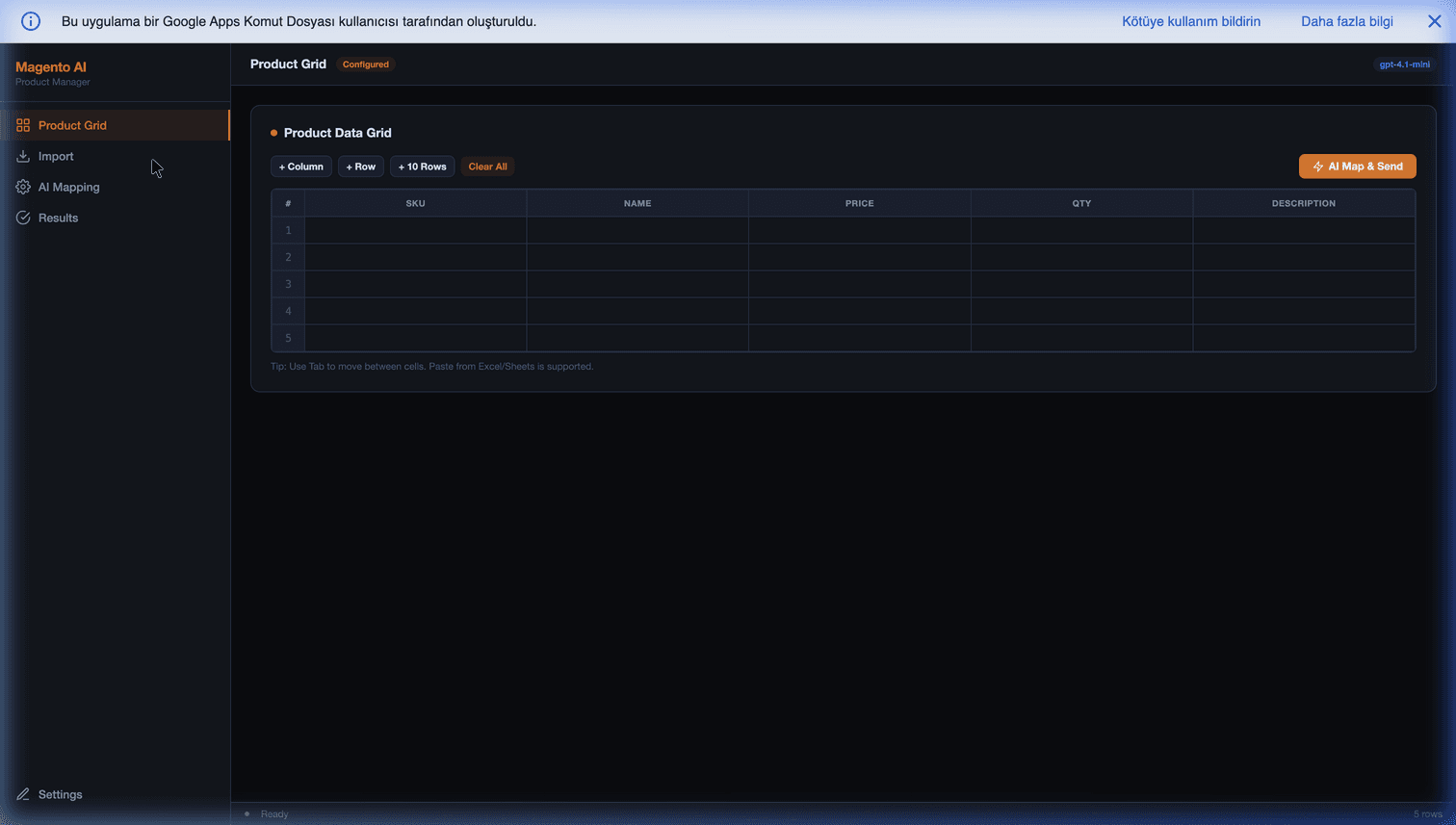
- OpenAI — the structured-output workhorse. The most battle-tested for function calling and column-mapping tasks, which is why our Magento AI Product Manager uses it to map messy supplier columns to the right fields.
- Claude — for reliable tool use, long documents, and prompt caching. When you need an agent to call tools dependably, reason over a long document, or cut cost on a repeated system prompt, Claude's prompt caching is the lever. We go deep on this in Claude API tool use and prompt caching in Apps Script.
A common production pattern is model routing: send cheap, high-volume calls (classification, short replies) to a small fast model, and reserve a frontier model for the few decisions that actually need the horsepower. That single trick is often the difference between a $40 and a $400 monthly token bill.
Use case: WhatsApp AI CRM & order capture
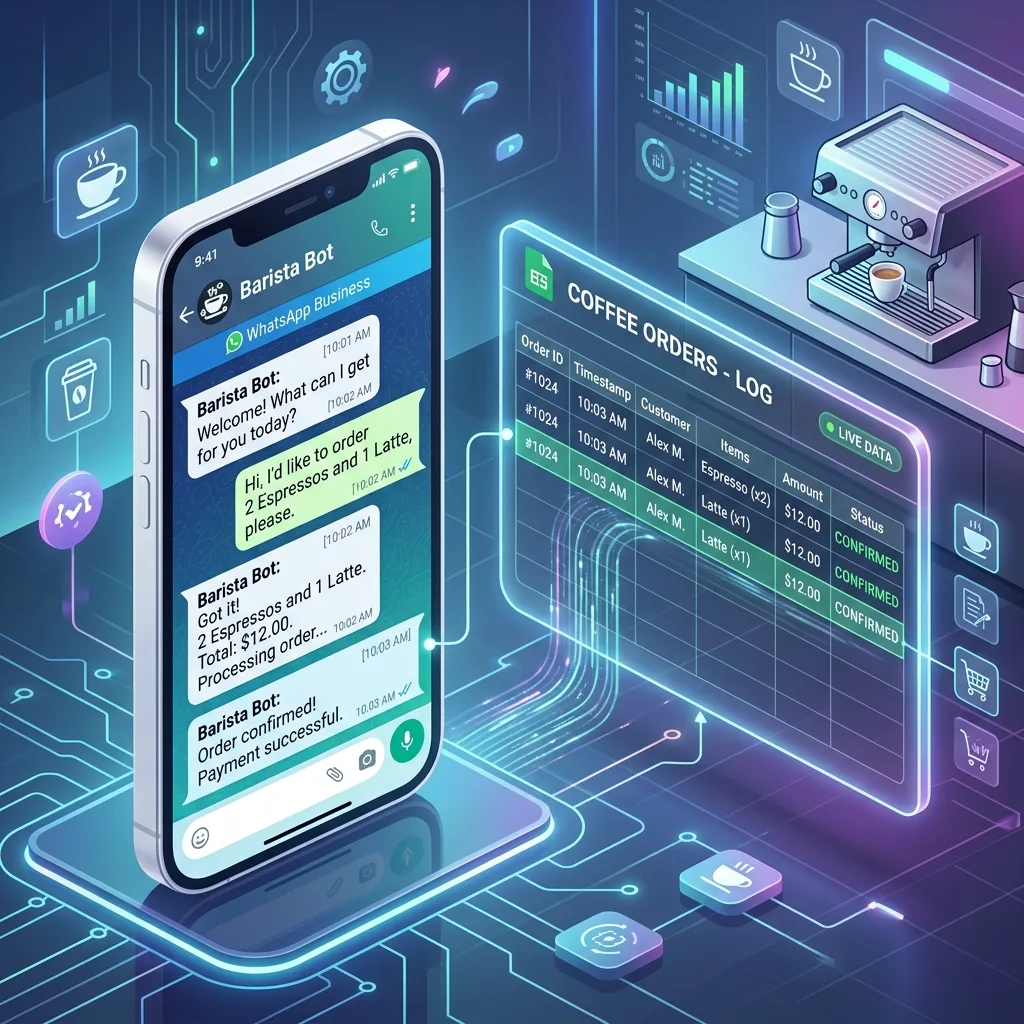
The highest-ROI build for most SMBs: an AI agent on WhatsApp that reads inbound messages, answers questions, captures orders, and logs every customer into a Google Sheet — 24/7, with no human at the keyboard. Inbound messages hit a doPost webhook, the agent loads conversation history and product data from Sheets as context, the model decides on a structured action (answer / quote / book order / escalate), and Apps Script writes the result back and replies.
- Full architecture, tool design, and conversation memory: How to build a WhatsApp AI CRM in Google Sheets
- Turning those chats into a real sales pipeline: Automating WhatsApp sales in Google Sheets
- Selling directly inside the thread: WhatsApp mini storefront in Google Sheets
If you'd rather buy the pattern than build it, the WhatsApp AI Mini CRM is our packaged version of exactly this.
Use case: AI sales analysis & lead scoring
The second-cheapest win, because the data is already in your sheet. A time-driven trigger fires nightly, hands your sales rows to the model, and writes back a plain-English summary: what moved, what stalled, which customer is going quiet. The same mechanism, run on every new lead, becomes lead scoring — the model reads the lead's attributes the moment the row appears and writes a priority score so your team works the right ones first.
- AI reading the sheet and writing the analysis: Gemini AI sales analysis in Google Sheets
- Scoring every lead automatically as it arrives: Lead scoring autopilot on Google Workspace
Use case: AI document & invoice extraction (vision)
Manual data entry from invoices, receipts, and supplier sheets is the kind of work AI removes entirely. A supplier sends a photo of an invoice over WhatsApp; a vision-capable model reads the image, extracts the line items, totals, and tax, and Apps Script writes a clean row into your sheet — no human retyping anything. Minutes of squinting and typing become a single forwarded message.
- The full vision pipeline: Extracting invoices via WhatsApp AI vision
It also pairs naturally with Magento + Google Sheets automation when the extracted data needs to flow on into a store or ERP.
Use case: AI customer support & chat
Live-chat SaaS charges per seat per month for human agents to answer the same questions over and over. A grounded AI responder — pinned to your own product docs so it can't invent answers — handles the repetitive 80% autonomously and escalates the rest cleanly. The honest caveat: grounding and an escalation path are non-negotiable. Without retrieval pinning every answer to your docs, hallucination rates climb past anything acceptable for production.
- When AI chat beats a live-chat tool (and when it doesn't): AI chatbot vs live chat
- The build itself: How to add AI chat to Magento
Use case: voice commerce & full-duplex agents
The frontier of the category: agents that speak rather than type, holding a full-duplex voice conversation that captures an order or answers a question in real time. It's the most technically demanding workflow here — latency and turn-taking are hard — and the place where Apps Script's synchronous model is most likely to hand off to a streaming backend. But the data layer stays the same Google Sheet.
- Where this is heading and what's realistic today: Voice commerce in 2026
What AI on Workspace costs (and where it breaks)
Credibility means naming the limits, so here they are without softening.
What it costs. The runtime is free — Apps Script executes under quotas included in your Workspace seat. Your bill is the model API: for a typical SMB handling a few thousand AI calls a month with sensible model routing, that's commonly $5–40/month. If WhatsApp is in the loop, Meta adds its own messaging fee — billed per delivered template message since July 2025, though replies inside the 24-hour customer-service window are free — and for outbound-heavy flows that fee is often the larger line item, ahead of the AI tokens. There is no per-task platform fee, because there's no platform in the middle.
Where it breaks — three real ceilings:
- The 6-minute execution limit. Apps Script kills any single run at six minutes. A long AI batch — scoring 5,000 leads, processing a big invoice backlog — must be chunked and resumed across runs with triggers, not done in one pass. The pattern is well understood; the Apps Script 6-minute limit guide covers the chunk-and-resume approach.
- UrlFetchApp quotas and reliability. Daily fetch limits (~20,000 calls on consumer/Starter, ~100,000 on Business/Enterprise) and per-call timeouts mean a high-volume AI workflow needs retries and exponential backoff to be production-grade. The UrlFetchApp quotas and retries guide is the reference for building that resilience in.
- Concurrency. Apps Script is synchronous and isn't designed for hundreds of simultaneous requests. A very high-volume chatbot eventually outgrows it — at which point you keep Sheets as the data layer and move the compute to Cloud Run or Vercel Functions, same data model, more horsepower.
For the overwhelming majority of SMB AI workflows, none of these ceilings is ever touched. They matter when you scale, and the graduation path is clean when you get there.
Want this built for your business?
You don't need to assemble this stack yourself. The hard part isn't the code — it's knowing which AI workflow is worth automating first, which model fits, and where the limits will bite before you hit them. That's a 30-minute conversation, not a project.
Book a free 30-minute feasibility review and we'll map your specific workflow to a fixed-scope build: which model fits, what it would cost to run per month, and what it costs to own outright instead of renting forever. Prefer to message? Reach us on WhatsApp with the workflow you have in mind and we'll scope it.
You'll leave with a straight answer on whether your version of this is worth building — even if the answer is "not yet."
Frequently Asked Questions
What is AI automation on Google Workspace?
It means connecting a large language model — Gemini, Claude, or OpenAI — directly to your Google Sheets, Gmail, Drive, and WhatsApp through Google Apps Script, so the model can read your real data, make a decision, and write the result back, all inside your own Google account. Instead of paying a SaaS vendor monthly to host an 'AI workflow' for you, the logic lives in a single Apps Script project you own. A typical build calls the model's API over HTTPS (UrlFetchApp), passes your spreadsheet rows or an inbound message as context, and acts on the JSON it returns — scoring a lead, drafting a reply, extracting fields from an invoice photo, or sending a WhatsApp message. Your only recurring cost is the model's token fee, usually $5–40/month for an SMB.
How much does Google Workspace AI automation cost compared to n8n, Make, or Zapier?
The structural difference is rent versus tokens. n8n, Make, and Zapier charge a monthly subscription plus per-operation or per-task fees that scale with volume, and the AI steps inside them still bill you the underlying model tokens on top. An Apps Script build pays nothing for the runtime — it runs free under your existing Google Workspace quotas — so your bill is only the model API: commonly $5–40/month for a small business, occasionally more at high message volume. The trade-off is that you (or someone you hire) build it once instead of dragging nodes onto a canvas. For workflows you run forever, owning the code usually wins; for a quick experiment or a connector to an obscure SaaS, the rented platforms are faster to stand up.
Which AI model is best for Apps Script — Gemini, OpenAI, or Claude?
All three are a single HTTPS call from Apps Script, so the choice is about fit, not feasibility. Gemini is the natural default on Workspace: it lives in the same Google account, has a generous free tier, and is strong and cheap for spreadsheet analysis and summarization. OpenAI's models are the most battle-tested for structured function-calling and column-mapping tasks. Claude is the strongest pick when you need reliable tool use, long-context document reasoning, or prompt caching to cut cost on repeated system prompts. A common pattern is to route cheap, high-volume calls to a small fast model and reserve a frontier model for the hard decisions.
Is it safe to send my business data to an AI model from Google Sheets?
It depends on what you send and to whom. The data lives in your own Google Drive; only the specific text you pass into an API call leaves your account, and only to the model provider you chose, over TLS. Good builds minimize this — for example, sending only column headers and three sample rows for a mapping task rather than the whole catalog. Store API keys in Apps Script's encrypted Script Properties, never in the sheet. For regulated data (health, payments), check the provider's data-use and retention terms and keep PII in a restricted sheet. The key advantage over SaaS is that there is no third-party server permanently holding a copy of your database — the model sees only what each call hands it.
What are the real limits of running AI on Apps Script?
Three matter in practice. First, the 6-minute execution limit per run — a long AI batch must be chunked and resumed with triggers, not run in one pass. Second, UrlFetchApp daily quotas (roughly 20,000 calls on consumer/Starter, 100,000 on Business/Enterprise) and per-call timeouts, which you handle with retries and exponential backoff. Third, Apps Script is synchronous and not built for hundreds of concurrent requests, so a very high-volume chatbot eventually graduates to Cloud Run or Vercel Functions while keeping Sheets as the data layer. For the vast majority of SMB AI workflows, none of these ceilings are ever hit.
Can one Apps Script project run several AI workflows at once?
Yes. A single project can hold a WhatsApp AI CRM, a nightly sales-analysis routine, an invoice-extraction function, and a customer-support responder side by side, each triggered differently — a doPost webhook for incoming messages, a time-driven trigger for the nightly analysis, an on-edit trigger for live scoring. They share the same spreadsheet data and the same stored API keys. That consolidation is part of why the running cost stays low: one owned project, many jobs, one token bill.