Extracting Invoices via WhatsApp and AI Vision Models
In transportation, logistics, and field sales, paper still rules supreme. Waybills, fuel receipts, and delivery invoices are physical documents handed from a vendor to a driver.
Currently, the standard operating procedure for transferring this data to the back office is painful:
- The driver takes a photo of the receipt and sends it via a WhatsApp group.
- A dedicated data-entry clerk sits at a desk, opens the photo, squints at the crumpled paper, and manually types the Invoice Number, Total Amount, and Date into an accounting spreadsheet.
This analog bridge in an otherwise digital supply chain guarantees typos and wastes thousands of hours of payroll. This is one of several workflows we cover in our WhatsApp automation for small businesses in 2026 pillar guide.
This post covers the AI vision model options, the full pipeline architecture, accuracy and cost expectations, and the privacy controls that make this work in regulated industries.
Enter LLM Vision Models Connected to WhatsApp
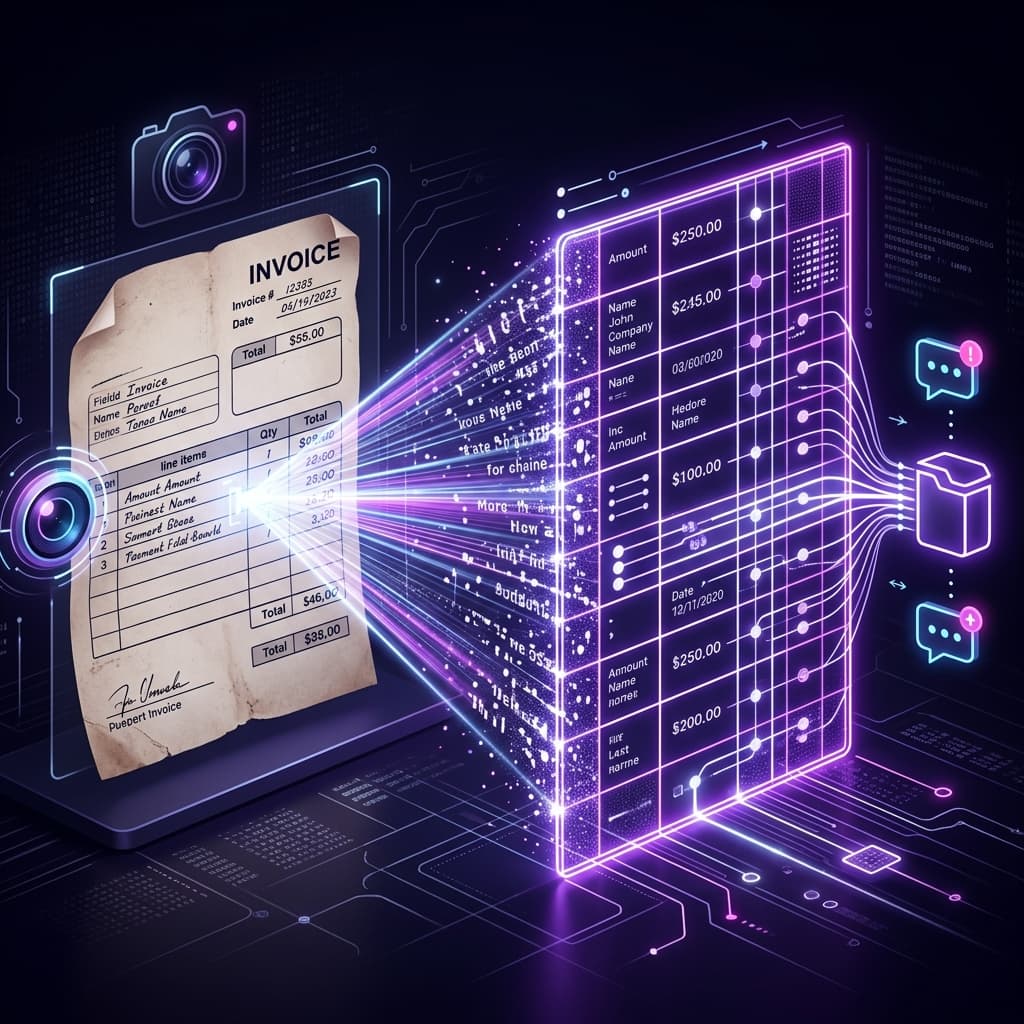
Modern Artificial Intelligence has transcended simple text chatbots. Models like Claude Vision, Gemini Vision, and GPT-4 Vision feature incredible "Vision" capabilities. They don't just "see" an image; they understand its structural context, recognizing which string of numbers is a tax ID and which is the total price, even if the paper is folded, crumpled, photographed at an angle, or poorly lit.
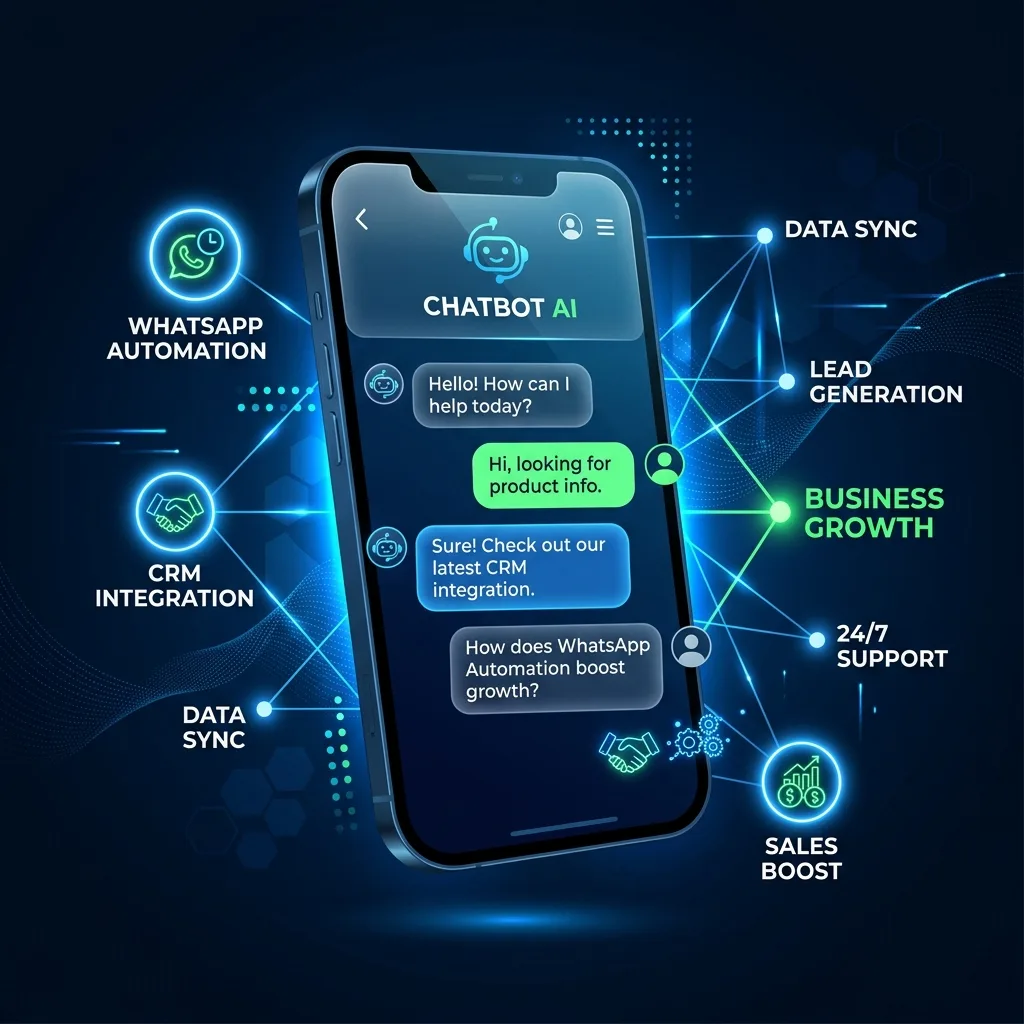
By routing your company's WhatsApp number through an integration layer like Google Apps Script, you can construct an autonomous accounting pipeline that turns every receipt photo into a clean row in your ledger within seconds of the driver sending it.
How the Intelligent Pipeline Works
When a driver snaps a photo of a fuel receipt and sends it to the company WhatsApp bot, the system triggers immediately:
- Intercept & Forward: The script receives the image file via the WhatsApp API (Twilio, Green API, or Meta Cloud) and forwards it directly to the chosen vision model endpoint.
- Prompt Engineering: The script simultaneously passes a hidden prompt: "You are an expert accountant. Read this invoice and return only a JSON object containing InvoiceNumber, TotalAmount, VendorName, Date, Category, and a confidence_score from 0 to 100."
- Confidence Scoring: The model's own confidence signal plus heuristics (does the total parse as a currency? does the date look valid?) produces an overall confidence score.
- Auto-Route on Confidence: High-confidence extractions (over 90) auto-append to the ledger. Medium-confidence (70-90) flag for human review in a "Needs Review" tab. Low-confidence (under 70) request a re-photo from the driver.
- Automatic Logging: The script inserts the structured data into a new row in your central Google Sheet, attaching a link to the original image file in Google Drive for auditing purposes.
- Driver Confirmation: An automatic WhatsApp reply confirms receipt to the driver: "Got it. Fuel receipt from Shell, $47.23, logged for 2026-04-14."
The entire round-trip takes 3-8 seconds. The driver gets immediate confirmation. The finance team gets structured data with zero transcription work.
Model Selection
Three vision models are production-ready in 2026:
- Claude Vision (Anthropic) — currently the highest accuracy on degraded receipts. Best for high-stakes accounting flows where false extractions are expensive.
- Gemini Vision (Google) — most cost-efficient at scale, excellent on clean receipts, strong multilingual OCR. Best for high-volume flows on standardized receipts.
- GPT-4 Vision / GPT-4o (OpenAI) — competitive across the board, strong function-calling support for structured extraction.
For most SMB accounting workflows, Gemini Vision is the default recommendation on cost-performance. Escalate to Claude or GPT-4o only for the ambiguous cases that Gemini flagged as low-confidence.
Multi-Currency and Multi-Language Handling
A field team scattered across countries sends receipts in multiple currencies and languages. The AI pipeline handles both natively:
- Currency detection — the model reads the currency symbol or code from the receipt and tags the row accordingly. A fuel receipt in ₺ (Turkish Lira) doesn't get confused with $ (USD).
- Language — the prompt can say "receipts may be in English, Turkish, Portuguese, or Spanish; extract fields in English regardless of source language." No per-language template required.
- Date format normalization — 14/04/2026 (EU) and 04/14/2026 (US) both parse correctly because the model is given explicit instructions on canonicalization.
This multi-format handling is where AI vision decisively beats traditional OCR — you get flexibility that would require dozens of parsers in a rules-based system.
Cost and ROI at Scale
Typical cost structure for a logistics company processing 500 receipts per week:
- Vision API calls: $10-$40/month.
- WhatsApp API messages (inbound + confirmation outbound): $30-$60/month.
- Apps Script execution: free (well under quota).
- Google Workspace Sheet + Drive storage: included in existing plan.
Total monthly cost: roughly $40-$100.
Labor savings: a data-entry clerk processing 500 receipts at ~3 minutes each would need 25 hours/week. Eliminating that is $2,000-$4,000/month in fully-loaded labor cost. ROI is immediate and compounding.
Privacy and Compliance Controls
Receipts contain personal information — cardholder names, partial card numbers, sometimes location data. Three controls that matter:
- Access restrict the Sheet. Finance team only, with Google Workspace audit logging enabled.
- Automatic PII redaction. The same AI call that extracts structured data can also redact cardholder name and partial card number before storing.
- Retention policy. Apps Script cleans up raw image files from Drive after N days (commonly 90) while keeping the structured ledger entry. This balances audit requirements with privacy minimization.
For EU operations, get a DPA signed with your AI provider (Anthropic, OpenAI, and Google all offer enterprise tiers with proper GDPR treatment). For US healthcare or financial data, a BAA is needed.
Common Pitfalls
- No confidence threshold. Auto-appending everything regardless of confidence pollutes the ledger with wrong extractions. Always route low-confidence to human review.
- No driver feedback loop. If the driver sends a bad photo and the system silently fails, the driver doesn't know to resend. Always reply via WhatsApp — success or ask-for-retry.
- Storing raw images forever. Privacy exposure compounds. Set a retention policy from day one.
- Using unofficial WhatsApp libraries. Image handling is where unofficial libs break most reliably. Use the Official API.
- Prompt drift. Teams modify the extraction prompt over time and stop validating; accuracy quietly degrades. Pin the prompt in source control and run a sanity test on 50 known receipts every time you change it.
Getting Started
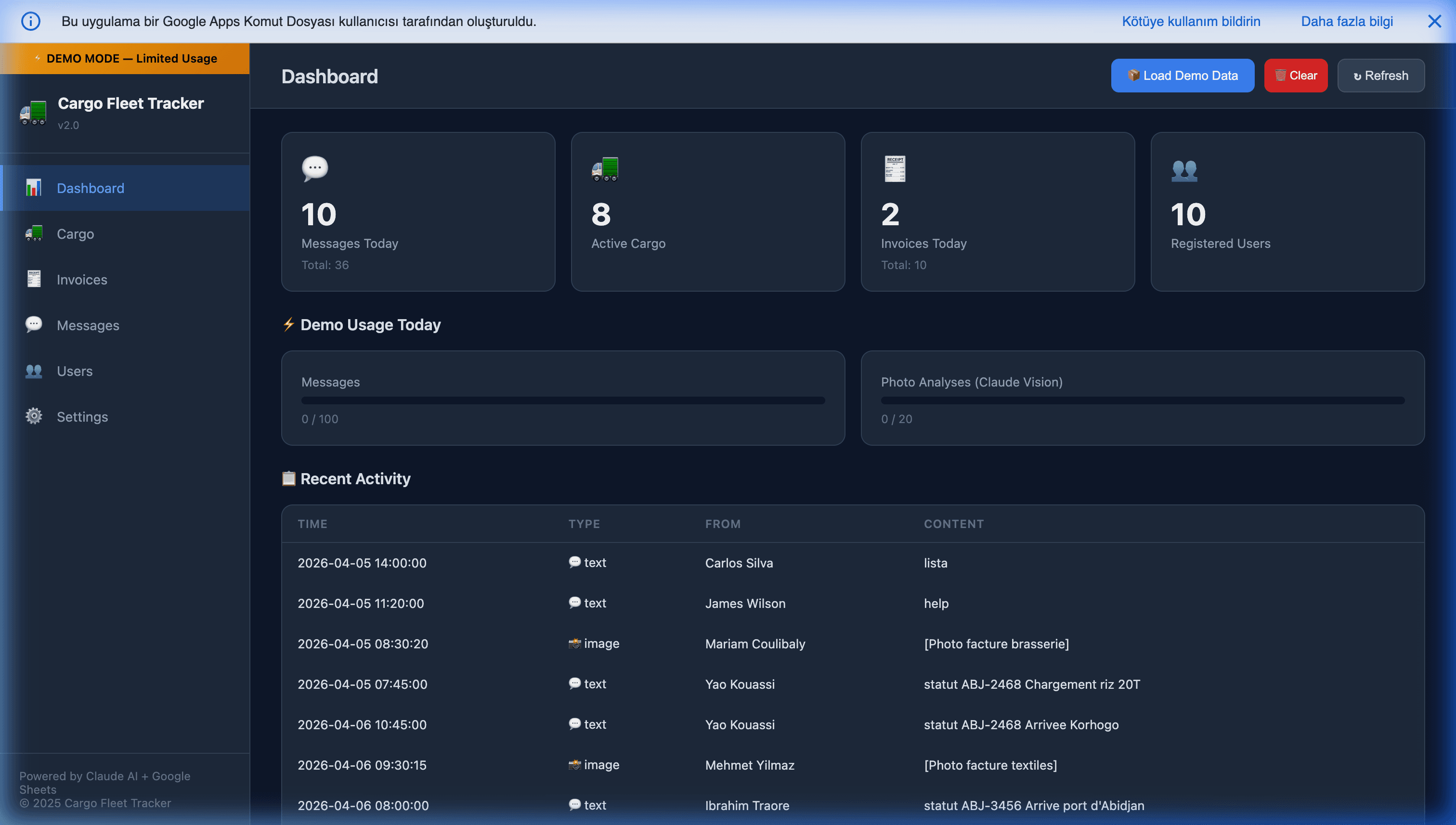
Tools like the Cargo Fleet & WhatsApp Tracker are pioneering this exact architecture. By marrying the ubiquity of WhatsApp with the immense cognitive power of AI Vision models, businesses can completely eliminate back-office data entry, turning blurry field photos into actionable financial data in seconds.
Further Reading
- WhatsApp automation for small businesses in 2026 — the pillar context.
- Turning WhatsApp into a mobile ERP for field logistics — the broader field-data-entry pattern.
- Building an autonomous WhatsApp AI CRM — the customer-facing version of this flow.
- Automating WhatsApp sales using Google Sheets — the sales-funnel variant.
- Apps Script webhooks with doGet and doPost — the webhook-receiver pattern that makes this possible.
Frequently Asked Questions
How accurate are AI vision models on real-world crumpled receipts?
On printed receipts with legible text (even if crumpled, poorly lit, or photographed at an angle), Claude Vision and Gemini Vision currently achieve 92-97% accuracy on core fields (invoice number, total, vendor, date). On handwritten or severely damaged receipts, accuracy drops to 75-85%. The right workflow is: AI extracts, confidence score is computed, anything below ~90% confidence flags to a human reviewer. The reviewer confirms or corrects in under 30 seconds per receipt, which is still dramatically faster than transcribing from scratch.
What does AI vision cost per receipt at scale?
Roughly $0.005-$0.02 per receipt depending on the model and image resolution. A company processing 500 receipts per week pays $10-$40/month in API costs and saves 15-25 hours of data-entry labor. Cost-control tips: compress images to 1024px max before sending to the API (quality doesn't drop meaningfully but tokens do), use Gemini Vision or GPT-4o-mini for initial pass, and only escalate to Claude Sonnet or GPT-4o for low-confidence cases.
Do I need the Official WhatsApp Business API for this?
Yes — and specifically because of image handling. Unofficial WhatsApp libraries have erratic support for media messages and will get your business number banned under image-volume load. Use Twilio WhatsApp, Green API, or Meta Cloud API. All three properly handle the media-download step (the WhatsApp message contains a media URL, not the image itself — you fetch the image from the API with your credentials).
What about GDPR and receipt data privacy?
Receipts often contain personal information (cardholder name, partial card number, location). Three controls matter: (1) access-restrict the Google Sheet to finance team only, (2) apply automatic redaction of PAN and sensitive PII before storing (AI can do this in the same extraction pass), and (3) set a retention policy in Apps Script that deletes raw image files from Drive after N days while keeping the structured data. For stores in EU jurisdictions, add a DPA with your AI provider — Anthropic, OpenAI, and Google all offer enterprise tiers with signed DPAs.
Can the system auto-categorize expenses (fuel, meals, parking, etc.)?
Yes, in the same AI call. Extend the extraction prompt to include a category classification: 'From this receipt, extract invoice_number, total, vendor, date, AND category (fuel, meals, parking, lodging, office_supplies, other).' The classification is near-free since it's part of the same vision call. For finance workflows that integrate with QuickBooks or Xero, this means receipts land in the accounting system already-categorized, eliminating most of the month-end bookkeeping work.