How to Build a WhatsApp AI CRM in Google Sheets (Twilio + OpenAI)
Customer expectations are changing rapidly. Today's consumers don't want to fill out web forms and wait 24 hours for an email response. They want to message your business on WhatsApp and get instant, accurate, and helpful answers.
Unfortunately, standard WhatsApp CRM integrations (like HubSpot or Salesforce) are often incredibly expensive and overwhelmingly complex for mid-sized businesses. Worse, they lack true autonomous AI capabilities — relying instead on rigid, keyword-based chatbots that frustrate customers.
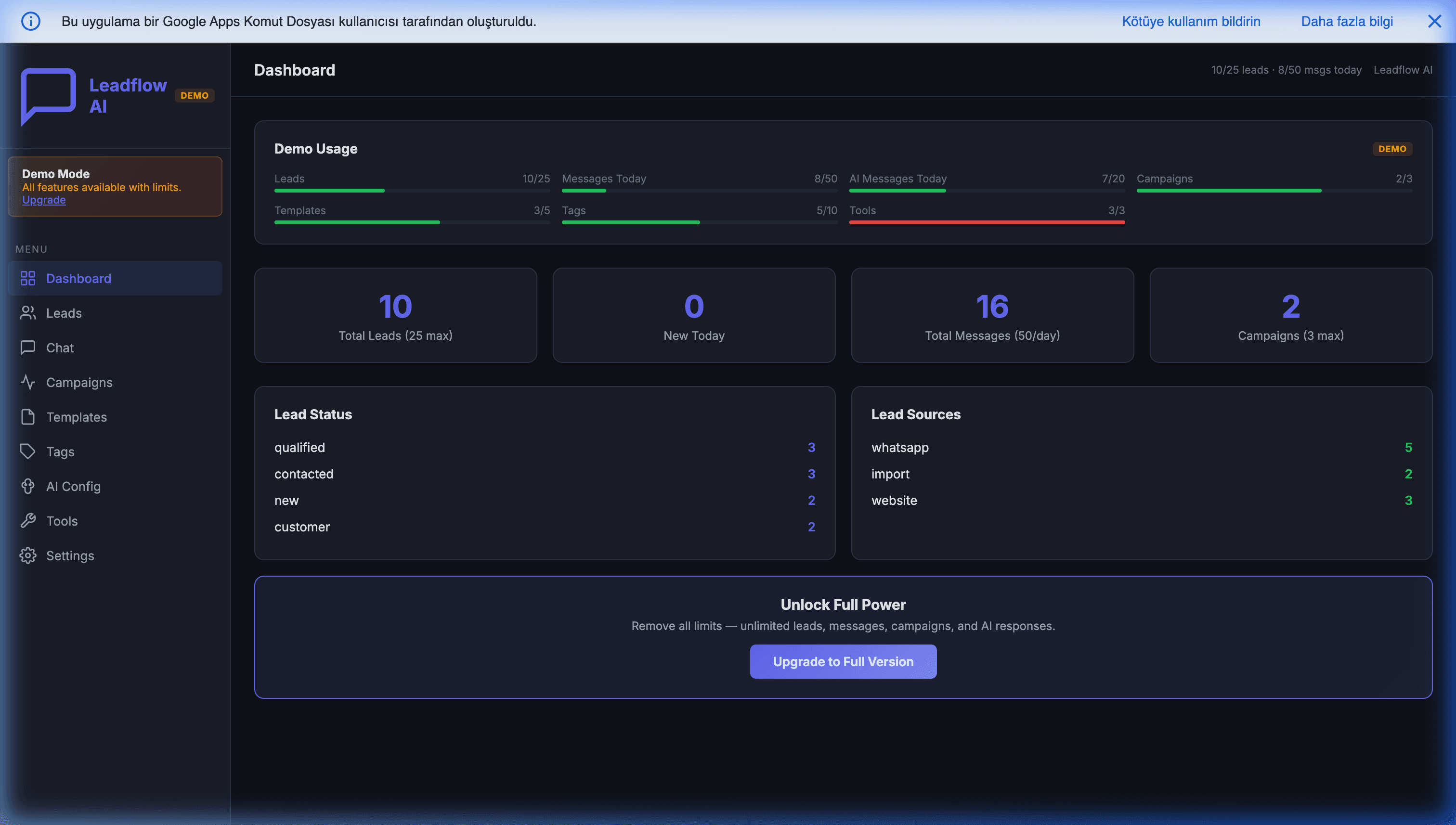
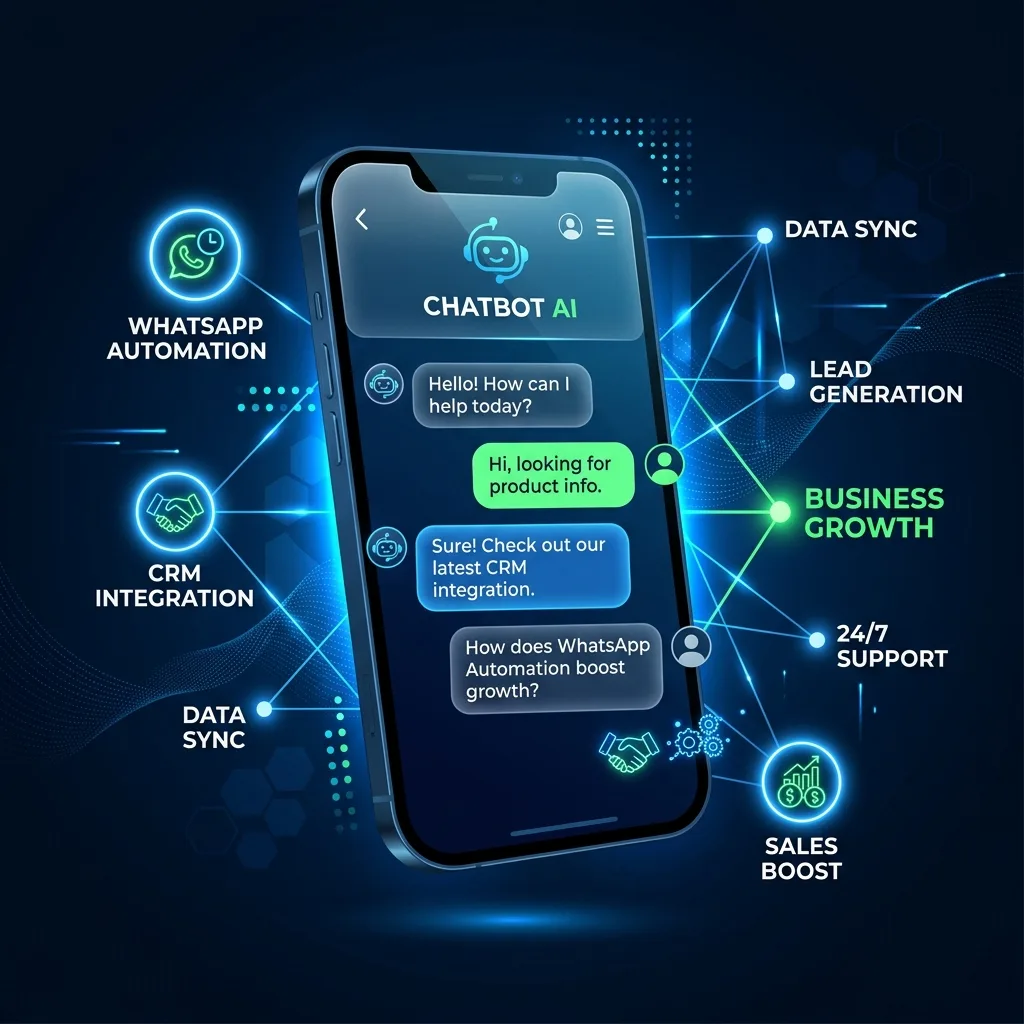
In this guide, we'll explore a disruptive approach: Turning Google Sheets into a fully functional, AI-powered WhatsApp CRM using Twilio and OpenAI. This is one specific implementation within the broader toolkit we cover in WhatsApp automation for small businesses in 2026.
Why Build a CRM in Google Sheets?
It sounds counterintuitive. Google Sheets is a spreadsheet, not a database, right?
While true for massive enterprise datasets, Google Workspace is heavily underutilized as an application backend. By leveraging Google Apps Script alongside modern React SPA (Single Page Application) frameworks, Google Sheets becomes the perfect low-cost, high-flexibility CRM engine.
Here are the immediate benefits:
- Zero Data Silos: Your sales data, leads, and analytics are immediately available in a format everyone knows how to use.
- Zero Monthly SaaS Fees: You only pay Twilio for the raw WhatsApp messages and OpenAI for the API tokens.
- Infinite Customization: Want to add a new column for "Lead Score"? Just add a column to your spreadsheet. No database migrations required.
The Magic of AI "Function Calling" (Tools)
The secret sauce of modern conversational AI isn't just generating text; it's taking action.
In an autonomous WhatsApp CRM, you don't just want the AI to answer FAQs. You want the AI to:
- Check real-time stock inventory.
- Update a lead's "Status" from New to Qualified in your database.
- Book calendar appointments.
- Look up tracking numbers.
This is achieved through OpenAI Function Calling (or Tools). When a customer texts your Twilio WhatsApp number, the message hits your Google Apps Script webhook. The script passes the message to GPT-4 along with a set of "Tools." If the AI realizes the customer wants to book a demo, it triggers the book_appointment function directly within your Apps Script, returning the confirmed date to the customer in seconds.
The Six-Layer Architecture
A working autonomous WhatsApp CRM is not "Twilio talks to OpenAI." It is a six-layer system, and skipping any layer makes the next one fragile:
Customer phone
    │
    ▼
Twilio (WhatsApp Business API)
    │
    ▼
Apps Script doPost (webhook receiver)
    │
    ▼
Context loader  ← reads Conversations + Customers + Orders sheets
    │
    ▼
AI brain (GPT-4 + tool library)
    │
    ▼
Action executor ← writes to Sheets, sends Twilio replies
The webhook layer's only job is to receive the message and return 200 fast — anything heavier risks the 30-second Apps Script HTTP ceiling. The context loader assembles the prompt: who is this customer, what was the last conversation, what is their order history. The AI brain is GPT-4 with a defined tool library; it decides what to do but does not act directly. The action executor is what actually mutates state — and it is the only layer with write access to your real data, with idempotency keys and an audit log on every operation.
This separation matters because it makes the system both testable and safe. The AI cannot accidentally double-charge a customer, because the action executor refuses duplicate operation IDs. The webhook layer does not freeze when the AI is slow, because it offloads to its own queue. We covered the webhook foundations in detail in our Apps Script webhooks guide; the architecture above is what you build on top of those primitives.
Designing Your Tool Library
OpenAI Function Calling lets the model commit to one of a fixed set of actions instead of generating free-form text. The strength of your CRM is determined by how thoughtfully you design that set.
A working tool library breaks into three categories:
Read tools (safe, freely callable):
get_customer(phone)— pulls profile, segment, lifetime valueget_orders(customer_id, limit=5)— recent transaction historyget_inventory(sku)— current stock for a specific productsearch_faq(query)— semantic search across your knowledge base
Write tools (logged, idempotent):
create_lead(phone, name, email, source)— appends to Leads sheetupdate_status(customer_id, status)— moves through pipelinebook_appointment(customer_id, slot, type)— writes to Calendarlog_complaint(customer_id, summary, severity)— opens a ticket
Escalation tools (always require human verification):
request_human(reason)— flips the AI-paused toggleprocess_refund(order_id, amount)— never auto-execute, only flag
The boundary is critical. Read tools can fire freely; write tools must be idempotent (every call carries an operation ID, repeat calls are no-ops); escalation tools never act without a human signing off. We have seen well-meaning AI agents auto-process refunds at 3 AM because the rule was missing — do not let that be you.
A tool definition in OpenAI's schema is short:
{
  name: 'create_lead',
  description: 'Create a new lead in the CRM. Use only when the customer is new and has shared at least their name.',
  parameters: {
    type: 'object',
    properties: {
      phone: { type: 'string' },
      name:  { type: 'string' },
      email: { type: 'string', format: 'email' },
      source: { type: 'string', enum: ['whatsapp', 'referral', 'paid_ad'] }
    },
    required: ['phone', 'name']
  }
}
The description field is the most important part of the schema — it tells the model when to call the function. Spend more time on those descriptions than on the parameter shapes.
Conversation Context and Memory
Apps Script is stateless. Every doPost invocation starts fresh, with no recollection of the customer who sent a message four minutes ago. Without explicit memory, your AI introduces itself every single time someone says "hi."
The solution is a Conversations sheet that holds the rolling message history per phone number:
phone        | timestamp           | role      | content
+90555...    | 2026-04-30 10:14:02 | user      | What time do you open?
+90555...    | 2026-04-30 10:14:04 | assistant | We open at 9 AM Monday-Friday.
+90555...    | 2026-04-30 14:30:11 | user      | Can you check stock for SKU-42?
On every incoming message, your context loader pulls the last N rows for that phone (we use 20 messages or 8,000 tokens, whichever comes first), prepends the system prompt, and sends to GPT. The reply is appended back into the same sheet.
Two production refinements you will need within the first month:
- Conversation summarization. When a customer's history exceeds the token budget, summarize the older half into a single "memory" row and drop the rest. GPT-4o-mini at $0.15 per million input tokens handles this fine — run it as a background trigger every hour, not inline.
- Per-customer profile memory. A separate
customer_factssheet stores stable facts ("prefers WhatsApp over email," "VIP tier," "always orders on Fridays"). Inject the relevant rows into the system prompt for every conversation, not as part of the rolling history.
Cost Optimization Through Model Routing
Running every message through GPT-4 is the lazy and expensive answer. A working CRM routes by intent: cheap models handle 80% of traffic, the strong model is reserved for the 20% that genuinely needs reasoning.
The pattern:
- Intent classifier — A tiny GPT-4o-mini call with a fixed prompt that returns one of
faq | order_status | new_lead | complaint | escalation. Cost: ~$0.0001 per message. - Cheap path —
faqandorder_statusroute to direct tool calls without full LLM reasoning. Most "what time do you open" questions skip the LLM entirely. - Smart path —
complaint,escalation, and ambiguous cases hit GPT-4 with the full tool library. Cost: ~$0.01–0.05 per message.
For a 3,000-message-per-month operation, naive routing through GPT-4 costs $90–150. With intent routing, the same volume drops to $15–25 — a 5–6× reduction with no perceptible quality loss. The same idempotency and rate-limiting patterns from our UrlFetchApp guide apply to OpenAI calls — outbound API failure handling matters as much for AI as for any other API.
Core Features of an AI WhatsApp CRM
If you are building your own (or using a pre-built solution like the MageSheet WhatsApp AI Mini CRM), here are the core features you must include:
1. Real-Time Chat Interface
You can't manage customer relationships purely from rows and columns. Your system needs an HTML/SPA interface that looks and feels like WhatsApp Web, but connects directly to your Twilio webhook logs.
2. Autonomous Lead Capture
The moment a new phone number sends a message, the system should automatically create a new row in your Leads sheet. The AI should then be prompted to naturally extract their Name and Email during the conversation and update those specific cells.
3. Twilio Template Campaigns
Outbound marketing on WhatsApp requires pre-approved templates. Your system should allow you to filter your leads (e.g., tags: interested, status: warm) and fire off mass broadcast campaigns.
4. Human Handoff Capabilities
AI is incredible, but sometimes a human needs to intervene. A simple "AI Bot" toggle switch in your chat interface ensures that when things get too complex, a human agent can turn off the bot and take over the conversation seamlessly.
Further Reading
The WhatsApp + Google Sheets stack extends in several directions. These companion posts show adjacent workflows you can compose with the core CRM:
- Automating WhatsApp Sales with Google Sheets — lean, template-driven outbound campaigns.
- Turning WhatsApp into a Mobile ERP for Field Logistics — using the same messaging surface for driver and field-team operations.
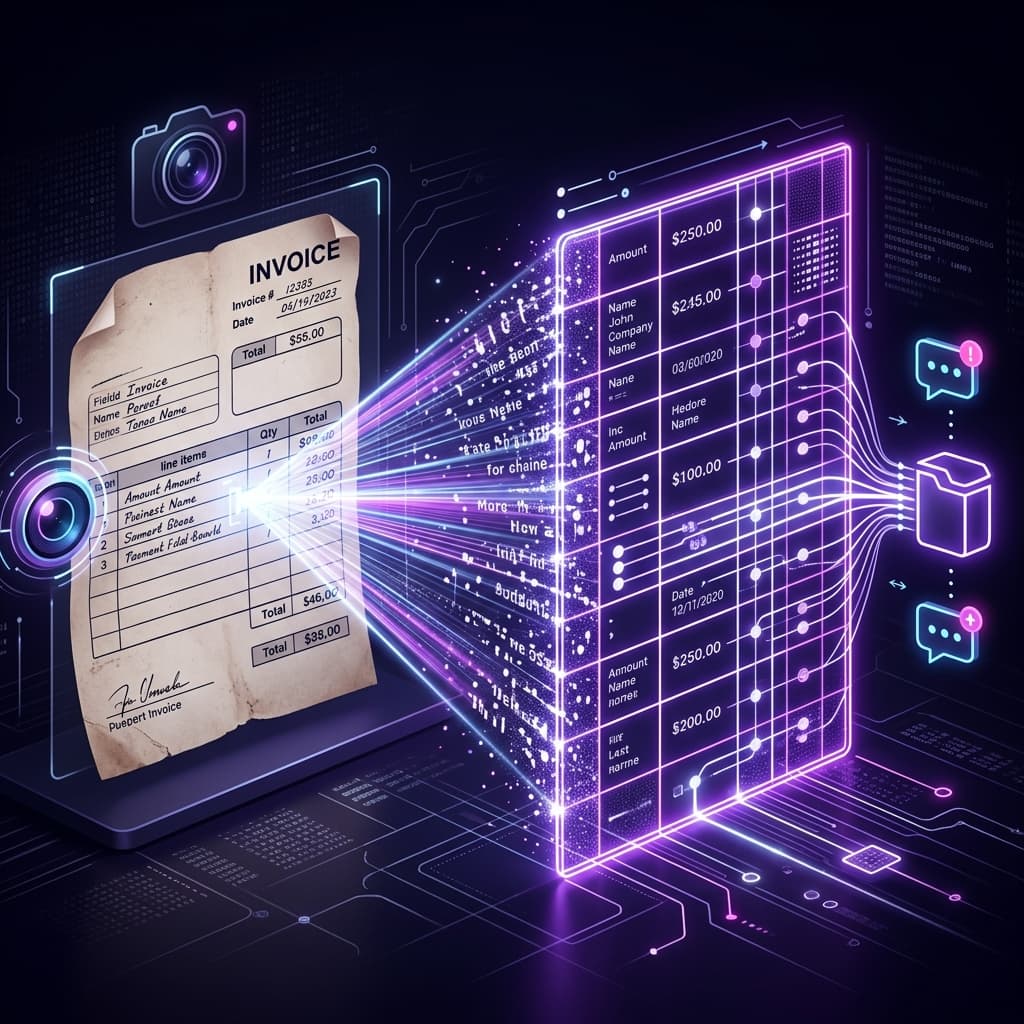
- Extracting Invoices via WhatsApp and AI Vision — receipt and document automation from the same inbox.
- WhatsApp Automation for Small Businesses in 2026 — the strategic overview for SMBs weighing build vs. buy.
- B2B Lead Scoring Autopilot with Gemini — automatically prioritizing the leads that land in your CRM.
Getting Started Today
Building this infrastructure from scratch — connecting the Twilio webhooks, wiring up the React SPA within Apps Script, handling OpenAI context limits, and building the template syncing engine — can take weeks of dedicated development.
If you want to skip the build phase and deploy your own autonomous call center today, check out our WhatsApp AI Mini CRM. It provides the complete, unencrypted source code that spins up the entire infrastructure inside your own Google Drive in minutes.
It's time to stop paying monthly subscriptions for software you don't own. Take control of your sales pipeline and let AI handle the heavy lifting while you sleep.
Frequently Asked Questions
What does a Twilio + GPT-4 WhatsApp CRM actually cost per month?
For a typical SMB handling 2,000-3,000 inbound messages per month, expect roughly $40-$80 in Twilio charges (session-based WhatsApp Business pricing plus small per-message fees) and $15-$50 in OpenAI API usage on GPT-4o or GPT-4.1-mini. Compared to HubSpot or Salesforce WhatsApp add-ons at $200-$600 per seat per month, a DIY setup on Google Sheets typically lands under $100/month total until you exceed 20,000 messages.
Is it safe to store customer conversation data in Google Sheets?
Google Workspace Business and Enterprise tiers offer SOC 2, ISO 27001, and GDPR-compliant storage, which covers the majority of B2B use cases. For healthcare (HIPAA) or financial (PCI-DSS) you need a signed BAA and should isolate PII in a separate Sheet with restricted access. The weak point is usually not Google's infrastructure — it's over-sharing the Sheet link. Treat the Sheet as a database and access it only through an Apps Script layer with audit logs.
How accurate is GPT-4 at handling real customer support without hallucinating?
Accuracy comes from three things: (1) retrieval-augmented generation pinning every answer to your product docs, (2) OpenAI function calling so the model commits to structured actions instead of free-form text, and (3) an escalation path for low-confidence responses. With that setup we see 85-92% autonomous resolution on frequently-asked questions and clean handoff on edge cases. Without grounding and escalation, expect hallucination rates above 10% which is unacceptable for production.
Can this scale to thousands of simultaneous WhatsApp conversations?
Apps Script runs synchronously and has a 6-minute execution limit, which caps you around 50-100 concurrent conversations before queues back up. For higher volume, swap the Apps Script layer for Cloud Run or Vercel Functions while keeping Google Sheets as the data store — you get horizontal scale without rewriting your data model. Most SMBs never hit this ceiling; the B2B WhatsApp tier (per-conversation billing) becomes the cost constraint first.
Do I need the Official WhatsApp Business API, or can I use Web scraping or WhatsApp Web unofficially?
Use the Official API via Twilio, 360dialog, or Meta Cloud API. Unofficial libraries (like whatsapp-web.js) will get your business number banned the moment WhatsApp's anti-automation heuristics catch on — we have seen this happen within days for high-volume accounts. The official path requires a Meta Business verification (takes 24-72 hours) and green-checkmark approval for display names, but it is the only production-safe route.