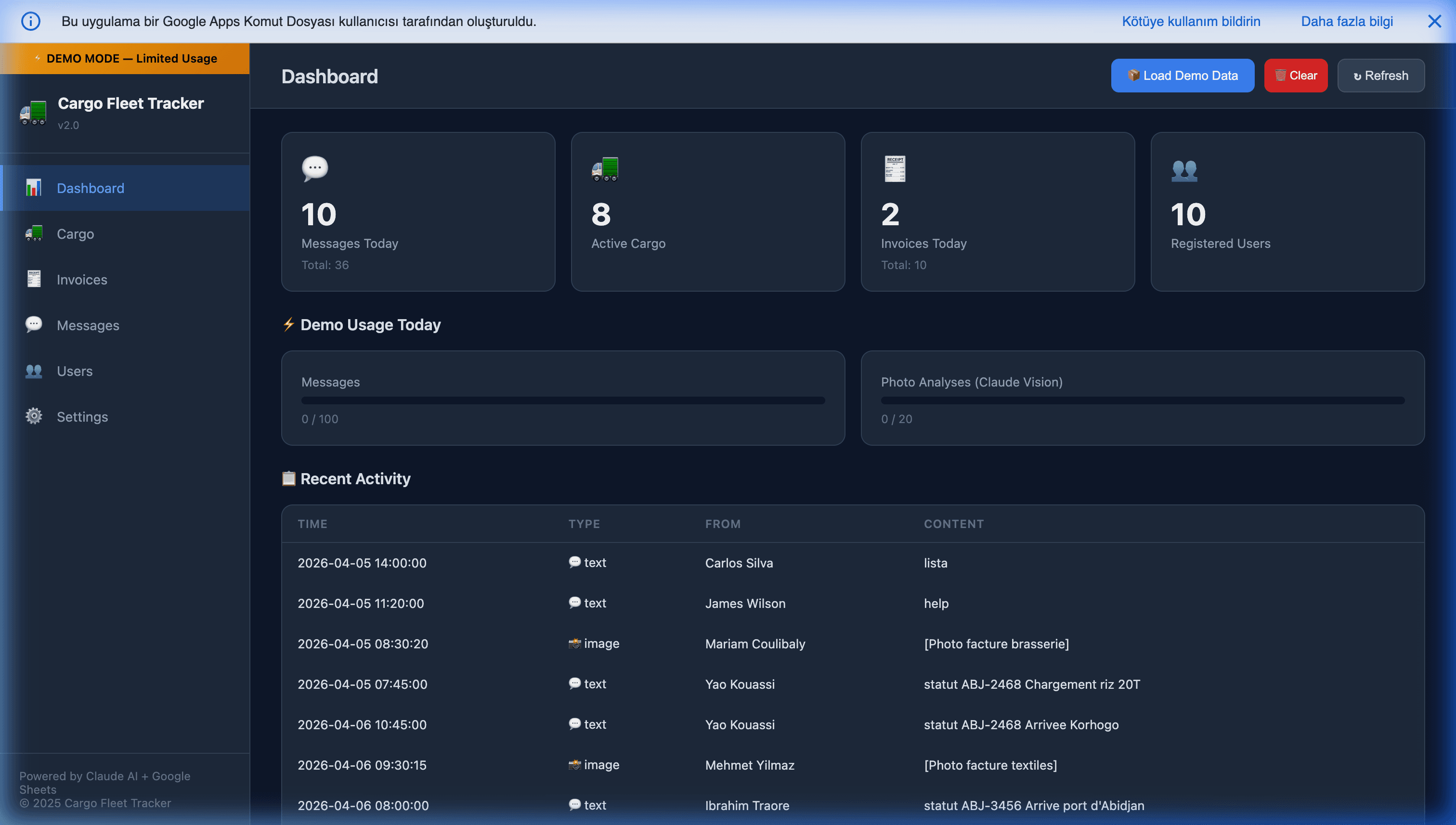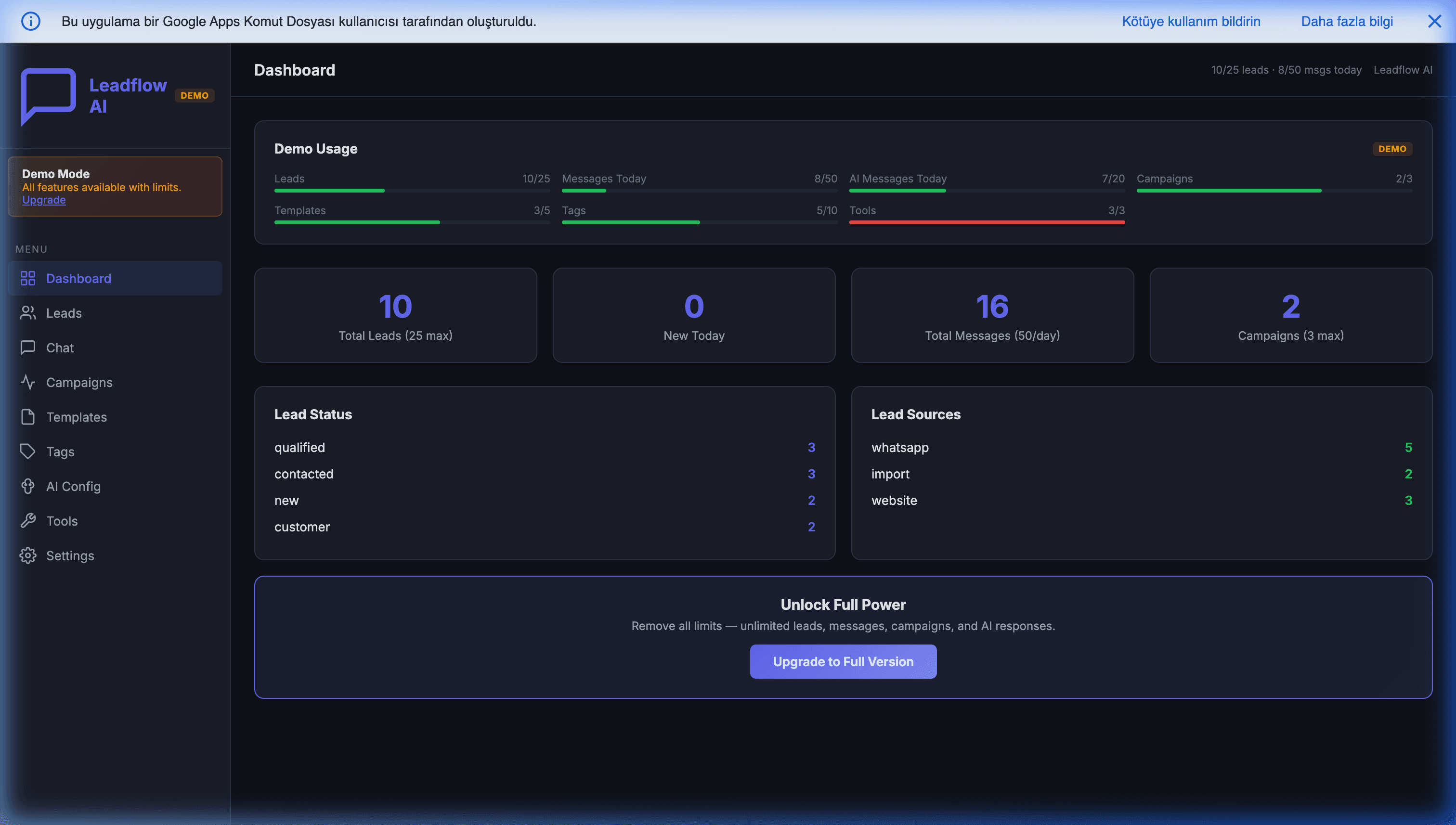
Automating WhatsApp Sales using Google Sheets
WhatsApp is no longer just a personal messaging app; it has evolved into the world's most direct B2B and B2C sales channel. However, managing hundreds of incoming prospect messages on a mobile device is chaotic. Sales representatives lose track of conversations, leads slip through the cracks, and critical customer data remains trapped on individual smartphones.
To solve this, businesses often turn to enterprise Helpdesk or heavy CRM platforms. But what if you could manage your entire WhatsApp funnel directly from a familiar Google Sheet? We cover the broader landscape in our WhatsApp automation for small businesses in 2026 pillar guide; this post focuses specifically on the sales funnel side.
The Architecture of a Google Sheets WhatsApp CRM
By integrating the official WhatsApp Business Platform (Meta Cloud API or Twilio) with Google Apps Script, you can transform a standard spreadsheet into a headless, autonomous CRM. The concept is incredibly lightweight yet immensely powerful.
1. The Webhook Listener
When a potential client sends a message to your business WhatsApp number, the API fires a webhook. Instead of pointing that webhook to an expensive server, you point it directly to a deployed Google Apps Script Web App (a feature native to your Google Workspace).
2. The Data Logging Phase
The Apps Script instantly intercepts the JSON payload from the API. It extracts the sender's phone number, the message body, the timestamp, any attached media, and the conversation ID. The script then securely appends this data as a new row in your designated "Inbox" tab on Google Sheets.
Suddenly, every prospect message is a structured, searchable data point — not an ephemeral blue bubble on someone's phone.
3. AI-Powered Lead Scoring
If you connect an LLM (like OpenAI's GPT-4o, Anthropic's Claude, or Google's Gemini) into the Apps Script flow, the system can read incoming messages, categorize the customer's intent (e.g., "Pricing Inquiry", "Support", "Urgent Purchase"), and automatically highlight high-value leads with a color-coded priority tag in your spreadsheet.
The scoring prompt looks something like: "You are a sales qualifier. Based on intent, urgency, and purchasing signals in this WhatsApp conversation, rate the lead 1-100 and categorize as Hot, Warm, Cold, or Not a Lead. Return JSON."
Cost per scoring call is under $0.001 at current LLM prices. At 10,000 leads per month, that's $10 in API cost — and the scoring removes 80-90% of the "is this lead worth calling back?" decision work from your sales team.
4. The Reply Column
A column named "Reply Vector" (or just "Draft Reply") lets a sales rep type a response directly in the Sheet. When the rep changes the status column to "Send", an Apps Script onEdit trigger fires the message directly back to the customer's WhatsApp in real-time via the API.
This means your entire inbound + outbound flow lives in one Sheet. No switching between WhatsApp and a CRM; no copy-paste between systems; no lost context.
Why Operate from Google Sheets?
Building your WhatsApp Mini CRM inside Google Sheets provides distinct operational advantages:
- Radical Collaboration: Your entire sales team can view the Google Sheet simultaneously. They can leave comments on specific lead rows, assign leads to specific team members via drop-down menus, and track deal stages with the same familiar conventions they already use for every other spreadsheet.
- Zero Infrastructure: There are no Node.js servers to maintain, no PostgreSQL databases to provision, and no monthly server costs. Google hosts the infrastructure for free within your Workspace account.
- Custom Automated Responses: You can build a column named "Reply Vector". When a salesperson types a response in that cell and changes the status to "Send," an Apps Script trigger fires the message directly back to the customer's WhatsApp in real-time.
- Cross-Reference with Everything: The Sheet naturally joins with your Magento order data, Google Contacts, Google Calendar (for scheduling follow-ups), and any other Sheet-based operational system. A customer who messaged today and ordered last week shows up as one enriched row, not two disconnected records.
- Audit Trail Built In: Google Sheets version history keeps a full log of every edit. Compliance-sensitive industries (finance, healthcare, regulated services) get native audit logging without paying for a premium CRM tier.
Multi-Rep Conflict Handling
With multiple sales reps working the same inbox, you need a lock mechanism. The pattern is simple:
- Owner column: When a rep opens a lead, Apps Script writes their name and a timestamp into the Owner column.
- Other reps see the lead is locked. Conditional formatting dims locked rows; a tooltip shows who owns it.
- Locks auto-expire after 15 minutes of inactivity. Prevents a rep who walks away from trapping the lead.
- Explicit release. A "Release Lead" menu item lets a rep hand off manually.
Roughly 50 lines of Apps Script. Eliminates the two most common multi-rep conflicts: duplicate replies to the same customer, and commission disputes over who closed what.
Upgrading to the Next Level
When your team outgrows a visual spreadsheet, you do not have to abandon the data. You can seamlessly slide a custom React frontend over the Google Sheets backend, or migrate to a Cloud Run backend with Sheets as the read-replica. The data model persists; only the infrastructure changes. This means starting with Sheets + Apps Script is the right first step even for teams that will eventually outgrow it.
For AI-heavy flows (full autonomous replies, multi-turn conversations, complex lead qualification), our WhatsApp AI Mini CRM packages the full CRM + AI + multi-rep-lock pattern into a deployable system.
Common Pitfalls
- Using unofficial WhatsApp libraries. Will get your business number banned at any meaningful volume. Always use the official WhatsApp Business Platform: Meta Cloud API or a Meta partner such as Twilio. Services that automate a regular WhatsApp account (including Green API) fall into this risk group too.
- No opt-in documentation. Meta requires an opt-in signal before business-initiated messages; store the opt-in evidence in your Sheet.
- Slow Sheet from unbounded formulas. As the Sheet grows past 10k rows, unbounded formulas slow down. Use explicit bounded ranges.
- No conversation threading. Without a conversation_id grouping, messages appear chronologically in one flat tab — hard to follow individual conversations. Group by conversation or phone number.
- Skipping the LLM for routing decisions. The 50 cents/day in LLM cost for message routing is trivially recouped in reduced manual triage.
Getting Started
Automating your WhatsApp sales flow through Google Sheets is one of the highest-ROI CRM moves an SMB can make. The setup cost is small; the leverage is enormous. Your sales team finally sees every conversation in one place, with AI-scored priority, without learning a new tool.
Further Reading
- WhatsApp automation for small businesses in 2026 — the pillar guide.
- Building an autonomous WhatsApp AI CRM in Google Sheets using Twilio and GPT-4 — the AI-heavy variant of this pattern.
- Turning WhatsApp into a mobile ERP for field logistics — field-data-entry applications of the same architecture.
- Extracting invoices via WhatsApp and AI vision models — adding receipt-OCR to the same pipeline.
- Apps Script webhooks with doGet and doPost — the webhook-receiver pattern underpinning all of this.
Frequently Asked Questions
Is Google Sheets really a credible CRM for WhatsApp sales, or does it break at scale?
Sheets is production-credible for sales teams up to roughly 10-20 people and conversation volumes up to several thousand per month. Above that, you hit three ceilings: concurrent editing slowdowns past ~50 simultaneous users, Apps Script's 6-minute execution limit on bulk operations, and formula evaluation getting laggy past ~100k rows. Most SMB sales teams never reach those ceilings. When you do, the graduation path keeps the Sheet as the UI and moves the backend to Cloud Run.
How do I prevent sales reps from stepping on each other's conversations?
Use a simple lock mechanism: when a rep clicks a lead, Apps Script writes their name into an 'Owner' column with a timestamp. Other reps see the lead is locked. Locks auto-expire after 15 minutes of inactivity so a rep who walks away doesn't trap the lead forever. This is all ~50 lines of Apps Script and prevents the two most common multi-rep conflicts: duplicate replies and credit disputes.
Can the AI reply to customers directly, or does a human have to approve each message?
Both patterns work, but for B2B sales you generally want human-in-the-loop on outbound messages. The AI drafts a reply in a 'Suggested Reply' column, the rep reviews and clicks send (or edits first), and the reviewed message goes out via the WhatsApp API. For high-volume B2C support, full autonomy is fine on informational questions (stock, shipping, policies) with human-in-the-loop only on pricing negotiations and complaints. Pick based on the cost of a bad message in your domain.
What does 'lead scoring with an LLM' actually look like in a WhatsApp context?
When a new WhatsApp message arrives, Apps Script sends the message content plus the sender's conversation history to an LLM with a scoring prompt: 'Based on intent, urgency, and purchasing signals in this conversation, rate the lead 1-100 and categorize as Hot, Warm, Cold, or Not a Lead.' The returned score writes to a Priority column, conditional formatting colors the row red/yellow/green, and the sales team sees Hot leads at the top of the Sheet at a glance. Cost: under $0.001 per message at current LLM prices.
Which WhatsApp API should I use: Meta Cloud API, Twilio, or Green API?
Use the official WhatsApp Business Platform: either Meta Cloud API directly or a Meta Business Solution Provider such as Twilio. Both expose the same basic primitives (send message, receive webhook, send media). Twilio wins if you want multiple channels (SMS + WhatsApp + voice) on one account; Meta Cloud API is the cheapest because customer-service replies are free. Green API is not an official Meta product: it automates a regular WhatsApp account, which WhatsApp's terms do not allow and which can get the number banned, so we do not recommend it for a business number.