Scaling B2B Sales: The Hidden Cost of Manual Commission Tracking
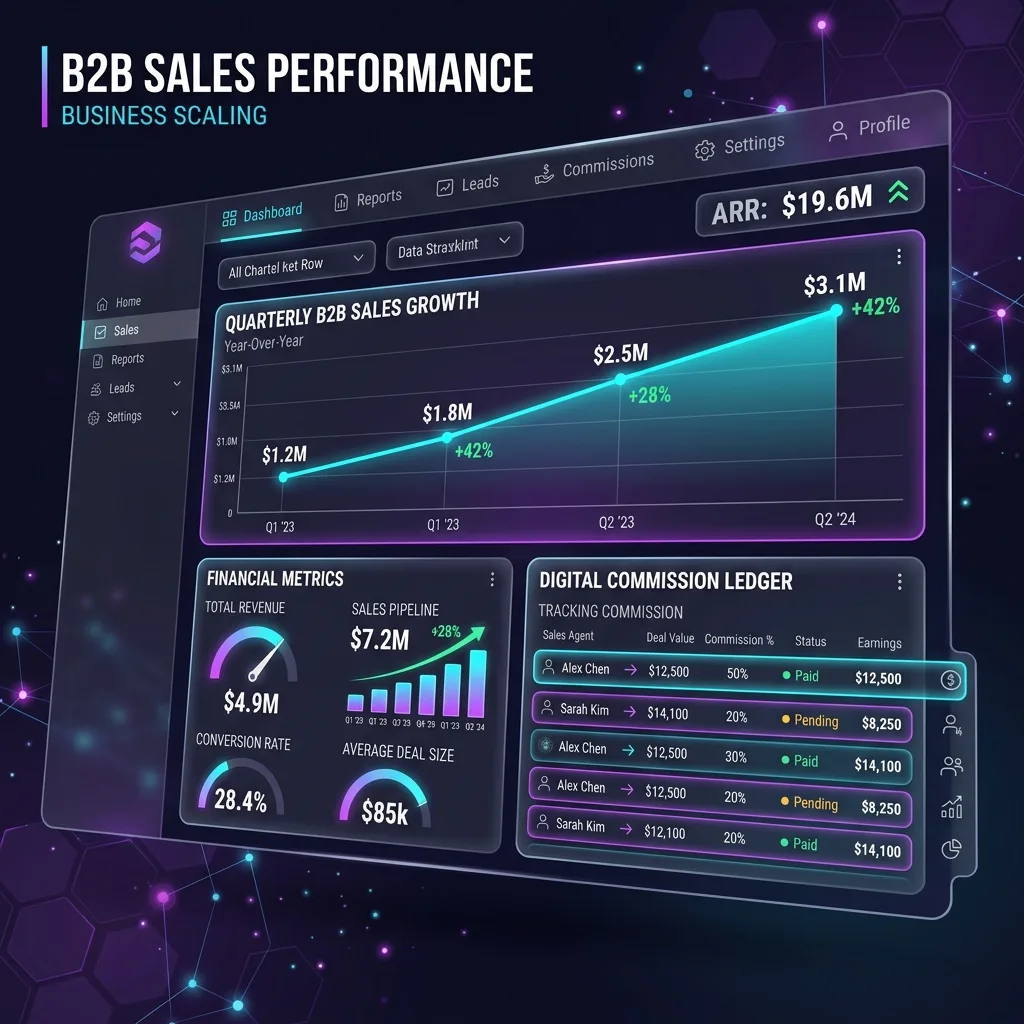
Scaling a B2B sales team is one of the most exciting phases of business growth. You are closing bigger deals, hiring hungry sales representatives, and hitting revenue milestones. But behind the scenes, a quiet administrative nightmare is usually brewing: Commission Tracking.
If your team sells across multiple platforms (like Stripe, Gumroad, Whop, or direct wire transfers), Monday mornings likely look the same for your finance team: A pile of CSV exports, a messy master spreadsheet, and three hours of detective work trying to match payments to the correct sales rep.
This manual process is not just an administrative burden; it is a hidden tax on your growth and team morale. Automated commission tracking eliminates the Monday-morning archaeology entirely — but most teams overestimate what it costs to set up and underestimate how quickly the investment pays back. If you want the end-to-end overview first — formulas, tiers, splits, clawbacks, and when Sheets beats software — see the complete commission tracking guide.
The True Cost of "Spreadsheet Archaeology"
When you rely on manual tracking, mistakes are inevitable. Here is what happens when commission tracking breaks down:
1. The Alias Problem
B2B buyers are notorious for using aliases. A customer might negotiate a deal using their corporate email (john@acmecorp.com), but the actual payment is processed by their finance department using a generic email (billing@acmecorp.com) or even a founder's personal credit card.
When your spreadsheet fails to match these identities, the wrong sales rep gets credited—or worse, nobody gets credited, and the rep has to fight for their paycheck.
2. The Nightmare of Partial Refunds & Clawbacks
A deal closes, and the rep gets paid their 20% commission. Two months later, the client downgrades their plan and requests a partial refund. If you are tracking manually, remembering to "claw back" that specific 20% from that specific rep's next paycheck is a logistical headache that usually results in the company eating the loss.
3. Loss of Sales Momentum (Trust Issues)
Sales reps are highly coin-operated. They need to know exactly how much they are making in real-time. If they have to wait until the end of the month to see a confusing spreadsheet that they don't trust, their motivation plummets. They spend time verifying their own deals instead of closing new ones.
The Enterprise SaaS Trap
To solve this, many founders look to enterprise commission software. While tools like Spiff or CaptivateIQ are incredibly powerful, they usually start at $200+ per month, require complex onboarding, and force your sensitive customer revenue data into a third-party platform.
For most scaling agencies and SaaS startups, this is overkill. You need automation, not enterprise bloat.
How Automated Commission Tracking Actually Works
The core insight behind every working commission system — whether it costs $0 in Google Sheets or $1,000 a month in Spiff — is the same five-stage pipeline:
- Ingestion — Every payment, refund, and renewal from your processors (Stripe, Gumroad, Whop, manual wire) lands in a single ledger as it happens. No batched CSV imports, no end-of-month reconciliation.
- Attribution — Each transaction is matched to a sales rep through fuzzy identity matching: the buyer's email, the email domain, the company name, payment metadata, and historical patterns. High-confidence matches are auto-credited; ambiguous ones go to a review queue. Manual fallback is critical — never silently mis-attribute.
- Calculation — The credited amount runs through your commission engine: flat rate, tier table, accelerator, SPIF bonus, or some combination. Each rule is data, not code, so you can update rates without touching the script.
- Ledgering — The result writes to a per-rep ledger as a positive or negative entry. Refunds become negative entries scoped to the original commission window. Nothing is ever calculated retroactively from raw transactions — the ledger is the source of truth.
- Surfacing — Each rep gets a tokenized, read-only view of their own ledger that updates in real time. Finance gets the master view for payroll export.
The cheapest you can build this is in Google Sheets + Apps Script. The most expensive is a six-figure CRM customization. The shape of the pipeline is identical either way — the difference is whether you spend $0 or $20K to ingest the same Stripe webhook.
Commission Structures That Scale (And the Ones That Don't)
Most teams start with a flat rate ("everybody gets 10%") because it's simple. Within six months, that simplicity costs them top performers. A flat rate doesn't reward the rep who closes a $50K deal differently from the one who closes ten $5K deals — even though the work is wildly different.
The structures that actually scale:
- Tiered — 8% on the first $10K of monthly revenue, 12% on the next $20K, 15% above. Rewards effort and reduces the dropoff after quota. The arithmetic is a single VLOOKUP against a tier table.
- Accelerator — Base rate doubles after the rep hits 100% of quota. Sharp incentive to close that one extra deal at month-end. Easy to implement with a multiplier column.
- Hybrid (base + variable) — A predictable monthly base ($1,500) plus a smaller variable percentage (4–6%). Reduces income volatility for new reps; preferred when you're hiring junior talent.
- Product-specific SPIFs — A temporary 5% bump on a specific product line you're pushing this quarter. Should expire automatically on a date in the rules table, not by remembering to turn it off.
- Split credits — When two reps share a deal (BDR opens, AE closes), the system needs to distribute proportionally. Most spreadsheet failures happen here, because manual splits drift over time and reps stop trusting the math.
A real automated commission system handles all five at once, not one at a time. That is what separates "an Excel file with formulas" from "infrastructure your team trusts."
Automating Commissions Inside Google Workspace
The most efficient way to track commissions is to build an automated engine directly inside the tools your team already uses: Google Workspace.
Imagine a system where:
- Every time a charge or refund occurs on Stripe or Gumroad, a webhook instantly pings a Google Sheet.
- An intelligent matching engine compares the new payment against your known customer list—scoring emails, domain names, and even the last 4 digits of credit cards to find the perfect match.
- The system automatically calculates the commission based on tiered rules (e.g., 10% for the first $10k, 20% thereafter) and logs it.
- Each sales rep gets access to a private, tokenized portal where they can see their own earnings updating in real-time, without seeing the rest of the company's data.
Commission Tracking for WhatsApp Commerce
In Latin America, the Middle East, Southeast Asia, and large parts of Europe, an increasing share of B2B and high-touch B2C deals never goes through a website. The buyer messages your sales rep on WhatsApp, the deal is negotiated and closed in chat, and payment arrives via bank transfer or a one-off Stripe link. The transaction exists in the messaging app, not in your e-commerce backend.
This breaks every traditional commission system. The buyer's email may never be captured. The Stripe payment shows the buyer's name but not which rep handled the conversation. Manual attribution becomes the only option, and manual attribution at scale fails — usually within the first quarter of growth.
The fix is to make the WhatsApp number a first-class attribution key alongside email and domain. When a deal-closing message lands in your WhatsApp AI CRM in Google Sheets, the system tags the conversation with the responsible rep (resolved from a phone-to-rep lookup table). When payment arrives later, the matching engine looks for the customer's phone number in addition to their email. A confirmed match credits the rep automatically, even when the buyer's email and Stripe receipt do not line up.
This is the same architecture we expand on in our WhatsApp automation guide — the messaging layer becomes a first-class citizen in your commission ledger, not an afterthought you reconcile manually at month-end.
The Turnkey Solution
You don't need to hire a developer to build this. We already have.
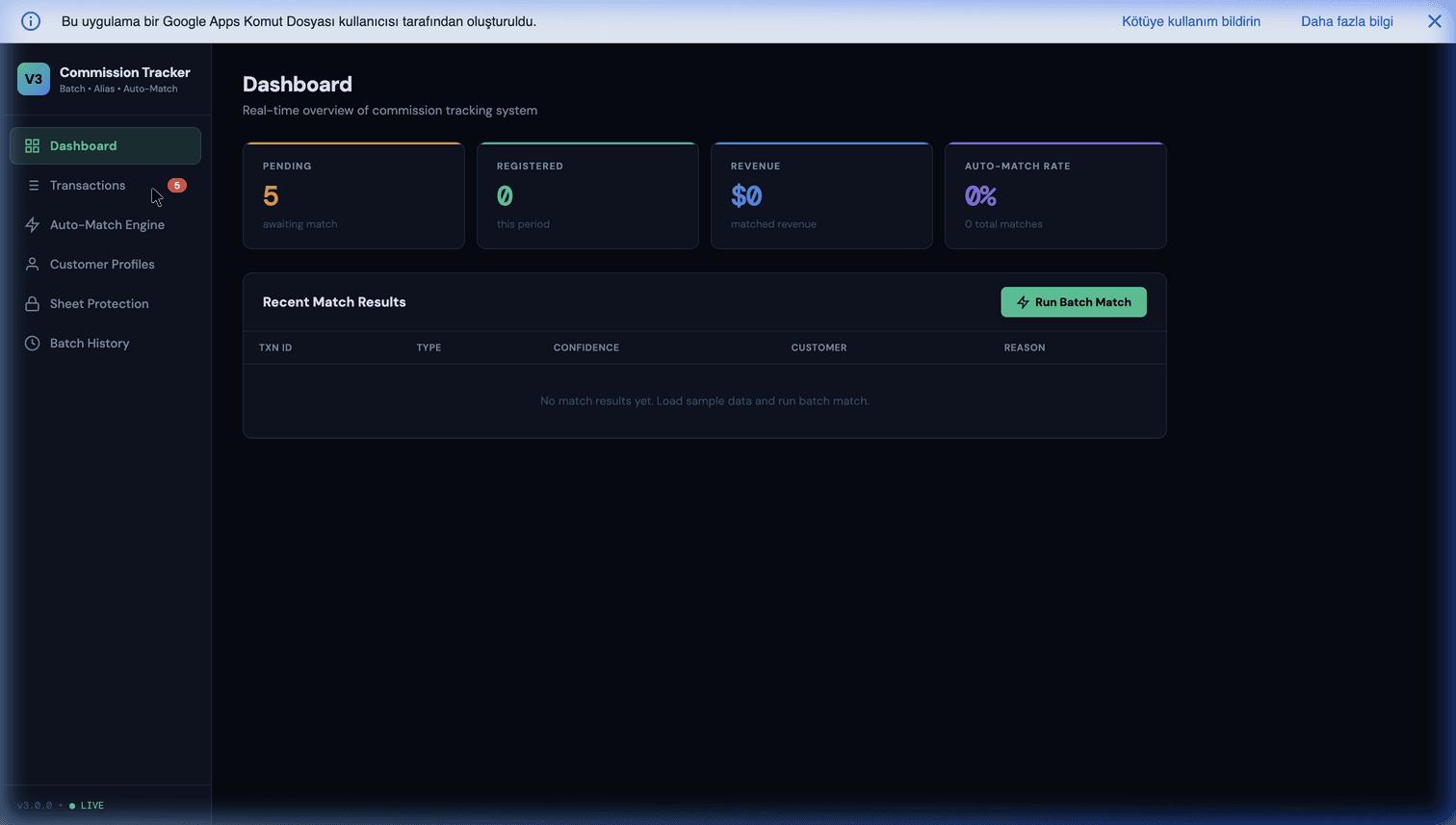
Our Sales Commission Tracker V3 is a Google Apps Script that installs directly into a spreadsheet you own. It ingests webhooks, handles aliases, calculates complex tiered commissions, manages clawbacks, and exports payroll-ready CSVs—all for a one-time purchase, with zero monthly fees.
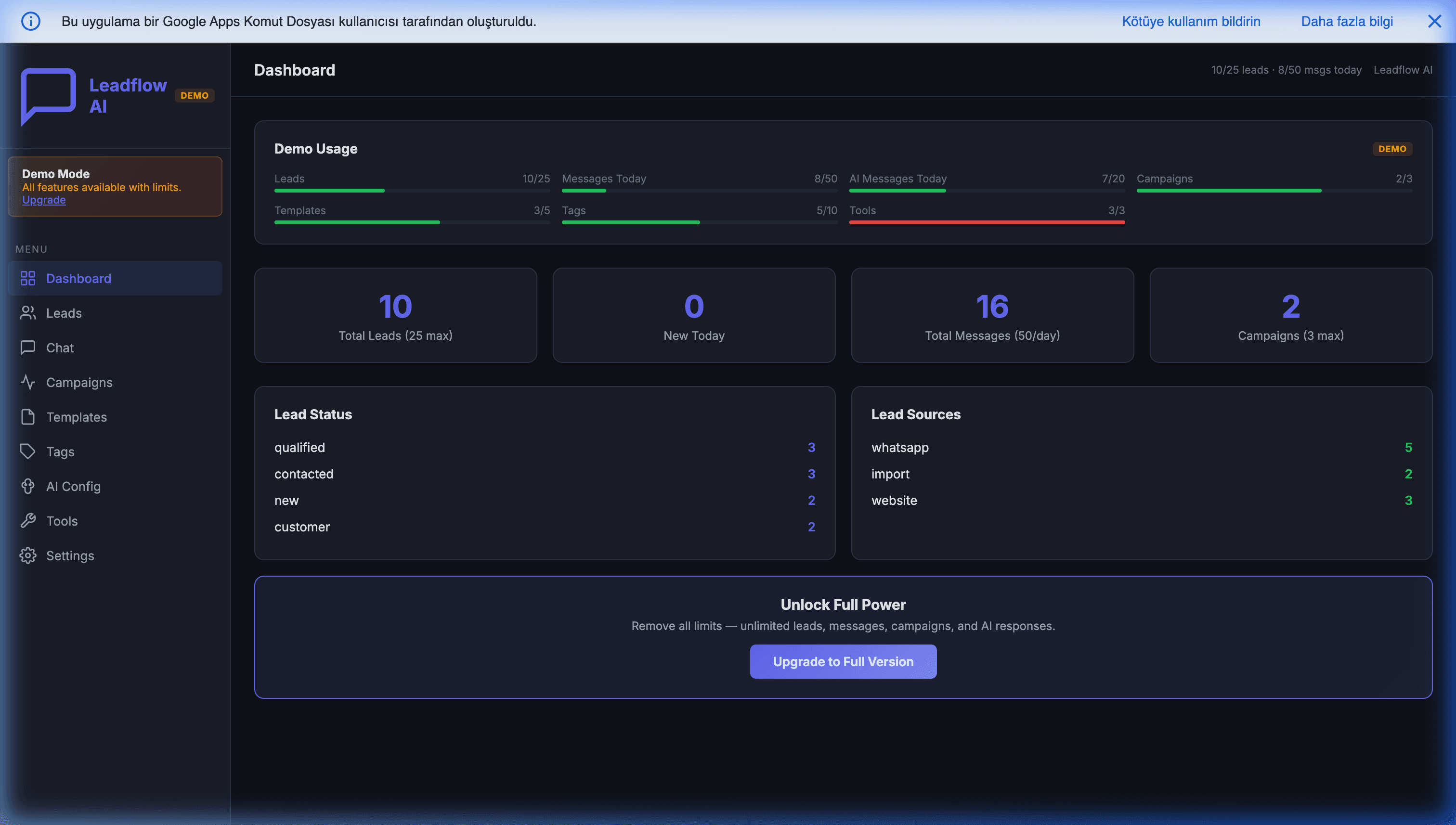
If you want to take your B2B sales operation to the absolute highest level, pairing a solid commission tracker with an intelligent CRM is the ultimate growth hack. Identifying your high-value VIPs and churn-risks with AI gives your reps the exact data they need to close bigger deals, earn higher commissions, and drive your company's revenue forward.
What to Do This Week If Commissions Are Already a Mess
If your current process is "everyone exports CSVs every Monday," the recovery path is straightforward:
- Audit the last three months of commission disputes. Categorize each one — alias error, missing clawback, tier miscalculation, manual data entry. The pattern tells you which automation step to build first.
- Centralize raw transactions in one Sheet. Even before any automation, having every Stripe, Gumroad, and wire payment in one place reveals 80% of attribution errors immediately. This step alone is usually a week of work that saves three months of arguing.
- Write your commission rules as data, not as words. Move the policy from a Google Doc into a Sheet table — rep × tier × rate × effective dates. This forces edge cases into the open before any code touches them.
- Build the matching engine before the calculator. Most teams build the calculator first because the math is fun. The matching engine is where 95% of errors live; build it first, calculate after.
- Ship a tokenized rep view in week one. Trust is the real outcome of automation. Until reps can see their own numbers update in real time, no calculation accuracy matters.
A team of three to ten reps can complete this migration in two to three weeks if they commit to it. The payback shows up the first month no one argues about a paycheck.
Stop doing spreadsheet archaeology. Automate your commissions, pay your reps accurately, and get back to scaling your business.
Further reading: For a deeper technical breakdown of how Google Apps Script powers commission automation, see Automating Sales Commissions within Google Workspace.
Frequently Asked Questions
What is a reasonable commission percentage for B2B SaaS sales reps?
Most B2B SaaS teams pay between 8% and 15% of net new recurring revenue, often in a tiered structure — for example, 10% up to the rep's quota and 15% to 20% for everything above quota. Percentages also depend on deal complexity: short self-service deals tend toward the lower end, while enterprise contracts with long sales cycles justify higher rates. The key is not the exact number but clarity: the rep must be able to calculate their own paycheck at any time.
How should we handle clawbacks when a customer churns or requests a refund?
Define the clawback window in your commission policy from day one — typically 30 to 90 days for refunds and 6 to 12 months for churn on annual contracts. The cleanest implementation is a negative commission entry in the same rep's ledger for the refunded amount, which is then netted against their next payout. Automating this prevents the two most common failures: forgetting to claw back, and clawing back after the window has closed (which creates legal friction).
Do I really need dedicated commission software like Spiff or CaptivateIQ?
For teams under 15 reps with relatively simple plans, dedicated commission platforms are usually overkill — they start at $200 to $1,000 per month and require weeks of implementation. A well-structured Google Sheets + Apps Script workflow can handle tiered rates, multi-currency payouts, aliases, and clawbacks with zero monthly fees. You outgrow the spreadsheet approach when you have multiple overlapping plans, SPIFs, and split credit across territories.
How do you handle a customer paying from a different email than the one the sales rep negotiated with?
This is the 'alias problem' and it is the single biggest source of commission errors in B2B. The fix is fuzzy matching: score each incoming payment against your known customer list on email, email domain, company name, and (where you have it) payment metadata like the last four digits of the card. Payments with a high-confidence match are attributed automatically; ambiguous ones are routed to a manual review queue instead of silently being credited to the wrong rep.
Can a sales rep see the full commission sheet, or only their own numbers?
Reps should see only their own numbers. Exposing the full sheet creates internal politics, salary leakage, and compliance issues. The standard pattern is a tokenized, per-rep view — each rep gets a unique link that filters the data to just their deals and payouts, with no way to pivot to peers. This transparency for the individual plus privacy from peers is what actually drives trust.