How to Add AI Chat to Your Magento 2 Store
Adding AI chat to your Magento 2 store isn't just a nice-to-have anymore — it's becoming essential for competing in modern e-commerce. For the broader context of how AI is transforming e-commerce, see our pillar guide. Here's how to execute the AI-chat piece specifically, end to end.
This guide covers solution selection, the often-overlooked catalog-grounding step, installation patterns, testing, and the specific pitfalls that kill most rollouts.
Why Add AI Chat?
Traditional customer support relies on either live agents (expensive, limited hours) or basic FAQ pages (frustrating, incomplete). AI chatbots bridge this gap by providing instant, intelligent, catalog-grounded responses 24/7.
For Magento stores specifically, AI chat can:
- Answer product questions using your actual catalog data, not generic training-data guesses.
- Help customers find products through natural conversation instead of keyword search.
- Reduce support tickets by handling common inquiries (stock, shipping, returns) automatically.
- Increase conversion rates by guiding hesitant buyers — see 5 ways AI increases e-commerce conversion rates for the tactical breakdown.
The hybrid architecture (AI first-line, humans for escalation) is usually the right target, not AI-only replacement. We explore that tradeoff in Magento AI chatbot vs live chat.
Choosing the Right Solution
There are three main approaches for Magento 2. Each has a different fit depending on how deep you need the integration.
1. Third-party chat widgets (Tidio, Zendesk, Intercom)
Generic chat tools that work on any website. Easy to install (copy-paste a JavaScript snippet), but not Magento-aware — they cannot read your product catalog, process orders, check real stock, or understand your store's context. The AI here is general-purpose and answers in generalities. Suitable for very small stores where "Did my order ship?" is the most complex question you'll get.
2. Custom API integration
Building your own integration with OpenAI, Anthropic, or Google APIs directly into a custom Magento module. Maximum flexibility — you control grounding, function calls, UI, and analytics. The cost is significant developer time: expect 3-6 weeks of engineering for a production-quality build, plus ongoing maintenance as model APIs evolve. This is the right path for large stores with existing development capacity and specific differentiation needs.
3. Purpose-built Magento modules
Extensions designed specifically for Magento 2 that integrate natively with your catalog, cart, and order system. The best balance of capability and ease of use for mid-size stores. The key decision is whether the module is actually catalog-aware (it reads your real product data through the REST/GraphQL API) or simply a wrapper around a generic LLM.
Prerequisite: Catalog Grounding
Here's the part most deployment guides skip — and it's the part that determines whether the chatbot actually works.
An AI chatbot answering questions like "is this waterproof?" or "does it fit a size 10 foot?" needs to pull from your actual product data, not the model's training corpus. That means before deployment you should audit:
- Do all SKUs have structured attributes filled in? Color, size, material, dimensions, weight, compatibility — whatever is relevant to your category.
- Are product descriptions complete and accurate? The AI will quote them.
- Do you have policy documents indexed? Shipping, returns, warranty, FAQs — the AI should ground answers on these, not improvise.
- Are variant relationships correct? If "wireless headphones" come in black, white, and red, the AI needs to know all three exist and their stock status.
If your catalog is incomplete or inconsistent, fix that first. The AI will amplify whatever data quality you give it — good catalog = good answers; messy catalog = confident-sounding wrong answers. Our AI-driven product enrichment for Magento catalogs walkthrough covers the enrichment side specifically.
Installation Steps
Here's a typical installation flow for a native Magento AI module. The specifics vary by vendor, but the pattern is similar across purpose-built options:
Step 1: Install via Composer
composer require <vendor>/<ai-chat-module>
Step 2: Run Magento setup commands
bin/magento setup:upgrade
bin/magento setup:di:compile
bin/magento setup:static-content:deploy -f
bin/magento cache:clean
Step 3: Configure in the Admin Panel
Navigate to Stores → Configuration → (Vendor) → AI Assistant. Set your preferred AI model, voice settings (if supported), and customize the chat widget appearance to match your brand.
Step 4: Add your API key
Enter your Gemini, OpenAI, or Claude API key. The module handles all AI provider communication — you just provide the key. Store the key in the Magento admin config, not in a plaintext file in the repo.
Step 5: Index the catalog
Run the module's catalog-indexing command (often bin/magento <vendor>:ai:index). This builds the vector embeddings that power retrieval-augmented grounding. Re-run after bulk catalog updates.
Step 6: Smoke-test the top 20 questions
Before exposing to customers, write down the 20 most common customer questions (from your support inbox or live chat transcripts) and test each one against the AI. Tune prompts and add missing catalog content where the AI answers badly.
Key Features to Look For
When evaluating AI chat solutions for Magento, prioritize:
- Native Magento integration — Can it access your product catalog? Process cart actions? Look up order status by email + order number?
- Retrieval-augmented grounding (RAG) — Does it index your catalog into a vector store and retrieve relevant context per query, or does it just dump the entire catalog into the prompt (slow, expensive, and often wrong)?
- Multiple AI model support — Don't lock yourself into one provider. Being able to route simple questions to a cheap model (GPT-4o-mini, Haiku, Gemini Flash) and complex questions to a flagship model dramatically reduces cost.
- Voice capability — Text-to-speech and speech-to-text are the near-future of e-commerce UX. See Voice commerce in 2026 for the broader context.
- Generative UI — Dynamic product cards and visual responses, not just walls of text.
- Escalation path — One-click handoff to live chat, email, or WhatsApp, with full conversation transcript preserved.
- Admin customization — Change tone, behavior, and escalation rules without touching code.
- Analytics — Track what customers are asking, the autonomous-resolution rate, and the conversations where the AI performed badly.
Testing Before Going Live
Before rolling out to 100% of traffic, run a controlled test:
- Internal smoke test: Your team runs through a prepared list of 50-100 realistic questions covering the long tail of expected queries. Score each response for accuracy, tone, and usefulness.
- Soft launch to 10-20% of traffic: Use a feature flag or session-level randomization to show the chatbot to a subset of visitors. Monitor CSAT (if you can capture it), escalation rate, and conversion rate on sessions that interact with the chat.
- Review flagged conversations daily for the first 2 weeks. Any conversation where the AI refused, was corrected by the user, or triggered an escalation is a tuning opportunity.
- Graduate to full traffic only when autonomous resolution is above ~70% and CSAT on AI-handled conversations is within 10% of your human-handled baseline.
Common Pitfalls
Three failure modes kill more AI chat deployments than anything else:
- Deploying without catalog grounding. The AI hallucinates or constantly says "I don't have that information." Fix the catalog first.
- Hiding the human escape hatch. Customers bail and leave one-star reviews. Make "talk to a human" one click away, every time.
- Measuring the wrong thing. Do not judge success by chatbot-engagement metrics alone; measure downstream conversion rate and support-ticket volume.
Getting Started
The AI shopping assistant space for Magento is still young, which means early adopters have a real competitive advantage. Your customers are already used to conversational AI from ChatGPT and Gemini — they expect the same experience from your store.
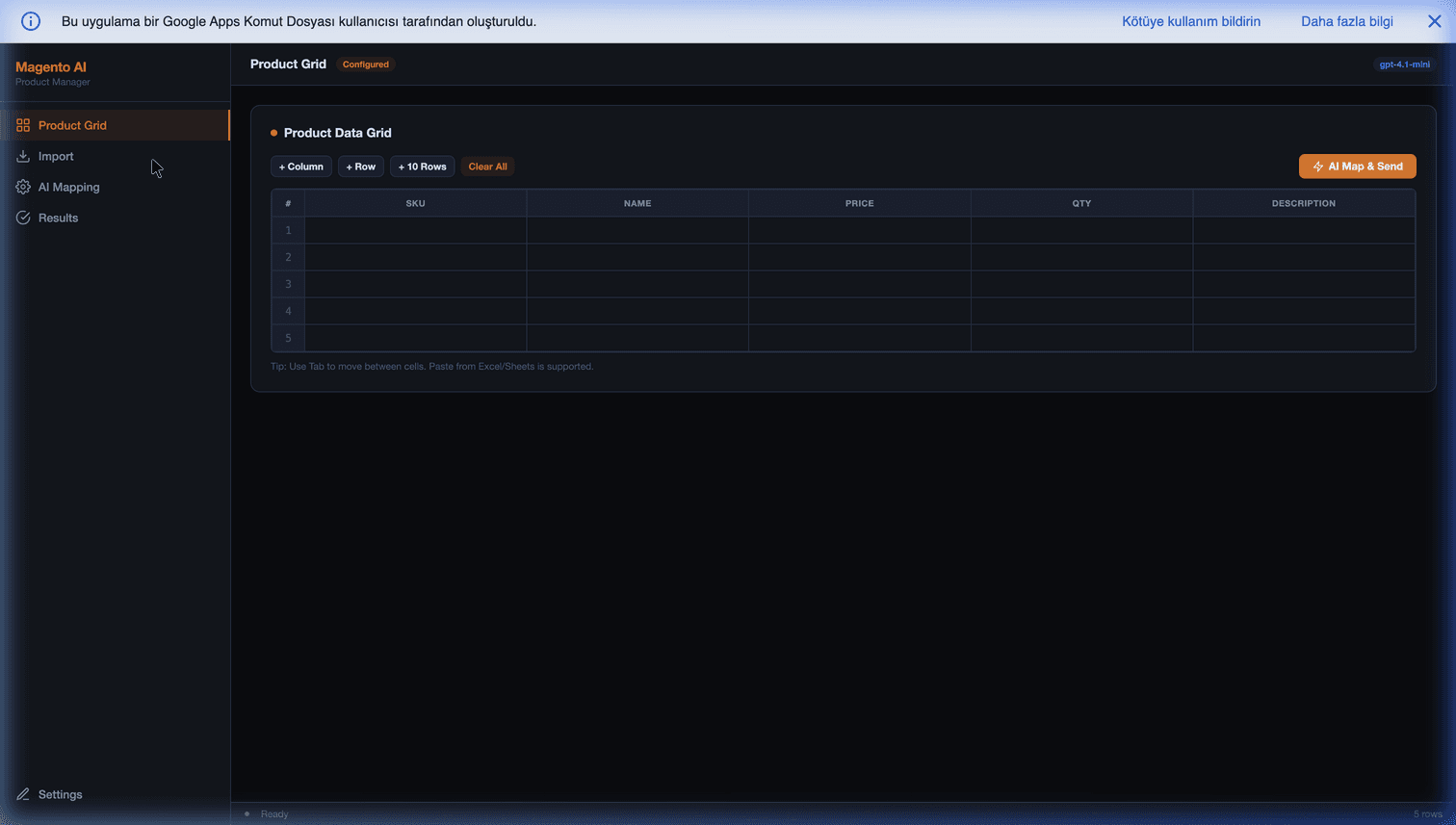
Our Magento AI Product Manager handles the upstream piece of this flow: cleaning and enriching your catalog data so the AI chatbot has high-quality, structured grounding material to work with. That one step is usually worth more than any amount of downstream prompt tuning.
Further Reading
- How AI is transforming e-commerce — the full pillar context.
- Magento AI chatbot vs live chat: which is better for your store? — when to deploy and when to keep humans.
- 5 ways AI increases e-commerce conversion rates — the conversion-side tactics.
- AI-driven product enrichment for Magento catalogs — the catalog-grounding prerequisite.
- Voice commerce in 2026 — what to build after text chat.
Frequently Asked Questions
Which AI provider should I pick for a Magento 2 chatbot — OpenAI, Anthropic, or Google?
For most Magento stores in 2026, start with either OpenAI (GPT-4o or GPT-4.1-mini) or Anthropic (Claude Sonnet). Both are competitive on grounded e-commerce conversations, with low hallucination rates when the catalog context is well-structured. Use Google Gemini if you care about voice commerce (Gemini Live has the strongest full-duplex audio pipeline) or if you are already on Google Cloud. Avoid the cheapest models for the customer-facing response itself, but absolutely use them for intent classification and routing.
Can I install AI chat on Magento 2 without a developer?
For third-party widgets like Tidio or Zendesk — yes, you can install them from the admin panel with copy-paste JavaScript. For Magento-aware modules that actually read the catalog — no, you will need a developer for the Composer install, setup:upgrade, and initial configuration. Budget 4-8 hours of developer time for a basic install, 2-4 weeks for a production-quality deployment with tuned prompts and escalation rules.
Will AI chat slow down my Magento 2 store or hurt Core Web Vitals?
A well-built chat widget uses lazy-loading (the chat bundle loads after interaction, not on page load) and should not impact LCP, CLS, or INP. The common failure mode is widgets that inject large JavaScript bundles synchronously into the head — these can cost 100-300ms on LCP. Verify that your chosen widget loads async/defer and does not block rendering. Run PageSpeed Insights before and after installation and do not ship if LCP regresses by more than 50ms.
How do I stop the AI from making up product details or giving wrong information?
Three controls together solve this: (1) retrieval-augmented generation (RAG) — every response is grounded in a vector-indexed subset of your catalog, not the model's training data, (2) function calling / tool use — the AI must call your catalog API to confirm prices and stock rather than guessing, and (3) a refusal path — the system prompt explicitly instructs the model to say 'I don't have that information' instead of inventing. Combined, these drop hallucination rate below 2% in production. Without them, expect hallucination above 10% which is unacceptable for a storefront.
What conversations should the AI hand off to a human, and how?
Escalate when: (1) the AI's confidence on the last response is below ~60%, (2) the customer uses refund, warranty, legal, or complaint language, (3) order value in context is above your high-touch threshold (often $500-$2,000), (4) the customer explicitly asks for a human, or (5) the same question has been repeated twice without resolution. Handoff should be one-click, transfer the full transcript, and set customer expectations on response time. Do not hide the human path behind chatbot navigation — that is the single fastest way to generate one-star reviews.