
Google Sheets to Custom App: What It Costs and When It Pays Off
As a rough relative guide, moving a business system from Google Sheets to a custom app costs several times more than automating the same sheet, and a good share of that money goes on things that aren't screens: user roles, integrations, mobile, data migration and upkeep. It pays off when the spreadsheet's structure is what's holding the business back: several people or branches overwriting each other, no permissions, no audit trail, staff or customers who need their own app. It doesn't pay off when the real problem is a few slow, manual steps. Automation fixes those for a fraction of the price.
This post prices that specific jump. If you're still deciding whether the sheet has hit its limits, start with the six signs you've outgrown Google Sheets. For no-code app builders that sit on top of a sheet, see AppSheet vs Apps Script; for the general build-or-subscribe framework, build vs buy software.
Which problems actually need custom software
Most businesses that ask us about "turning the sheet into an app" have one of four structural problems, and only some of them need custom software:
- Collisions. Several people edit the same tab and overwrite each other.
- Visibility. A branch manager can see (and change) another branch's payments, because Sheets shares a file, not a row.
- Accountability. A balance changed, and nobody can say who changed it or why.
- Reach. Field staff, drivers or customers need to work on a phone, often with poor signal.
Problems 1 and 2 can often be solved without leaving Google: put a custom web interface on top of the sheet so nobody touches the grid, and add role checks in Apps Script. Problems 3 and 4 at scale, meaning a proper audit log, offline mobile entry and many concurrent users, are where a real database and a custom app start to earn their cost.
What actually drives the cost
Owners picture screens. Screens are rarely the expensive part. These six things are, roughly in order of how often they surprise people. We give relative comparisons rather than prices, because every quote depends on scope.
1. Users, roles and permissions
One user type with full access is cheap. "Admins see everything, branch managers see their branch, staff can record but not delete, parents see only their own child, the accountant sees payments but not notes" is a permission model, and every rule has to be designed, built, and tested against every screen. Each new role multiplies the testing surface. Rough relative guide: going from one role to four or five can plausibly move a project more than adding a dozen extra screens would.
2. Integrations
Every outside system the app must talk to (accounting, payment provider, WhatsApp, email service, an e-commerce platform, a government e-invoice portal) is a small project of its own: authentication, error handling, retries, and the day that vendor changes its API. One well-documented integration is modest. Four, including one with poor documentation, can be a large share of the budget.
3. Mobile
A responsive web app that works in a phone browser costs little beyond the web app itself. Native iOS and Android apps are a different tier: store accounts and review, push notifications, device testing, and (if people work where signal is bad) offline entry that syncs later without losing or duplicating records. Offline sync is genuinely hard engineering. As a rough relative comparison, a proper native app alongside the web panel can approach the cost of the web panel again. Ask yourself whether people need an app or just a page that works well on a phone.
4. Migration
Your sheet holds years of history, and that history is messier than it looks: duplicate customers spelled three ways, dates typed as text, merged cells, a column whose meaning changed in 2023. Cleaning it, mapping it to a real database, and proving the totals match before switch-over is real work. Skip it and you get a new system nobody trusts, which is the most expensive outcome there is.
5. Hosting and infrastructure
This one is usually smaller than people fear. A modest business app runs on hosting and a managed database that cost little per month at small-business scale. But it is no longer zero, which is what Sheets plus Apps Script costs you today on top of the Workspace plan you already pay for (see Apps Script pricing for where that stops being true). Add backups, monitoring and a domain, and you have a small but permanent line item.
6. Maintenance
Software that talks to other software needs looking after: security updates, dependency upgrades, an integration that breaks because a vendor changed something, the new field your team asks for in month four. A common industry rule of thumb, and an estimate rather than a quote, is roughly 15-20% of the original build cost per year. Simple, stable apps can come in under it; integration-heavy ones often run over. Leave maintenance out of the comparison and every build looks better than it is.
The three options, side by side
When a sheet starts to strain, you have three realistic paths. None of them is right for everyone.
| Stay on Sheets + Apps Script | Off-the-shelf SaaS | Custom app | |
|---|---|---|---|
| Upfront cost | Low | Low (setup, migration, training) | Highest |
| Monthly cost | Typically $0 extra on your Workspace plan | Per seat, grows with headcount and price rises | Hosting + maintenance; no per-seat fee |
| Fit to your process | High; it's your sheet | You adapt to the vendor's model | Built around your process |
| Permissions / audit trail | Workable with a custom UI; limited at scale | Usually good | As good as you specify |
| Native mobile, offline | Not realistic | Depends on the vendor | Possible, at a cost |
| Time to value | Days to weeks | Days | Weeks to months |
| Who owns the data and logic | You, in your Google account | The vendor's schema | You |
The middle column deserves a fair hearing. If a mature product already models your business well (a standard CRM, a booking tool, an accounting package), buying it is usually the right call, and we'll say so. Custom pays off where no product fits and your team is paying the difference in workarounds, or where per-seat pricing has started charging you for hiring.
A simple way to think about break-even
You don't need a financial model. You need three numbers per option, totalled over the period you honestly expect your process to stay the same, usually two to four years.
Total cost over N years = upfront cost
                        + (monthly running cost × 12 × N)
                        + (yearly maintenance × N)
                        + (hours lost to workarounds × hourly cost × N)
Run it once per column above. A few patterns show up again and again in the sheets we've reviewed:
- The workaround line decides it more often than the licence line. If someone spends an hour a day reconciling, re-typing or fixing the sheet, that cost alone can exceed a SaaS subscription. If it's an hour a month, it can't justify a build.
- Per-seat SaaS grows on two axes. Price rises at renewal and headcount rises as you grow. Project both forward rather than holding this year's invoice flat.
- Custom is front-loaded. It almost always loses in year one. The question is whether it wins by year three. If your process might change shape within 18 months, the answer is usually no.
- Ties go to the reversible option. Cancelling a subscription or extending a sheet is easy. Unwinding a custom build isn't.
For the full version of this arithmetic, with a worked three-year example, see the break-even section of build vs buy software.
When NOT to build a custom app
We build custom software, and this is still the most useful section of the post. Don't build yet if any of these are true:
- Your problem is speed, not structure. Manual copying, slow reports, forgotten follow-ups: these are Apps Script automation jobs, usually far smaller projects, and they keep everything in the sheet your team already knows.
- One team, one sheet, a handful of users. The collision and permission problems that justify a custom app barely exist at that size.
- The process is still changing. If how you take orders or bill clients changed twice this year, let it settle first. Code locks a process in place.
- A product already fits. If a SaaS tool does 90% of what you need at a fair price, rent it.
- Nobody will own it. A custom app with no internal owner and no maintenance arrangement becomes a liability the first time an integration breaks.
- You need it next week. Real systems take weeks to months. Automate or rent a stopgap now and plan the build with the usage data you collect.
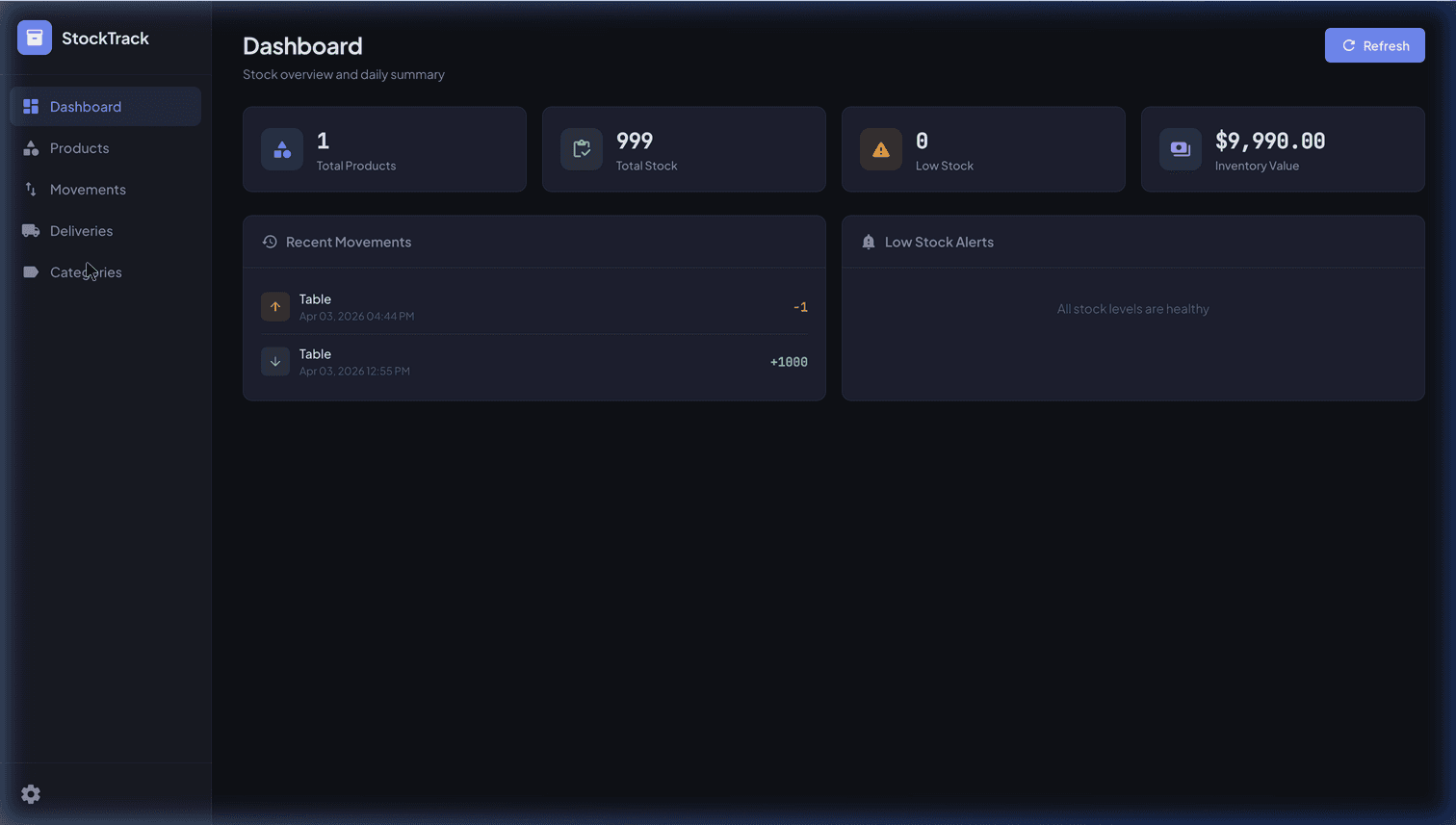
Honest middle ground: many of the "we need an app" conversations we have end with a sheet plus Apps Script plus a proper web front end, and a written note on which signal would mean it's time to move. Our stock and inventory tracker is that pattern: a real interface with business rules, running in your own Google account with no per-seat fee.
When it does pay off: what the move looks like
One example from our own work: a multi-branch academy that ran registration, instalment payments, attendance and parent communication across Excel files and WhatsApp groups. All four structural problems were present: branches editing the same records, staff who should only see their own groups, payments nobody could trace, and staff and parents who needed a phone app, with attendance taken on site where signal comes and goes.
No off-the-shelf product modelled their mix of packages, instalments and progress reports well, and the sheet couldn't enforce who sees what. So the move was to a web admin panel with branch-level roles and an audit log, plus a mobile app with separate roles for parents and staff, offline attendance, and the spreadsheet history migrated in, so nobody started from an empty system. We now offer that system to other academies as Academision.
What made it pay was not the screens. Every cost driver above (roles, mobile, offline, migration) matched a recurring problem the business was already paying for in staff time and errors. When the cost drivers match problems you actually have, the build can pay for itself. When you'd be paying for drivers you don't need, it doesn't.
If that's your situation, our custom software and ERP service starts with a written scope and quote, so you know what the first release covers before you commit to anything.
Before you ask anyone for a quote
Quotes depend on scope, so any credible one starts with these six answers. Anyone who gives you a fixed price or timeline before asking them is guessing.
- Who uses the system, and what should each role see and do?
- Which outside systems must it talk to?
- Does anyone need it on a phone, with or without signal?
- How many years of history must come across, and how clean is it?
- What does the current setup cost per month, in subscriptions and staff hours?
- Who will own it after launch?
Not sure whether your sheet needs automation, a SaaS tool, or a custom app? Book a free 30-minute discovery call and bring those answers, or just the sheet. We'll tell you which path fits and what drives the cost in your case, including "stay on Sheets, here's the automation that buys you another year" when that's where it lands. Prefer to type? Message us on WhatsApp with what the sheet does and where it hurts.
Further reading
- Outgrown Google Sheets? 6 signs it's time for a real app: how to tell whether you've hit the limits at all.
- Build vs buy software: how to decide: the general framework and full break-even method.
- Build a custom frontend for Google Sheets with Apps Script: the "stay on Sheets, lose the grid" option in code.
- Handling state and authentication in Apps Script apps: roles and sessions without leaving Google.
- Apps Script's 6-minute limit: one of the clearest signs you're approaching the ceiling.
- AppSheet vs Apps Script: if you're weighing a no-code app builder instead.
Frequently Asked Questions
How much does it cost to turn a Google Sheets system into a custom app?
There is no honest single number, because the price is set by scope rather than by the spreadsheet. The biggest drivers are how many user roles and permission rules you need, how many outside systems it must talk to, whether you need native mobile apps, how messy your existing data is, and who will maintain it afterwards. As a rough relative estimate, not a price, a custom web app with roles and a migrated history is usually several times the cost of automating the same sheet with Apps Script, and adding native iOS/Android apps on top can come close to doubling it again. Quotes depend on scope, so a credible one comes after someone has mapped your process. A fixed price or timeline given before that is a guess.
Is moving from Google Sheets to a custom app worth the cost?
It is when the spreadsheet's structure is the problem and you are already paying for it in staff time and errors: several people or branches overwriting each other, staff who should only see their own branch or clients, no audit trail, or field staff and customers who need their own app. It isn't when the real problem is a few slow, manual steps. Those are cheaper to fix by automating the sheet, which often buys a year or more.
Is it cheaper to buy a SaaS tool than to build a custom app?
Often, yes, for the first year or two, and sometimes for good. If a SaaS tool fits your process at a fair per-seat price, it will usually beat a custom build on cost and certainly on time. Custom wins when the per-seat bill grows with your headcount, when you pay for a large platform but use a small part of it, or when no tool fits and your team runs workarounds around it. Compare total cost over the number of years you expect the process to stay the same, including the hours lost to workarounds, not this month's invoice.
Can Apps Script do the job instead of a full custom app?
For a lot of businesses, yes, for longer than they think. Apps Script can put a proper web interface, role checks, automated emails and integrations on top of your existing sheet, with no per-seat or hosting fee. Its limits are real: a single execution stops at 6 minutes, there are only 30 simultaneous executions per user, Sheets is not a transactional database, and it is not built for native mobile apps or high-concurrency public products. If you are inside those limits, staying on Sheets plus Apps Script is usually the cheapest credible option.
What happens to our existing spreadsheet data when we move to a custom app?
It should come with you, history included. Migration is a real line item: the data has to be cleaned (duplicate customers, free-text dates, merged cells, columns that changed meaning halfway through), mapped to a proper database structure, and checked against the old totals before you switch over. Budget time for it and ask any developer how they will verify the migration, not just whether they will do it. A system that starts empty, or with history people don't trust, gets abandoned.