Build vs Buy Software: How to Decide in 2026
The question that decides build-versus-buy is not "what does it cost." It is: is this process a commodity, or is it the way we compete? Standard work done in a standard way should almost always be bought. Work that is specific to how your business actually runs, and that you expect to still be doing in three years, is where building pays — and where renting quietly caps how well you can operate.
Cost matters, but it comes second, and it answers a different question. The commodity-or-differentiator test tells you whether to build. The arithmetic tells you when it pays off. Get those two in the wrong order and you end up with the most expensive outcome available: a custom build of something you could have rented for $30 a month, or a five-year subscription to a tool that never quite fits.
This post is the decision framework only. It deliberately does not re-run the comparisons we've already published: for tool-by-tool automation platform pricing see n8n vs Zapier vs Make vs Apps Script, for what a build actually costs to run see Google Apps Script pricing, for per-seat app platform maths see AppSheet pricing 2026, and for which categories of software are realistically replaceable see replacing expensive SaaS with Google Workspace. Here we answer the question that comes before all of those: for this process, which side of the line are you on?
Why cost is the wrong first question
Two businesses can face an identical $400/month invoice and correctly reach opposite conclusions.
The first is paying $400/month for payroll. Payroll is a commodity with an external burden attached: tax tables change, filings have deadlines, mistakes have legal consequences. The $400 is not buying software, it is buying someone else carrying the regulatory risk. Building that is bad business at any price.
The second is paying $400/month for a project-management tool that the team uses as a glorified list, with three months of workarounds layered on top because the tool's model of a "project" doesn't match how the business quotes, delivers and invoices. That $400 is buying friction. The tool's data model is quietly reshaping how the company works, and every workaround is a tax paid twice — once in licence, once in time.
Same invoice. Different decision. The number was never the deciding input.
So start with the classification, not the spreadsheet:
| Commodity process | Process specific to you | |
|---|---|---|
| Short-lived / still changing | Buy — cheapest plan, cancel later | Buy or prototype cheaply; don't commit code to a moving target |
| Long-lived / stable | Buy, and negotiate hard at renewal | Build — this is the quadrant where owning pays |
Only one of those four boxes says build. That is not modesty, it is the actual distribution: most of what a business runs on is commodity, and most commodity software is cheaper to rent than to own. The build case is narrow and specific — which is exactly why it is so valuable when it applies.
When you should buy — and we'll say so
We build custom automation for a living, and buying is frequently the right answer. Here is the honest list.
Buy when the process is standard and your version of it isn't special. Accounting, payroll, payment processing, email deliverability, e-signature, helpdesk ticketing. Thousands of businesses need the same behaviour; a vendor amortises that development across all of them. You will never out-build that economics for a process where you have no unusual requirement.
Buy when the vendor carries a burden you don't want. Tax calculation and filing, PCI scope, HIPAA BAAs, SOC 2 attestations your enterprise customers ask for, IP reputation for bulk email, fraud screening. You are not buying features, you are buying liability transfer and someone else's compliance team. That is genuinely worth a monthly fee.
Buy when you need it working next week. A build has a lead time; a subscription has a signup form. If the process is bleeding money right now, rent the fix immediately. You can always revisit in a year with real usage data — which will make any later build far better specified.
Buy while the process is still changing. If how you do this thing has changed twice in six months, any specification you write today is fiction. Code hardens a process; that is its strength and, on an unsettled process, its weakness. Rent something flexible until the shape stops moving.
Buy when nobody will own the built thing. A custom tool with no internal owner and no maintenance arrangement degrades into a liability the first time an API changes. If you are not going to fund upkeep — in-house or through a partner — the subscription is the more honest choice.
Buy when the capability is genuinely hard. Offline-first mobile sync, real-time collaborative editing, video processing, a polished consumer-grade UI, a mature permissions model. These are years of engineering. Cheap to rent, expensive and risky to reproduce. (This is why field-service teams are usually right to stay on a mobile app platform even when the per-seat bill stings — see the AppSheet pricing breakdown for where that crossover actually sits.)
Buy when you'd only use a fraction of a build, and the plan is cheap. A $19/month tool doing something simple is rarely worth displacing. Build cases live north of roughly $150–200/month in recurring spend, or wherever per-seat costs are compounding.
If several of those describe your situation, stop here. Buy it, and spend your engineering attention somewhere it earns more.
When you should build
The build case is strongest when these stack up, and they rarely arrive one at a time.
The process is yours. Your quoting logic, your stock allocation rules, your commission tiers, the way your orders arrive over WhatsApp, the specific report your largest customer demands in their own format. When the process is a genuine part of how you compete, renting a generic version of it means permanently operating at the vendor's level of fit.
You've been paying for the same thing for a year or more. Longevity is the single best predictor that a build pays. A process that survived unchanged for twelve months will probably survive three years, and three years of subscription is the number you should be comparing against — not this month's invoice.
Per-seat pricing has become the problem. This is where the arithmetic turns fastest. A tool at $10/user/month is fine at five people and materially annoying at forty — the same automation doing the same work, priced by headcount. When your software bill grows because you hired, not because you did more work, the licence model has become the cost driver. An owned build has no seat.
You're paying for 10% of a platform. Enterprise tiers are commonly bought to unlock one field, one integration or one automation. If you can name the three things you actually use, you can usually own those three things.
The data needs to stay in your account. Client confidentiality, a customer's security review, sector rules, or simply not wanting your order history sitting in a vendor's database. Building inside Google Workspace keeps the data in Drive under the controls you already administer.
Vendor lock-in has become a strategic risk. If a repricing, an acquisition or a sunset notice on this tool would genuinely disrupt operations, that dependency has a cost that doesn't appear on any invoice. Owning the logic removes the kill switch from someone else's hands.
No tool fits, and you've already built workarounds. Spreadsheets shadowing the official system, a person whose job is re-typing between two tools, a monthly ritual of exports and VLOOKUPs. Those workarounds are an unpriced build you are already paying for in salary. Formalising them is usually the highest-return automation available.
The arithmetic: an illustrative three-year comparison
Numbers make this concrete, so here is a worked example. This is an illustrative scenario with round figures chosen to show the shape of the maths — not a quote, and not a claim about any specific vendor. Substitute your own numbers; the method is the point.
Scenario: a 25-person distributor runs order intake and stock allocation on a per-seat operations tool. 18 people need access at $12/user/month. The process has run essentially unchanged for two years.
| Year 1 | Year 2 | Year 3 | 3-year total | |
|---|---|---|---|---|
| Buy — 18 seats × $12/mo | $2,592 | $2,592 | $2,592 | $7,776 |
| Buy, with 10%/yr uplift | $2,592 | $2,851 | $3,136 | $8,579 |
| Buy, after growing to 26 seats in yr 2 | $2,592 | $3,744 | $3,744 | $10,080 |
| Build — one-time, plus upkeep | build cost + ~$0 running | upkeep only | upkeep only | build + upkeep |
Three observations that the example is designed to surface.
The "buy" column is never flat in practice. Left alone, a per-seat subscription grows on two independent axes — the vendor's price and your headcount. Both move upward. Software prices in particular have been rising far above general inflation: Vertice's SaaS Inflation Index recorded 16.4% in June 2026, against a US CPI of 4.2% (figures as published by Vertice; last checked September 2026 — check the current index before quoting it in a budget). Budgeting a renewal at last year's price is the most common error in these comparisons.
The "build" column is mostly one number, and you must establish it first. Whether building wins is entirely determined by the build cost, which is why "get a fixed quote" comes before "decide." An automation of this shape built on Apps Script has no recurring licence or per-seat cost — it runs under the Google Workspace quotas you already pay for, which we break down in Apps Script pricing. That is what makes the third row's arithmetic work: seat growth costs zero.
Neither column prices fit. The reason the distributor is considering this is usually not the $2,592. It is the two hours a day someone spends bridging the gap between what the tool does and what the business needs. That number is often larger than either column, and it belongs in the comparison.
The costs both sides hide
A fair comparison prices the things that don't appear on either invoice.
What building hides. Maintenance is the big one: a common industry rule of thumb is 15–20% of the original build cost per year. For a small, stable Apps Script automation touching only Google services, real-world upkeep is usually far below that — there is no server, no dependency tree, and Apps Script's APIs have been unusually stable for over a decade. For anything integrating third-party APIs that change on their own schedule, budget the full figure. Then add specification time (someone in your business must describe the process precisely), and the bus factor — mitigated by documenting in-line, owning the script under a company Workspace account rather than a personal one, and keeping a copy in version control. And know the technical ceilings before you commit: a single execution stops at 6 minutes, and outbound API calls run under a daily quota.
What buying hides. Price escalation at renewal, which compounds. Seat creep, which turns hiring into a software cost. Integration and training work, which lands on your team's calendar rather than the invoice and can rival the licence fee over the life of the tool. Feature-tier drift, where the thing you rely on moves to a higher plan. And exit cost: your configuration and history live in the vendor's schema, so leaving is a migration project — the structural reason renewal quotes can rise without you leaving.
Both lists are honest. Neither is disqualifying. The point is that a comparison of licence-versus-build-cost, with nothing else in it, is not a comparison.
How to find your own break-even
You can do this in ten minutes in a spreadsheet, and you should do it before talking to anyone — including us.
Collect four numbers:
- S — what you pay the vendor per month today, at today's seat count.
- B — the one-time cost to build the replacement, as a fixed quote, plus any data migration.
- R — what the built version costs to run per month (for an Apps Script build on existing Workspace, typically $0, plus any paid API it calls).
- M — expected maintenance per month, as a monthly average. If you have nothing better, use 15% of B per year divided by 12.
Then:
Break-even (months) = B / (S − R − M)
In a sheet, with the four values in B1:B4:
=B2/(B1-B3-B4)
Now compare the result to one honest judgement: how many months will this process still work the way it works today? Not how long the business will exist — how long this process will survive before you reorganise, change suppliers, or grow out of it.
- Break-even comfortably inside that horizon → build.
- Break-even beyond it → buy, and revisit next year.
- Break-even close to it → buy, because uncertainty should break ties toward the reversible option. Cancelling a subscription is easy; unbuilding a build is not.
Two refinements worth adding if the numbers are close. First, project S forward with a realistic annual uplift and your expected headcount, rather than holding it flat — on per-seat tools this often halves the break-even. Second, if the build also removes manual work, add the value of those hours to the numerator's benefit side — on a process that was genuinely manual, that figure can exceed the cancelled licence on its own.
The mistake that costs the most: building the wrong thing
The expensive failures are almost never "they built when they should have bought." They are builds of the wrong scope.
Rebuilding a commodity. The subscription looked expensive in isolation, so someone rebuilt invoicing, or email sending, or a payment flow. Six months later they are maintaining a worse version of a solved problem and still paying for the parts they couldn't replicate.
Building a platform when the pain was a seam. The two systems both work fine; what hurts is the manual bridge between them. That is a few days of integration work, not a new internal product. Scope to the seam, not the empire.
Building on an unsettled process. If the workflow is still being argued about internally, the specification will be obsolete before delivery. Settle the process on paper first — sometimes the honest finding is that the process itself, not the software, is the problem.
Building without an owner. No documentation, no company-account ownership, no maintenance budget. It works beautifully for a year and then someone leaves.
The fix for all four is the same, and it is free: write down the specific process, the specific volumes, and the specific number you're currently paying, before deciding anything. Half the time that document resolves the decision on its own.
Most businesses end up doing both
The realistic end state is not "build everything" or "buy everything." It is: buy the commodity, build the seams and the parts that are actually yours.
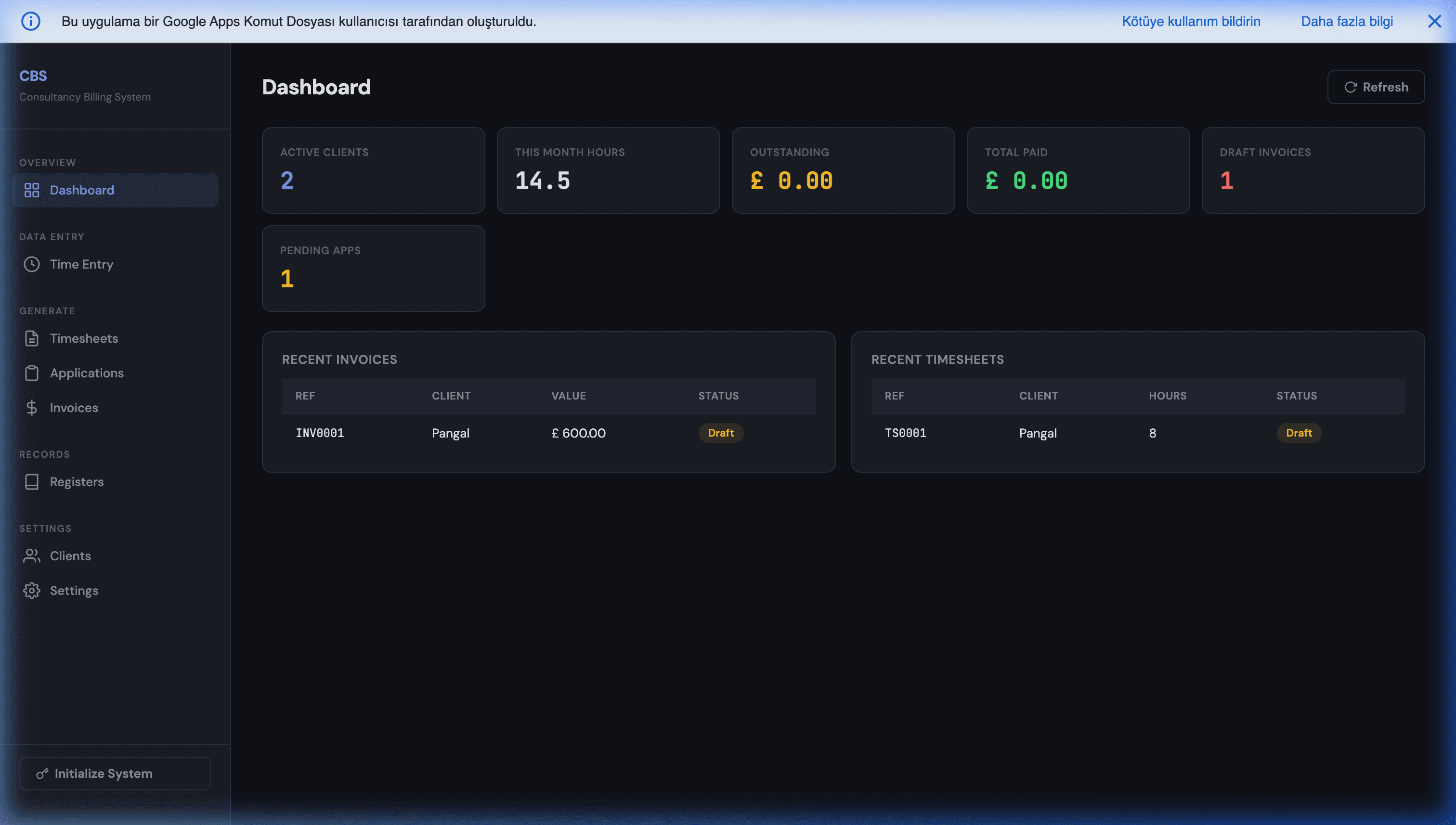
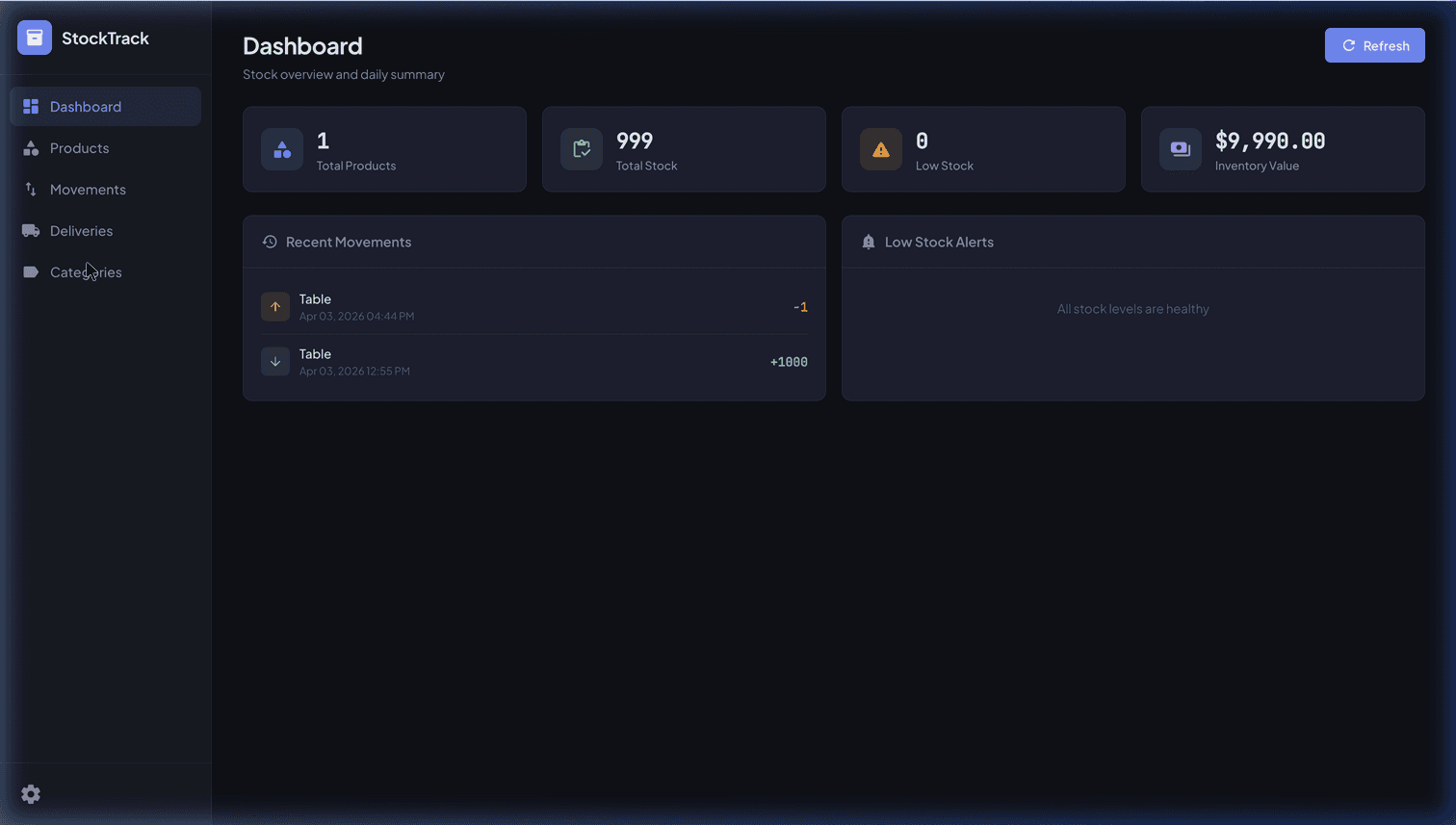
Accounting stays bought. Email stays bought. Payments stay bought. The thing that reads your inbound orders, applies your allocation rules, updates your stock ledger and pushes a formatted confirmation to the customer — that gets built, because nobody sells your version of it. Our showroom products are exactly this pattern in concrete form: a consultancy billing system and a stock and inventory tracker that live in the Google account you already own, with no per-seat fee.
And if the conclusion is that you need someone to do the building, the selection criteria are their own subject — covered in hiring a Google Apps Script developer.
Where the line falls
Buy what is standard, what carries someone else's liability, what you need this week, and what is still changing. Build what is specific to how you operate, what you will still be doing in three years, and what has started charging you for headcount instead of work.
Not sure which side your case falls on? That is what a free 30-minute discovery call is for. Bring the process, the volumes, and what you pay now, and we'll give you the straight answer plus a break-even number — including "keep the subscription, it's not worth building" when that is where the numbers land. If you'd rather just type it out, send us the situation on WhatsApp — describe the tool you're paying for and what it doesn't do, and we'll reply with which way the maths points. The review is free and there's no funnel behind it.
Further reading
- n8n vs Zapier vs Make vs Apps Script — the rent-or-own comparison for automation platforms specifically, with cost shapes.
- Google Apps Script pricing — what the "build" column actually costs to run, and the three cases where a real bill appears.
- AppSheet pricing 2026 — per-seat arithmetic in detail, and where the crossover sits.
- Replacing expensive SaaS with Google Workspace — which categories of software are realistically replaceable, and which aren't.
- Hiring a Google Apps Script developer — how to scope, brief and evaluate a build once you've decided to do one.
Frequently Asked Questions
Should I build custom software or buy a SaaS subscription?
Buy when the process is standard and the vendor carries a burden you don't want — tax rules, payment compliance, deliverability, security certifications — or when you need it working this month. Build when the process is specific to how your business actually runs, when you expect to run it for years, and when per-seat pricing has started charging you for headcount rather than for work. The test that decides it is not price: it is whether the process is a commodity or a differentiator. A commodity process that you build is wasted money even when the arithmetic looks good, and a differentiating process that you rent is a permanent ceiling on how well you can run it.
How do I calculate the break-even point between building and buying?
Divide the one-time build cost by the monthly saving, where the monthly saving is the subscription you stop paying minus whatever the built version costs to run and maintain. In formula terms: break-even months = build cost / (current monthly subscription − running cost − expected monthly maintenance). Then compare the result to how long you honestly expect the process to survive unchanged. If break-even lands at 9 months and the process has run the same way for three years, building wins comfortably. If break-even lands at 30 months and you reorganise every year, buy. The mistake is leaving maintenance out of the denominator, which makes every build look about 20% better than it is.
What are the hidden costs of building your own automation?
Three, and only the first is obvious. Maintenance is the ongoing one — a common industry rule of thumb is 15–20% of the original build cost per year, and while a small, stable Apps Script automation usually sits well under that, anything touching third-party APIs that change will not. Second is specification: someone in your business has to describe the process precisely, and that time is real even though it never appears on an invoice. Third is the bus factor — if one person built it and nobody documented it, you own an asset you cannot modify. All three are manageable, but a build priced without them is priced wrong.
What are the hidden costs of buying SaaS?
Price escalation, seat creep, and exit. Software prices have been rising far faster than general inflation — Vertice's SaaS Inflation Index put the rate at 16.4% in June 2026 against a US CPI of 4.2% (figures as published by Vertice, last checked September 2026; check the current index before you put a number in a budget) — so the quote you sign is rarely the price you keep paying. Seat creep is worse in per-user tools, because your bill grows with hiring rather than with usage: the same automation costs five times more at 25 people than at 5. And exit is the one nobody budgets for, because your process history and configuration live in the vendor's schema; migrating out is a project, which is precisely why renewal quotes go up.
Is Apps Script a serious option for a build-vs-buy decision, or just a toy?
It is a serious option inside a specific envelope, and dishonest outside it. Apps Script is a managed JavaScript runtime attached to the Google account you already pay for, so it has no licence, no per-seat cost and no per-task fee, and the logic sits in your own Drive. That makes it the cheapest credible 'build' option for internal automation around Sheets, Gmail, Calendar, Drive and external APIs. The envelope: a single execution stops at 6 minutes, outbound calls run under a daily quota, and it is not the tool for real-time, high-concurrency, or offline-mobile products. Inside the envelope it beats most subscriptions on total cost; outside it, buy or build on something else.
What's the most common build-vs-buy mistake?
Building the wrong thing rather than choosing wrong between building and buying. Three versions show up repeatedly: rebuilding a commodity (an accounting ledger, an email-sending platform, a payment processor) because the subscription looked expensive in isolation; building a whole platform when the actual pain was one seam between two systems that already work; and building on top of a process that is still changing weekly, so the specification is obsolete before delivery. A cheap build of the wrong scope costs more than an expensive subscription, because you pay for it twice — once to build, once to replace.