Hire a Google Apps Script Developer (or Agency): Costs & Vetting
If you have a spreadsheet problem, a manual process that should be automated, or a tool you wish existed inside Google Workspace, you can hire a developer to build it — usually for far less than a year of SaaS subscriptions, and you own the result outright.
This guide covers what a Google Apps Script developer actually builds, what it costs, how a good engagement works, the engagement models to choose between, and how to vet one so you don't get burned.
What a Google Apps Script Developer Actually Builds
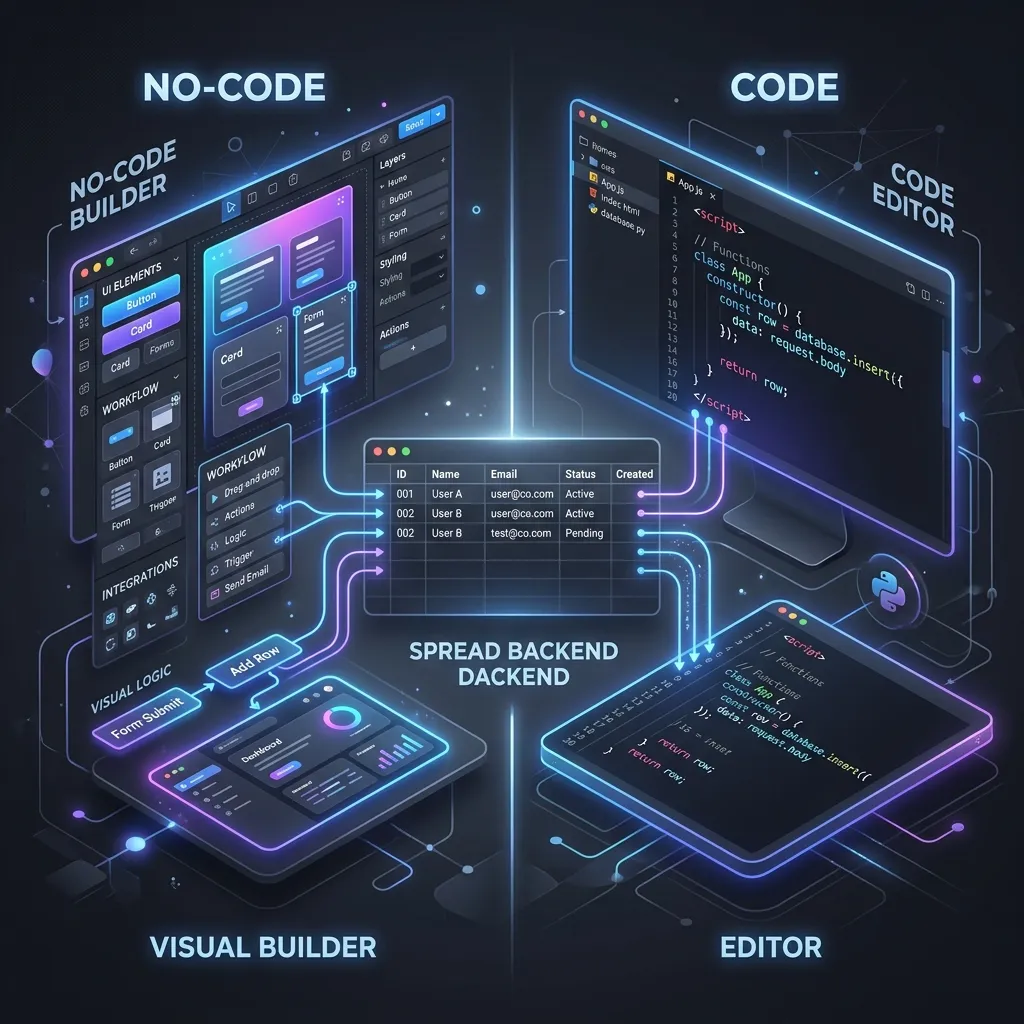
"Apps Script developer" is shorthand for someone who turns Google Workspace into custom software. Google Apps Script is a serverless JavaScript runtime built into every Workspace account, with direct access to Sheets, Gmail, Drive, Calendar, Docs, and any external API. In the right hands, a plain spreadsheet becomes a database, a web app, and an automation engine — without a server bill. The real range of work:
- Google Sheets automations — auto-generated reports, data cleanup, scheduled syncs, email/Slack notifications, commission engines, inventory ledgers.
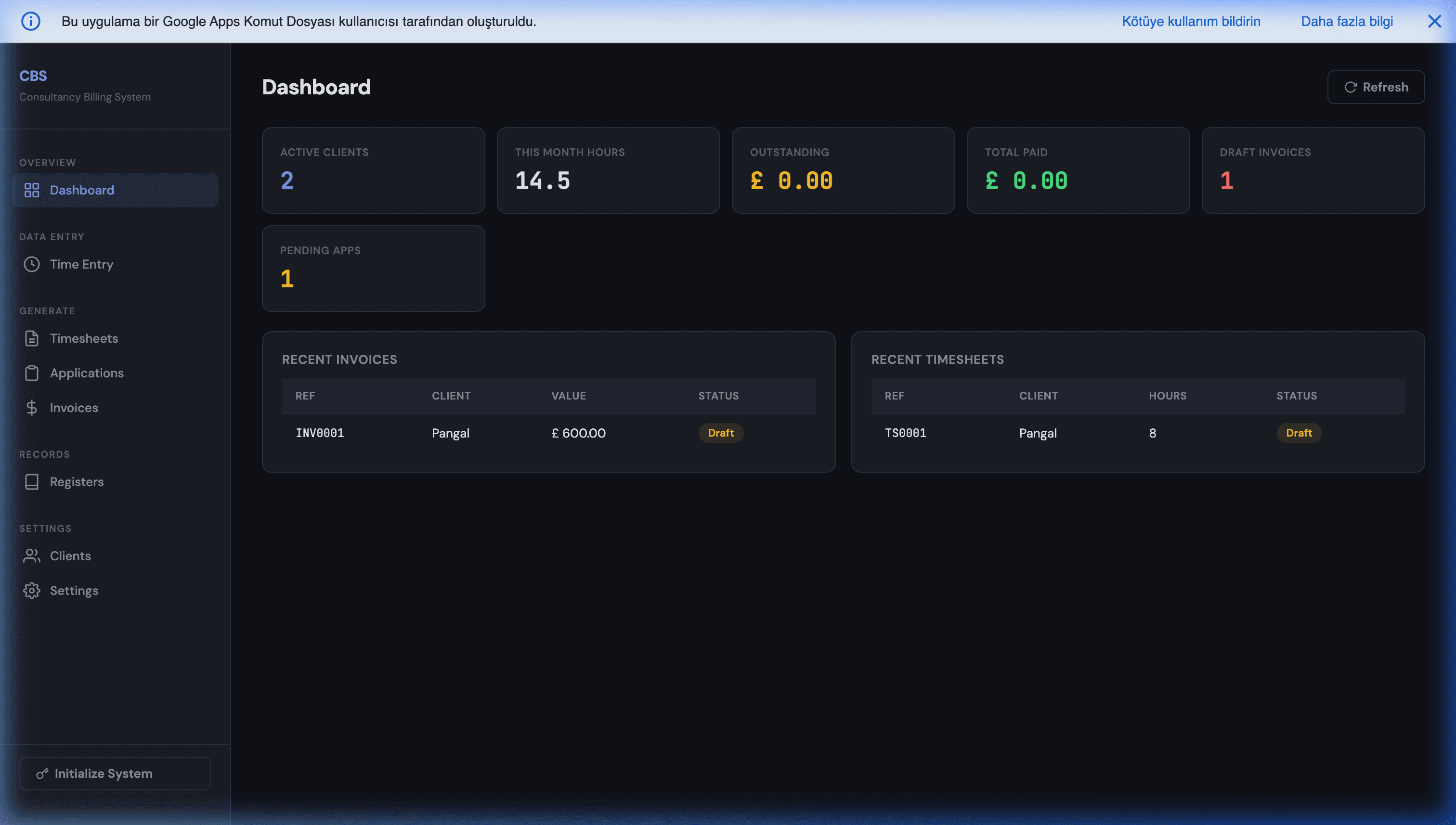
- Custom web apps — real UIs on top of Sheets with login, role-based access, and dashboards (how that's built), so your team stops editing raw spreadsheets.
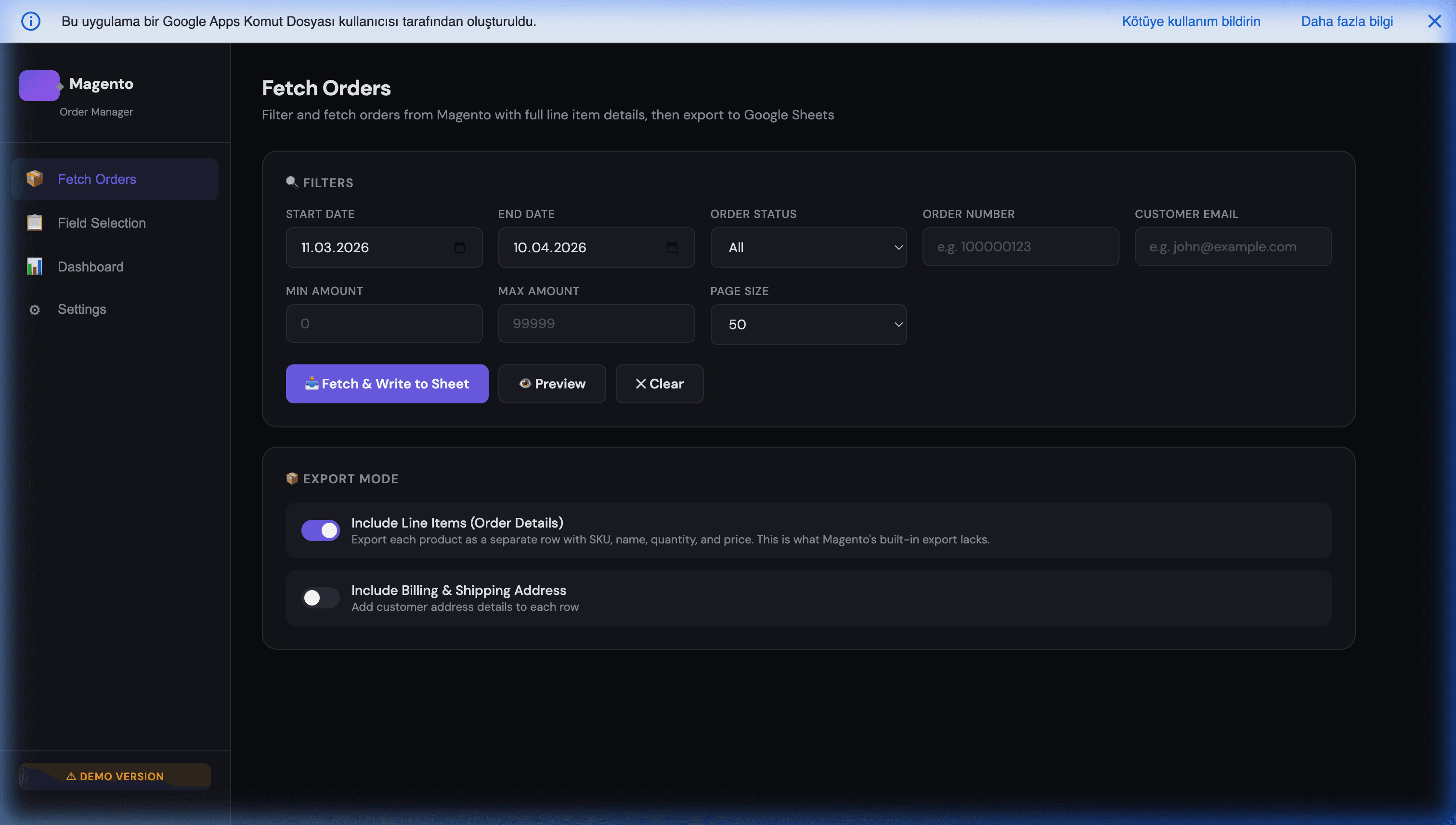
- External integrations — connecting Sheets to Magento, Stripe, Twilio, WhatsApp, or any REST API via webhooks.
- AppSheet apps — no-code mobile/web apps on the same Sheet for field teams (AppSheet vs Apps Script).
- AI features — OpenAI / Gemini / Claude integrations: classification, extraction, chatbots, AI-assisted data entry.
- Full SaaS replacement — replacing a CRM, billing tool, or inventory app with a custom Workspace stack (the full playbook).
The common thread: the system runs inside your own Google account at near-zero infrastructure cost, and you own the code.
"Google Scripts", "Sheets Developer", "App Engine" — Which Do You Need?
People looking for this help use at least six different job titles, and they do not all mean the same thing. Most are the same role under a different name. One is a different product entirely, and asking for it will cost you far more than the job requires.
Same job, different names. All of these describe one person:
- Google Scripts developer or Google Script programmer. The everyday name for the same work. Google's product is Google Apps Script; almost nobody says the "Apps" part out loud, so this is what most job posts end up saying. Same skill, same person.
- Google Sheets developer. This describes the outcome — "I want my spreadsheet to do something" — rather than the technology. In practice a Google Sheets developer builds in Apps Script, because that is what Sheets automation runs on. Worth checking: someone who proposes to solve it with formulas and add-ons alone is offering a genuinely more limited service, and it will hit a ceiling.
- Google Workspace developer. A broader framing of the same core skill, usually implying work across Gmail, Docs and Calendar as well as Sheets.
- Google Apps Script agency versus a solo developer. That is a question of size and accountability, not of skill — covered further down.
The one that is different: Google App Engine. App Engine is Google Cloud's application hosting platform — a separate product, a separate skill set, and a separate cost base with real servers and real monthly bills. If what you want is a spreadsheet that emails your team every Monday, hiring an App Engine developer means paying cloud-infrastructure rates for something that should run free inside your existing Google account.
There is a genuine threshold where App Engine or Cloud Run becomes the right answer: jobs that cannot be broken past the six-minute execution limit, heavy data processing, or a public service handling serious concurrency. Most Workspace automation never reaches it, and an honest developer will tell you plainly when yours has. Until then, Apps Script itself costs nothing to run: there is no licence and no per-user fee, so the only real cost is building the thing once.
A practical tip for your job post: describe the outcome, not the technology. "I need our order spreadsheet to create an invoice and email it automatically" gets you better, more honest proposals than "I need a Google Scripts programmer" — and it lets whoever replies tell you if there is a simpler answer than hiring anyone at all.
What It Costs to Hire One
There is no honest flat hourly rate — price tracks scope. A realistic guide:
| Project type | Typical range |
|---|---|
| A single focused script (automation, report, webhook) | from ~$300 |
| Multi-tab system + simple web app UI | ~$800–$2,000 |
| Custom web app: login, roles, integrations, dashboards | ~$2,000–$5,000 |
| Outgrows Apps Script → full web app (Next.js + database) | scales from there |
The biggest cost risk isn't the rate — it's a vague scope that balloons mid-project. The fix is a written, fixed-price quote before any work starts, so the number is agreed up front. (That's exactly how we work: send a brief, get a fixed-price plan within 24–48 hours.)
Compare that to the alternative: a per-seat SaaS subscription bills you the same amount — or more — every single year, forever. A one-time custom build is usually cheaper over a 12–18 month horizon for any tool you'd otherwise rent per user, and at the end you own an asset instead of a recurring expense.
Engagement Models: Fixed-Price vs Hourly vs Retainer
- Fixed-price (recommended for most projects). You agree on scope and a single price up front. Best when the deliverable is clear. Removes the open-ended-meter anxiety and aligns incentives — the developer is paid to ship the agreed thing, not to run up hours.
- Hourly. Reasonable for genuinely open-ended discovery or ongoing tweaks, but risky for a defined build because cost is unbounded. If a developer only offers hourly for a well-defined project, ask why.
- Retainer / maintenance. A small monthly arrangement for ongoing changes once the system is live. Optional — a well-built Apps Script system needs little maintenance, so don't accept a mandatory retainer just to keep your own tool running.
Escrow (e.g. via Upwork) protects fixed-price and milestone work: your payment is released as deliverables land, so you are never out money for work you didn't receive.
Hire a Google Sheets / Apps Script Developer or Agency
When you go looking, you'll see three kinds of provider, and the right one depends on the size of the job — not on which has the most impressive website.
- A solo Google Sheets developer. Best for a single, well-scoped automation: a report generator, a data-cleanup script, a webhook receiver. Cheapest path, fastest to start. The risk is variable quality and the person going quiet mid-build, so use escrow and insist on source-code handover.
- A Google Apps Script agency. A full agency brings process, redundancy (work doesn't stall if one person is out), and reliability — useful for larger or longer engagements. The trade-off is overhead and slower turnaround that can feel heavy for a single Workspace tool. If you go this route, ask the Apps Script agency to show production work specifically on Sheets and Apps Script, not just general web projects.
- A boutique studio (the middle ground). Senior-level work, fixed-price and escrow-protected, with an agency's accountability but without the agency's price tag. This is where most small and mid-size Workspace builds land most efficiently.
Across all three, the same non-negotiables apply: a Google Sheets developer (or agency) who has actually shipped Apps Script in production, full source-code ownership in your own Google account in writing, and a fixed-price scope agreed before any work starts. Those three guarantees matter far more than the freelancer-vs-agency label.
How a Good Engagement Works
A clean Apps Script engagement looks like this:
- Brief — you describe the problem and how your team works today.
- Fixed-price plan — you get a written scope and price (and an honest "you don't need this" if a tool already does it).
- Escrow-protected build — work is milestone-based and payment-protected, so you're never out money for undelivered work.
- Handover — you receive 100% of the unobfuscated source code, deployed in your own Google Workspace. No lock-in, no monthly fee to keep it running.
If a quote is hourly-only with no scope, or the developer won't commit to handing over source code, treat both as red flags.
What Makes Apps Script Projects Different (Where Generalists Fail)
Hiring a generic "JavaScript developer" for Apps Script work often backfires, because the platform has constraints that don't exist in normal web development:
- The 6-minute execution limit. Long jobs must be chunked and self-rescheduled, or they die mid-run and lose data. Someone who hasn't hit this will design a sync that works on 200 rows and collapses on 5,000 (how it's handled).
- UrlFetchApp quotas and rate limits. External API calls have daily caps and need retry/backoff logic to survive production (the patterns).
- No built-in auth or UI. Permissions and front-ends must be built deliberately — there's no framework handing them to you.
A developer who has actually shipped Apps Script designs around these from day one. One who hasn't will discover them in production, on your dime.
How to Vet a Google Apps Script Developer
Ask these before you commit:
- "Have you shipped Apps Script in production?" You want concrete examples, not general web-dev experience.
- "Do I get all the source code, in my own account?" The answer must be yes, in writing.
- "What happens when this needs to scale?" A good answer describes the graduation path (keep Sheets, move compute to Cloud Run / a web app) rather than pretending Apps Script is infinite.
- "How do you handle the 6-minute limit and API quotas?" A real answer here separates specialists from generalists.
- "Can you show something similar you've built?" Proof beats promises. Browse what we've built as an example of the bar to expect.
Red flags: hourly-only with no scope, no source-code handover, a mandatory monthly fee just to keep your tool running, or code kept on the developer's account instead of yours.
Build It Yourself, Hire, or Buy SaaS?
- DIY if you have in-house JavaScript capacity and a small, well-defined need — our guides are written to make that possible.
- Buy SaaS if a tool genuinely fits and you'll use most of its features (we'll tell you honestly when this is the right call).
- Hire when the need is specific to how your business works, you want to own the result, and you'd rather not maintain a SaaS subscription forever. This is where a bespoke build wins.
What to Prepare Before You Reach Out
You'll get a faster, tighter, cheaper quote if you bring three things:
- The problem, not the solution. Describe what's painful today ("we re-key every Magento order into a spreadsheet by hand") rather than prescribing the implementation. A good developer often knows a simpler path than the one you imagined.
- A sample of your data. A copy of the actual Sheet, an export, or a screenshot. Real data surfaces the edge cases a verbal description hides — and edge cases are where scope, and cost, hide.
- Who uses it and how. Five office staff on desktops is a different build than twenty drivers on phones with patchy signal. Volume, devices, and connectivity decide whether the answer is Apps Script, AppSheet, or both.
With those three, a fixed-price scope is usually possible in a day. Without them, you'll get either a padded estimate or a string of clarifying questions first.
Frequently Asked Questions
How much does it cost to hire a Google Apps Script developer?
It depends on scope, not on a fixed hourly rate. A focused single-purpose script (a Sheets automation, a report generator, a webhook receiver) typically starts around $300. A multi-tab system with a custom web app UI, role-based access, and external API integrations usually lands in the $800–$3,000 range. When a project outgrows Apps Script and needs a full web app (Next.js, a real database), it scales from there. The honest way to price it is to scope the actual deliverable and quote a fixed price — which is what we do within 24–48 hours of a brief, so you know the number before any work starts.
Should I hire a freelancer, an agency, or a boutique studio?
Marketplace freelancers (Upwork, Fiverr) are cheapest and fine for a small, well-defined script — the risk is variable quality and disappearing mid-project. Full agencies are reliable but expensive and slow for small Workspace work. A boutique studio sits in between: senior-level work, fixed-price and escrow-protected, but without agency overhead. For Google Sheets / Apps Script / AppSheet projects specifically, you want someone who has shipped these before — generalist web devs often underestimate Apps Script's quotas and execution limits.
Will I own the source code, or am I locked into the developer?
Insist on full source-code ownership in writing before you start. A good Apps Script engagement hands you 100% of the unobfuscated code, deployed inside your own Google Workspace account — so you are never dependent on the developer to keep the lights on. Avoid anyone who keeps the code on their own account or charges a recurring fee just to keep your tool running. We deliver all source code at handover; the script lives in your Workspace, owned by you.
How long does a typical Google Apps Script project take?
A focused script is usually 3–7 days. A multi-feature internal tool with a web app UI is 2–4 weeks. The timeline is driven less by code volume and more by how clearly the requirements are defined up front — which is why a written scope and fixed-price plan before kickoff saves the most time. Real-time integrations and full web apps extend this.
Can the same developer also build AppSheet apps and Magento integrations?
A strong Workspace developer should cover the whole stack: Apps Script (logic, web apps, automations), AppSheet (no-code mobile/web UIs on the same Sheet), Google Sheets architecture, and integrations with external systems like Magento, Stripe, Twilio, or WhatsApp via REST APIs. The advantage of one team across all of it is that they pick the right tool for each part instead of forcing everything into the one they happen to know.
Should I use a freelancer or a Google Apps Script agency?
A solo freelancer (Upwork, Fiverr) is cheapest and fine for a small, well-defined script, but the risk is variable quality and the person going quiet mid-project. A full Google Apps Script agency gives you reliability, redundancy if someone leaves, and process — but with overhead and slower turnaround that can feel heavy for a single Workspace automation. The middle option many teams prefer is a boutique studio: senior-level, fixed-price, escrow-protected work with an agency's accountability but without the agency's price tag. Whichever you choose, insist on three things: proven production Apps Script experience (not generic web dev), full source-code ownership in your own Google account in writing, and a fixed-price scope before kickoff. The label 'freelancer' vs 'agency' matters far less than those three guarantees.
Is it cheaper to hire a developer or just keep paying for SaaS?
Over a 12–18 month horizon, a custom build usually wins for tools you'd otherwise pay per-seat for. A $300–$3,000 one-time build replaces a subscription that costs the same or more every single year — and you own it. SaaS still wins when you genuinely use most of the tool's features, need its compliance certifications, or the build cost would exceed a few years of subscription. A good developer will tell you honestly which case you're in.
Is a Google Scripts developer the same as a Google Apps Script developer?
Yes — they are the same role. Google's product is called Google Apps Script, but almost everyone shortens it to Google Scripts in conversation and in job posts, so the two titles describe identical work and identical skills. The same is usually true of Google Sheets developer, which describes the outcome rather than the technology: Sheets automation is built in Apps Script. The one title that means something genuinely different is Google App Engine developer, which is Google Cloud's hosting platform — a separate product with server costs, and almost never what a spreadsheet automation actually needs.