
Magento Order Manager
A Google Apps Script that connects your Magento 2 store to Google Sheets — with line-item flattening, custom attributes, a live revenue dashboard, and scheduled auto-sync.
Magento Order Manager is an Apps Script tool that bridges your Magento 2 store and Google Sheets through the official Magento REST API. Install once in your own Google workspace and replace manual CSV exports with a one-click (or fully scheduled) pull that writes exactly the columns you need — orders, line items, addresses, payments, and any custom attribute — directly into a Google Sheet you own.
The Problem
Why this matters
Magento's native order export is clumsy for anything beyond a basic dump. Multi-item orders collapse into a single blob, custom attributes (PO numbers, gift messages, B2B fields) never appear, and there is no scheduled refresh. Finance, fulfillment, and analytics teams end up rebuilding the same CSV workflow every Monday — hours of manual formatting instead of actual work.
The Solution
How we solve it
MageSheet Order Manager is a Google Apps Script you install into your own Google workspace. It calls Magento's stable `/rest/V1/orders` API with the filters you choose, optionally flattens multi-item orders into one row per SKU, reads any custom attribute by code, and writes the result straight into a Google Sheet you control. A built-in auto-sync trigger keeps the sheet fresh hourly, daily, or weekly — with no SaaS, no middleman, and no data leaving your infrastructure.
The Results
What you get
- Flattened per-SKU rows — pivots, SUMIFs, and fulfillment routing finally work
- Live revenue dashboard: total revenue, AOV, status mix, daily trend, top 10 products, repeat-customer rate
- Scheduled auto-sync keeps your Sheet current — hourly, every 6h, daily, or weekly
- Read any Magento custom attribute (PO number, gift message, B2B fields) by code — no code editing
- One-time purchase, 1 year of free updates, 100% unobfuscated JavaScript you can audit and modify
Interactive Product Tour
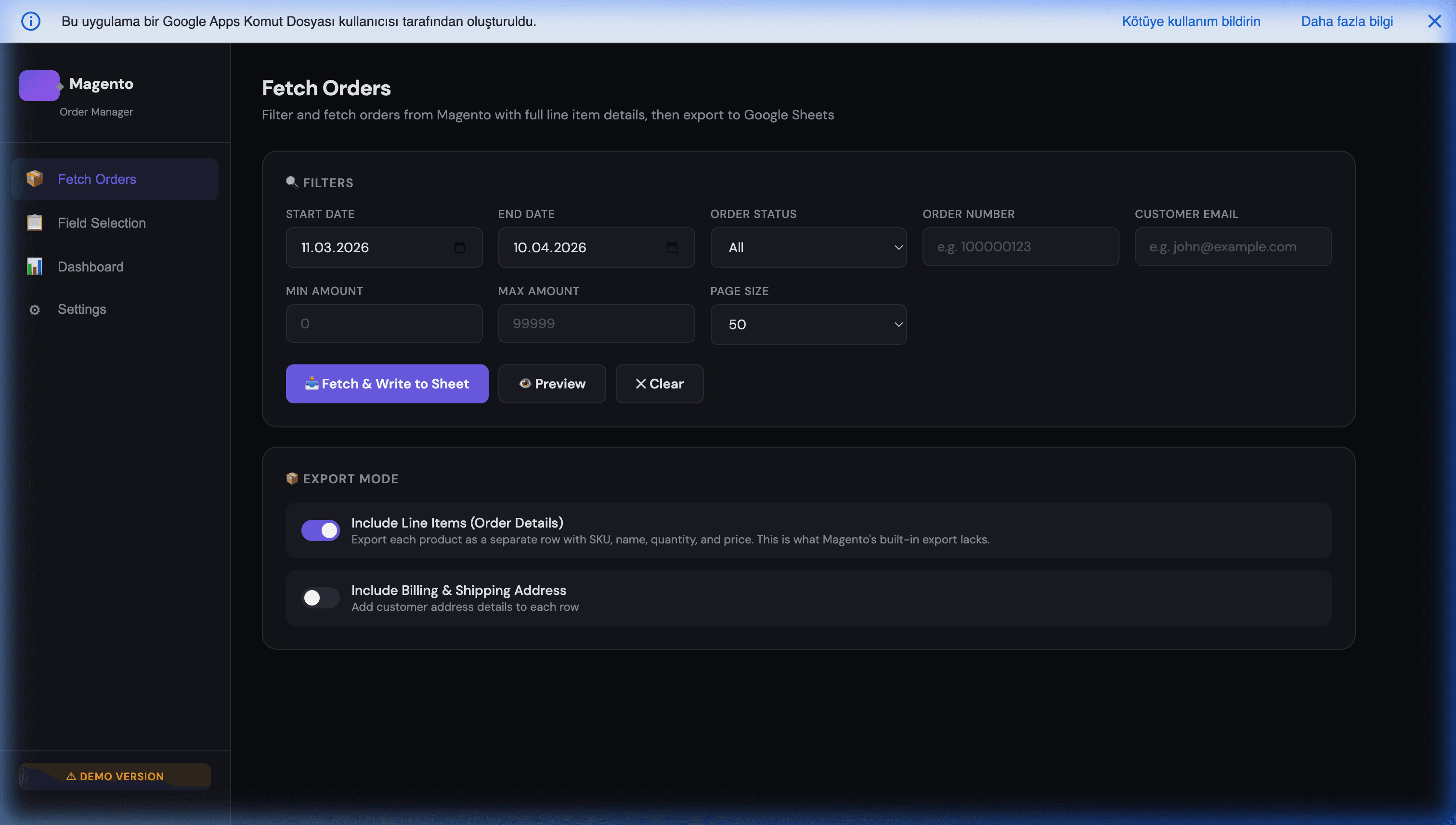
A click-through demo with realistic sample data. Browse tabs, filter tables, explore the UI. Save, import, and other write actions happen for real in the live app — one click away.
Key Features
Line-Item Flattening Engine
Toggle product details on and every order splits into one row per SKU, with order-level, shipping, billing, and payment data copied onto every line. Toggle it off for one-row-per-order revenue reporting.
Granular Field Selection
50+ built-in order, item, shipping, billing, and payment fields. Tick exactly the columns you need and skip the bloat — your selection is saved and reused for every fetch.
Custom Attributes
Read any Magento attribute by its code (e.g. po_number, gift_message, custom_shipping_date) at order or line-item level. Up to 20 custom attributes, no code changes required.
Two Authentication Methods
Connect with a long-lived Integration Token (recommended, read-only, scoped to Sales → Orders) or with an Admin username + password that MageSheet exchanges for a short-lived token on each session.
Scheduled Auto-Sync
Built-in time-driven trigger refreshes your Sheet hourly, every 6 hours, daily at 06:00, or weekly on Mondays. You set the lookback window and status filter — no cron servers, no third-party scheduler.
Actionable Dashboard
Open the Dashboard after any fetch for total revenue, average order value, status breakdown, daily revenue trend, top 10 products, payment-method mix, and repeat-customer rate — all computed from the current Sheet.
Google Workspace Integration
Works seamlessly with your favorite Google apps
What Does It Bring to Your Business?
Real business value, not just cool tech
Replace CSV Monday
No more logging into Magento, exporting, cleaning columns, and pasting into a sheet. One click — or zero clicks, if you turn on auto-sync.
Pivots That Actually Work
One row per line item means SUMIFs, QUERY, and pivot tables finally give correct results on multi-item orders.
Live Revenue Visibility
AOV, daily revenue, top products, repeat-customer rate — all computed in the Sheet, refreshed every fetch, no Magento admin login needed.
Your Data, Your Workspace
Credentials live in your own Apps Script Script Properties. Sheets live in your Drive. We never see any of it.
No Monthly SaaS Fees
One-time purchase. No per-order pricing, no seat licenses, no subscription. 1 year of free updates included; renewal at 50% after.
Shareable With Your Team
Finance, fulfillment, and support can all open the same Sheet concurrently — Google handles real-time collaboration.
Simple Pricing
Choose the plan that fits your needs
Standard
Script only — install it yourself, no support
- Line-item flattening engine
- 50+ built-in fields + up to 20 custom attributes
- Scheduled auto-sync (hourly / 6h / daily / weekly)
- Live revenue & top-products dashboard
- Two authentication methods (Integration Token or Admin)
- Multi-store view support
- 100% unobfuscated source code
- 1 year of free updates (renewal at 50% after)
- Eligible for 14-day refund under our Refund Policy
Managed
Script + professional installation + 2 weeks free support
- Everything in Standard
- We set up your Magento Integration Token
- We deploy the script in your Google Workspace
- We run your first order fetch with you
- 2 weeks of priority support
- Configuration assistance for auto-sync schedules
Custom+
Everything in Managed + custom features built on top
- Everything in Managed
- Custom feature development on top of the script
- Tailored to your specific workflow
- Delivered via Upwork (escrow protection)
- Full source code ownership
You own it forever — 100% unobfuscated source code, no subscription, no lock-in. Secure checkout via Gumroad.
Not sure it fits your setup? Ask us on WhatsApp before you buy →
Frequently Asked Questions
Everything you need to know
Up to 500 orders per fetch (Magento's API maximum per call). For larger backlogs, split by date range — month by month or week by week — and use the built-in auto-sync to keep the Sheet fresh. Typical installs pull tens of thousands of orders over time with no issue.
Yes. Built-in auto-sync runs on a Google Apps Script time-driven trigger — hourly, every 6 hours, daily at 06:00, or weekly on Mondays. You choose the lookback window and status filter from the Settings page. No code modification needed.
Yes. Add any Magento attribute code through the Custom Attributes panel. MageSheet reads it from custom_attributes, direct object keys, or extension_attributes — whichever your store exposes. Both order-level and line-item-level custom attributes are supported, up to 20 per export.
Nowhere but your own Google account. MageSheet runs inside your Google Apps Script environment and calls your Magento store directly. We never see your orders, your Magento credentials, or your Google Sheet. There is no MageSheet server involved in the data path at all.
Your Magento REST API needs to be reachable from Google's servers (script.google.com). Public stores work out of the box. Private-network stores require either IP allowlisting for Google's outbound ranges or a reverse proxy in front of your Magento admin.
Magento 2.3, 2.4+, Magento Open Source, and Adobe Commerce. MageSheet uses the stable /rest/V1/orders API, which has been unchanged for years. If a breaking change ever ships, you get the patched version free during your update year.
No. One-time purchase. You own your copy forever and receive free version updates for life. There is no MageSheet account, no subscription, and no per-order usage fee.
By purchasing, you agree to our Refund Policy at magesheet.com/refund-policy — a 14-day refund window under specific conditions, primarily non-delivery or a critical, reproducible defect that we cannot resolve within a commercially reasonable timeframe after you have provided sufficient diagnostic information. Refunds are not available once you have successfully completed your first order fetch.
Ready to get Magento Order Manager — or want your own version built?
Buy it from $119, or book a free feasibility review.