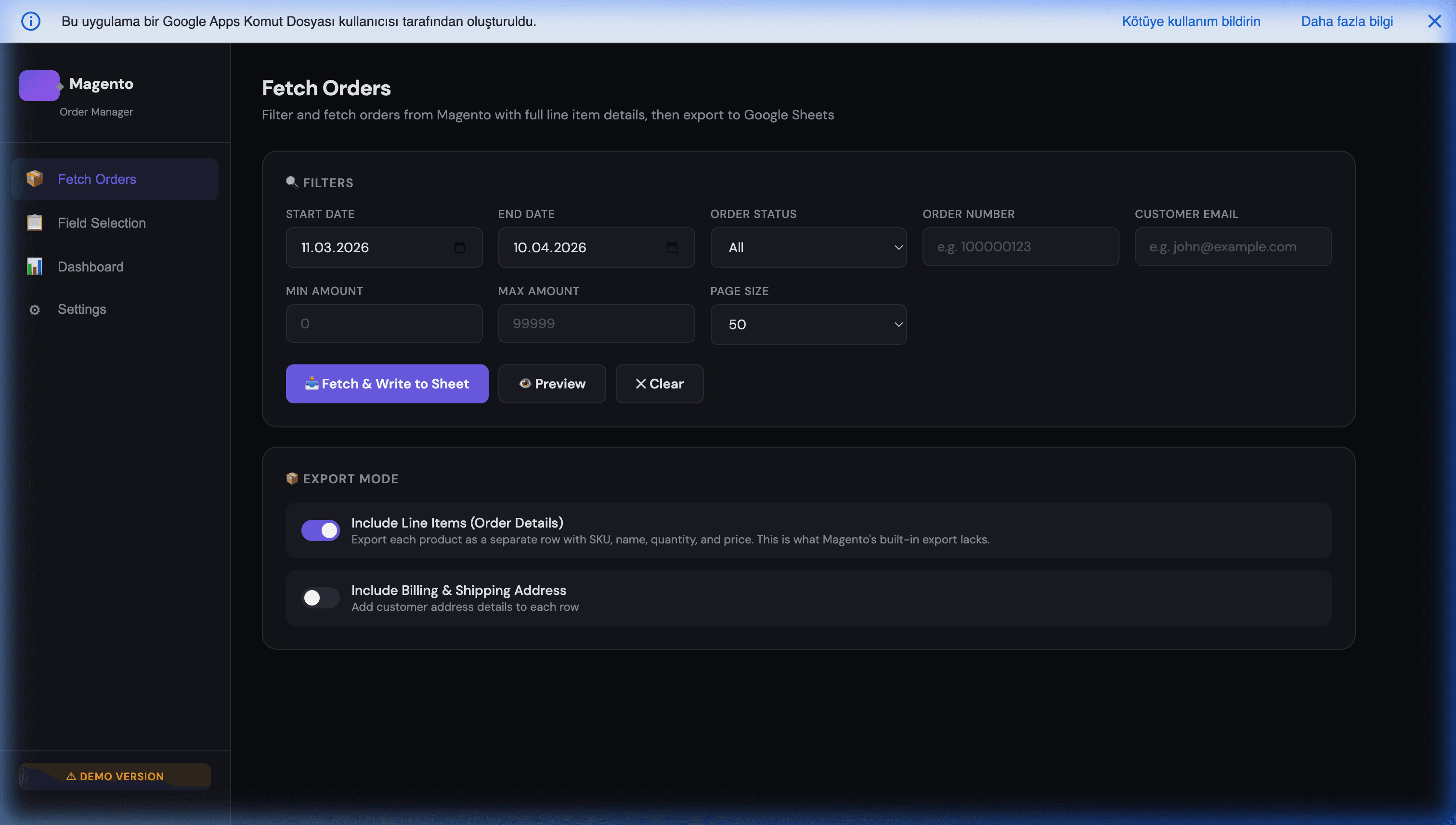
Adobe Commerce to Google Sheets and Looker Studio: The Reporting Pipeline
Looker Studio has no native Adobe Commerce connector. That is the fact behind most searches on this topic, and no amount of looking through the connector gallery changes it. You have three routes to a working dashboard: a paid third-party connector, a BigQuery pipeline, or Google Sheets as the middle layer — which is free, takes an afternoon, and is where most stores should start.
A note on names first, because it causes real confusion: Adobe Commerce is Magento. Adobe acquired Magento and renamed the commercial edition; Magento Open Source is the free one. They share the same REST and GraphQL API, the same integration tokens, the same query syntax. Everything below works against either, and every Magento integration guide — including ours — applies to Adobe Commerce unchanged.
The three routes
| Route | Cost | Setup | Best for |
|---|---|---|---|
| Partner connector | Monthly, per data source | Minutes | One or two standard reports, no technical help available |
| Google Sheets middle layer | Free | An afternoon | Most stores — full control over the shape of the data |
| BigQuery | Usage-based, small at this size | A day or two | Large history, many dashboards, slow Sheets |
Partner connectors from the Looker Studio gallery work and are the fastest path if nobody on your team will touch code. The trade is the usual one: a monthly fee per data source, a fixed set of fields somebody else chose, and a dependency you cannot fix when it breaks.
The Sheets route is the one worth building, because the sheet is useful on its own — your team can read it, filter it, and correct it — before Looker Studio ever touches it.
Step 1: an integration token
In the Adobe Commerce admin, go to System → Extensions → Integrations → Add New Integration. Under API, grant read access to the resources you need — Sales for orders, Catalog for products, Customers if you report on them. Save, then Activate, and copy the Access Token.
Grant read-only access and nothing more. A reporting integration has no business holding write permissions on your catalogue.
In the Apps Script editor (Extensions → Apps Script from your sheet), store the token under Project Settings → Script properties as AC_TOKEN, and your base URL as AC_BASE. On Adobe Commerce Cloud, note that each environment has its own base URL — pointing staging credentials at production is a classic and confusing failure.
Step 2: pull orders, with paging that survives
The single biggest mistake here is asking for everything at once. Adobe Commerce struggles to serialise thousands of orders with line items in one response, and Apps Script terminates any execution at six minutes. Page it, and filter by date so each run only fetches what is new:
function importOrders() {
  const props = PropertiesService.getScriptProperties();
  const base  = props.getProperty('AC_BASE');   // https://yourstore.com
  const token = props.getProperty('AC_TOKEN');
  const since = props.getProperty('AC_CURSOR') || '2026-01-01 00:00:00';

  const rows = [];
  let page = 1;
  const pageSize = 100;

  while (page <= 40) {                          // hard stop, well inside 6 minutes
    const q = [
      'searchCriteria[filter_groups][0][filters][0][field]=created_at',
      'searchCriteria[filter_groups][0][filters][0][value]=' + encodeURIComponent(since),
      'searchCriteria[filter_groups][0][filters][0][condition_type]=gt',
      'searchCriteria[sortOrders][0][field]=created_at',
      'searchCriteria[sortOrders][0][direction]=ASC',
      'searchCriteria[pageSize]=' + pageSize,
      'searchCriteria[currentPage]=' + page,
    ].join('&');

    const res = UrlFetchApp.fetch(base + '/rest/V1/orders?' + q, {
      headers: { Authorization: 'Bearer ' + token },
      muteHttpExceptions: true,
    });
    if (res.getResponseCode() !== 200) {
      throw new Error('Adobe Commerce ' + res.getResponseCode() + ': ' +
                      res.getContentText().slice(0, 300));
    }

    const items = JSON.parse(res.getContentText()).items || [];
    items.forEach(o => rows.push([
      o.increment_id,
      o.created_at,
      o.status,
      o.customer_email,
      Number(o.grand_total),
      o.order_currency_code,
      (o.items || []).length,
      (o.billing_address || {}).country_id || '',
    ]));

    if (items.length < pageSize) break;         // last page
    page++;
  }

  if (!rows.length) return;

  const sheet = SpreadsheetApp.getActive().getSheetByName('Orders');
  sheet.getRange(sheet.getLastRow() + 1, 1, rows.length, rows[0].length).setValues(rows);

  // Advance the cursor so the next run picks up where this one stopped
  props.setProperty('AC_CURSOR', rows[rows.length - 1][1]);
}
Four things in there matter more than the endpoint:
- The cursor in script properties. Each run continues from the last order it saw. This is what turns a script that works once into one that runs hourly forever.
- One
setValues, notappendRowin a loop. Hundreds of individual writes is the difference between finishing and timing out. muteHttpExceptionsplus a real error message. A 401 here means the token, a 404 means the base URL, and you want to know which without guessing.- The hard page ceiling. A runaway loop against a paginated API is how you find the six-minute limit the unpleasant way. For genuinely large backfills, use the resumable-trigger pattern in our guide to running long jobs past the 6-minute limit.
Add a time-driven trigger — hourly is right for revenue reporting — and the sheet maintains itself.
Step 3: point Looker Studio at the sheet
In Looker Studio, Create → Data source → Google Sheets, pick the spreadsheet and the Orders tab. Then, before you build anything:
- Set the field types. Looker Studio will guess
created_atis text. Change it to Date & Time or every time-series chart will be wrong. - Set
grand_totalto a currency, and check the aggregation is Sum rather than the default. - Add a calculated field for anything you report on repeatedly — average order value as
SUM(grand_total) / COUNT(increment_id), for example — so the logic lives in one place. - Set the data freshness on the data source (fifteen minutes is the usual floor). Combined with an hourly trigger, your dashboard is at most about an hour and a quarter behind.
One design decision worth making deliberately: let the sheet do the flattening, not Looker Studio. Orders have nested line items, addresses and payment objects. Decide in the script what a row is — one per order for revenue reporting, one per line item for product analysis — and write clean columns. Trying to reshape nested data inside Looker Studio is where these projects get stuck.
If you need both shapes, write two tabs. Storage is free.
When to graduate to BigQuery
Sheets holds up further than people expect, but the signals are clear:
- Past roughly fifty thousand rows, dashboards start feeling slow.
- More than a handful of dashboards reading the same tab.
- You need multi-year history or joins across orders, products and customers.
- Someone edits the sheet by hand and breaks a chart.
The migration is smaller than it sounds: the extraction script is identical, only the destination changes. Which is the quiet advantage of owning the pipeline — the expensive part, understanding and shaping your commerce data, transfers intact. Our comparison of Looker Studio and Apps Script dashboards covers when each layer is the right home for a report.
Where this fits
This is the reporting slice of a bigger picture. If you also need orders flowing the other way, inventory syncing, or invoices generated, those are the same integration token and the same paging pattern applied to different endpoints — collected in our Magento and Google Workspace automation playbook, with the order-sync specifics in syncing Magento 2 orders to Google Sheets in real time.
The pipeline above costs nothing to run: no connector subscription, no per-data-source fee, no seat. The one-time cost is building it, and once built it belongs to you — in your Google account, against your own API token, in a sheet your team can read.
If you would rather have it built, tested against your real order volume and handed over on a trigger, tell us what you need to see on the dashboard. The feasibility review is free, and if a partner connector genuinely covers your case for less than the build, we will point you at it.
Frequently Asked Questions
Does Looker Studio have an Adobe Commerce connector?
Not a native one from Google. Looker Studio ships connectors for Google's own products and a set of common marketing platforms, but Adobe Commerce and Magento are not among them. You have three practical routes: buy a third-party partner connector from the Looker Studio gallery, which typically bills monthly per data source; land your data in BigQuery and use the native BigQuery connector; or pull the data into Google Sheets on a schedule and point Looker Studio's free Sheets connector at that. For most stores the Sheets route is the fastest and costs nothing.
Is Adobe Commerce the same as Magento for integrations?
For API purposes, effectively yes. Adobe Commerce and Magento Open Source share the same REST and GraphQL API surface, the same integration-token authentication, and the same searchCriteria query syntax, so any integration code written for one works against the other. The differences that matter are operational rather than structural: Adobe Commerce adds B2B modules and commerce features with their own endpoints, and Adobe Commerce on Cloud sits behind Fastly with per-environment base URLs, which affects rate limiting and how you handle caching more than it affects your code.
How do I export Adobe Commerce orders to Google Sheets?
Create an integration in the admin under System → Extensions → Integrations, grant it read access to sales and catalog resources, and activate it to get an access token. Then a short Apps Script calls the /rest/V1/orders endpoint with a Bearer header, pages through results using searchCriteria pageSize and currentPage, flattens each order into a row, and writes them all with a single setValues call. Put it on a time-driven trigger and your sheet refreshes itself. The whole thing is about sixty lines and runs free.
Why does my Adobe Commerce API request time out on large order exports?
Two limits are colliding. Adobe Commerce will struggle to serialise thousands of orders with their line items in one response, and Apps Script kills any execution at six minutes. The fix is the same for both: page the API with a pageSize of 100 to 200, filter by created_at so each run only fetches what changed since the last one, and store a cursor in script properties so a re-triggered run resumes rather than restarting. Incremental beats full-refresh for anything past a few thousand orders.
Should I use Google Sheets or BigQuery between Adobe Commerce and Looker Studio?
Sheets, until it stops working. It is free, everyone on your team can read and correct it, and Looker Studio's Sheets connector is native. Move to BigQuery when you cross roughly fifty thousand rows, when dashboards get slow, when you need to join several years of history, or when more than a handful of dashboards read the same data. The migration is not wasted work — the extraction script barely changes, only its destination does.
How fresh will the data in my Looker Studio dashboard be?
As fresh as your trigger, minus Looker Studio's own caching. An hourly Apps Script trigger with a fifteen-minute Looker Studio refresh gives you data that is at most about an hour and a quarter old, which is right for revenue and fulfilment reporting. It is not right for anything operational where minutes matter — stock levels driving a purchasing decision, for instance. For those, read the API directly at the moment of use rather than reporting off a periodic snapshot.