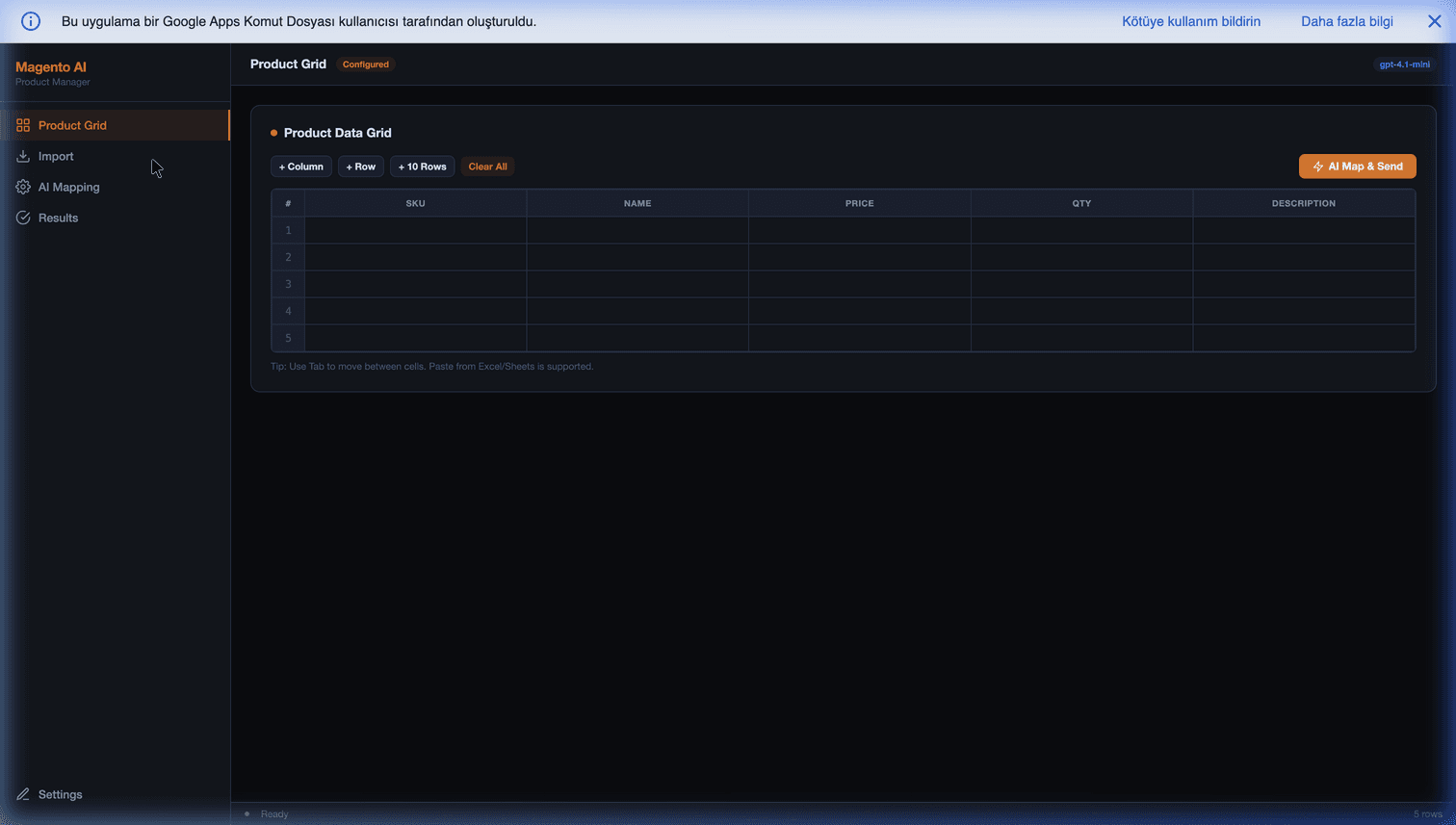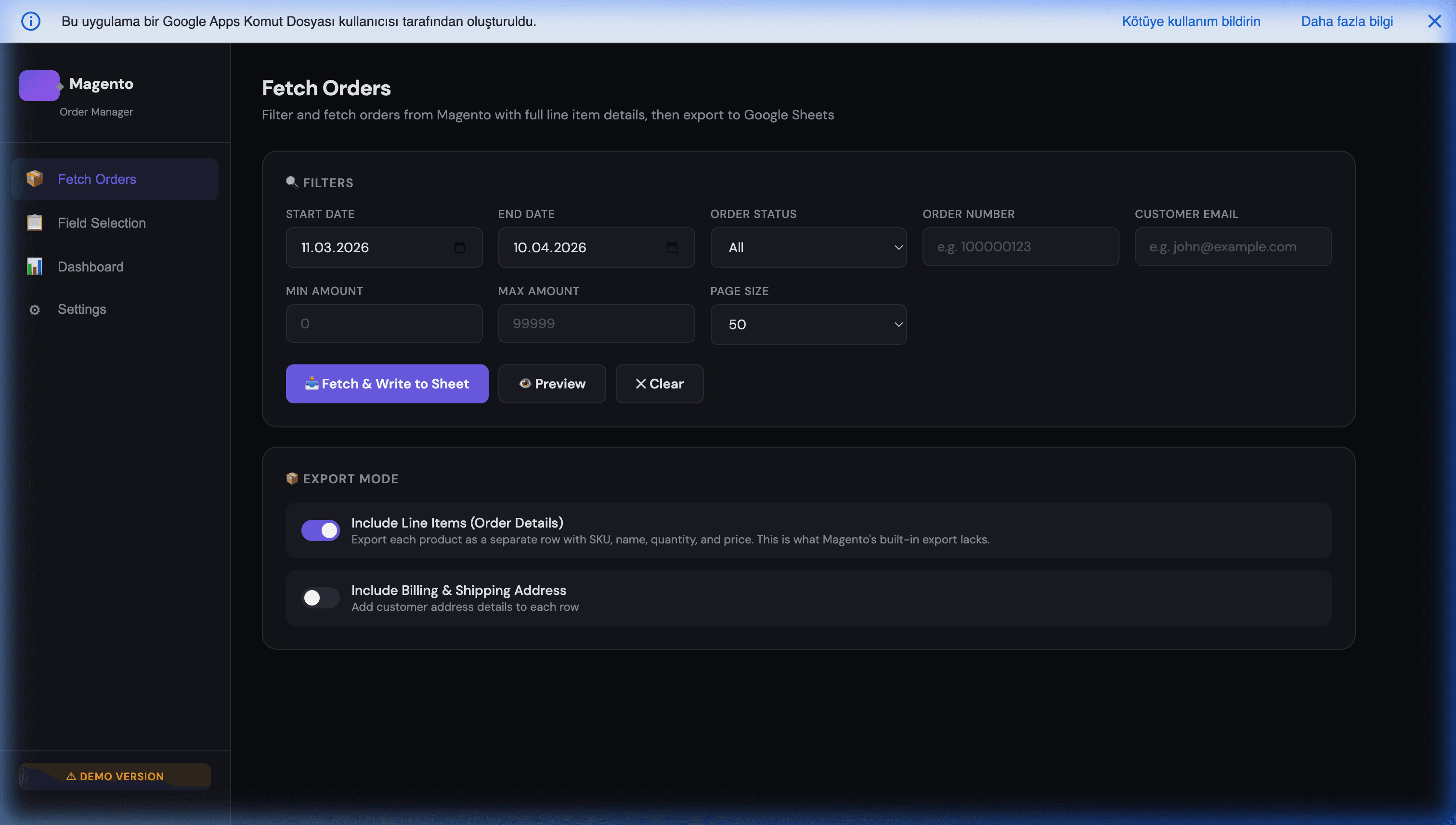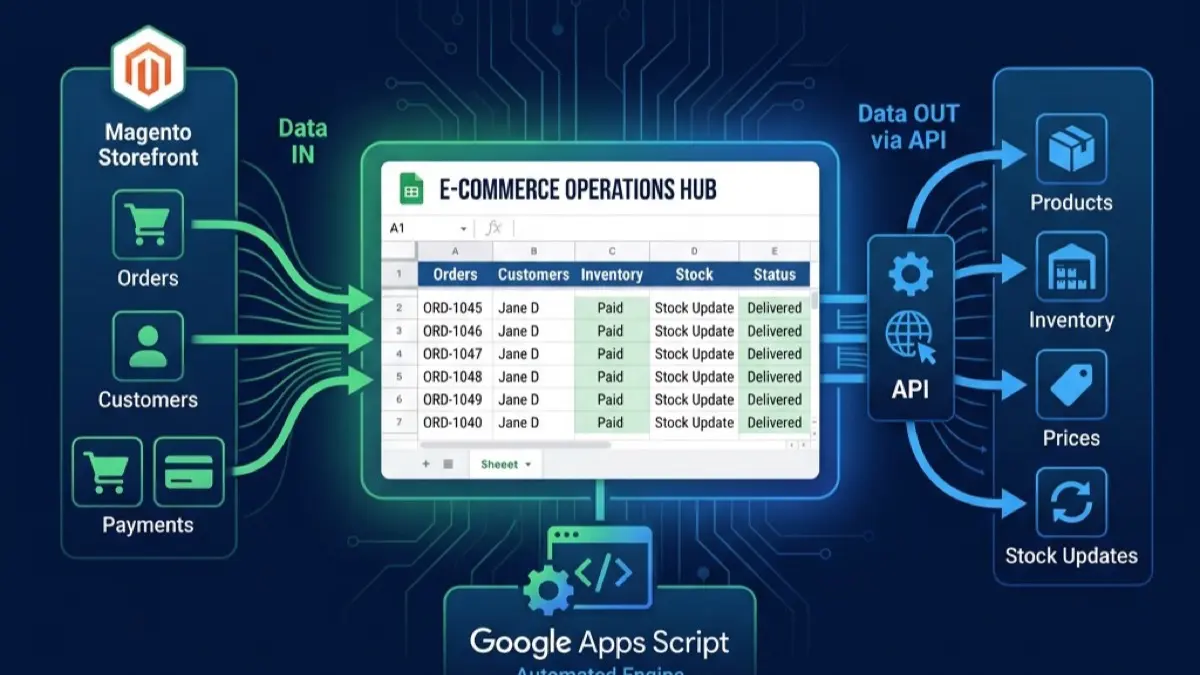
Triggering Magento REST APIs for Bulk Data Updates from Google Sheets
Hey everyone, time to dive deeper into our Magento integration series at MageSheet.
In our previous post, we looked at how to get data out of Magento by syncing orders to Google Sheets in real-time. But operations teams don't just read data; they manage it.
Whether it's a seasonal price drop for 5,000 SKUs, updating stock levels across multiple warehouses, or managing specific B2B tier pricing, the native Magento Admin Panel can be brutally slow for bulk actions. Exporting CSVs, modifying them in Excel, and re-uploading them via System Integrations is prone to formatting errors and stalls production time.
What if your catalog team could negotiate a price change with a supplier, update the cost in a shared Google Sheet, and simply click a button that says "Sync to Magento"?
Today, we will learn how to trigger the Magento 2 REST API directly from Google Apps Script using UrlFetchApp.
The Challenge: Magento 2 Authentication
Connecting to external services from Google Apps Script is relatively straightforward until you hit Enterprise authentication layers. Magento 2 (Adobe Commerce) secures its REST API using OAuth 1.0a or Token-based authentication.
For server-to-server bulk scripts, the most efficient method is using an Integration Token.
- In your Magento Admin, go to System > Integrations.
- Add a New Integration, grant it specific resource permissions (e.g.,
Catalog > Products). - Click "Activate" and copy the Access Token. (Keep this completely secret!).
Step 1: Writing the Payload in Sheets
Imagine a very simple Google Sheet used by your pricing team. They want to update the retail prices for specific SKUs.
| SKU | New Price | Status |
|---|---|---|
| TECH-HOODIE-100 | 59.99 | Pending |
| B2B-BULK-CABLE | 14.50 | Pending |
Step 2: The Google Apps Script (UrlFetchApp)
Open Extensions > Apps Script. We are going to write a script that reads these rows and makes a highly optimized PUT request to Magento's bulk API endpoint.
There are two ways to do this in Magento:
- Synchronous Loop: Looping through rows and hitting
/V1/products/{sku}500 times. (Very bad, very slow). - Asynchronous Bulk API: Hitting the
/async/bulk/V1/products/byUpdatekeyendpoint once with an array of objects. (Extremely fast).
Here is the production-grade script to execute an Asynchronous Bulk Update:
// Code.gs

const MAGENTO_BASE_URL = "https://your-store.com/rest/all";
const MAGENTO_BEARER_TOKEN = "your_secret_integration_token_here"; // Store securely using PropertiesService!

function syncPricesToMagento() {
  const sheet = SpreadsheetApp.getActiveSpreadsheet().getSheetByName("Pricing Updates");
  const data = sheet.getDataRange().getValues();

  // We skip the header row
  let productsPayload = [];

  for (let i = 1; i < data.length; i++) {
    const sku = data[i][0];
    const newPrice = parseFloat(data[i][1]);
    const status = data[i][2];

    // Only process rows marked "Pending"
    if (sku && newPrice && status === "Pending") {
      productsPayload.push({
        "product": {
          "sku": sku,
          "price": newPrice
        }
      });
      // Optionally mark as processing
      sheet.getRange(i + 1, 3).setValue("Processing");
    }
  }

  if (productsPayload.length === 0) {
    Logger.log("No pending updates found.");
    return;
  }

  // Package the HTTP Request for Magento 2
  const requestOptions = {
    method: "POST",
    headers: {
      "Authorization": "Bearer " + MAGENTO_BEARER_TOKEN,
      "Content-Type": "application/json"
    },
    payload: JSON.stringify(productsPayload),
    muteHttpExceptions: true // allows us to read the error body
  };

  // Fire the Async Bulk endpoint!
  const apiUrl = `${MAGENTO_BASE_URL}/async/bulk/V1/products/byUpdatekey`;

  try {
    const response = UrlFetchApp.fetch(apiUrl, requestOptions);
    const statusCode = response.getResponseCode();

    if (statusCode === 202) {
      // 202 Accepted means Magento received the array and sent it to RabbitMQ
      const resultObj = JSON.parse(response.getContentText());
      Logger.log("Bulk UUID from Magento: " + resultObj.bulk_uuid);

      // Update Google Sheet status to let the user know
      for (let i = 1; i < data.length; i++) {
        if (sheet.getRange(i + 1, 3).getValue() === "Processing") {
          sheet.getRange(i + 1, 3).setValue("Sent to Queue");
        }
      }
    } else {
      Logger.log("Error: " + response.getContentText());
    }
  } catch (e) {
    Logger.log("Fetch failed: " + e.toString());
  }
}
Why the Async Bulk Route is Critical for E-commerce
By using /async/bulk/V1/products/byUpdatekey instead of standard /V1/products/, we bypass PHP timeout limitations entirely.
When Google Apps Script sends the payload to Magento, Magento’s Web API doesn't try to save 5,000 products to the MySQL database and reindex the catalog while Google waits. Instead, it drops the JSON directly into Magento's RabbitMQ (Message Queue) and immediately returns a 202 Accepted response with a tracking bulk_uuid.
Your Magento cron workers then pick up those 5,000 prices and process them smoothly in the background without affecting store performance or causing Apps Script's 6-minute execution quota to fail.
Automating the Workspace
Now that the logic exists, you can simply attach a "Time-Driven Trigger" in Apps Script to run syncPricesToMagento() every 15 minutes, or insert a physical button/drawing into your Google Sheet interface so your catalog manager can click it manually after finalizing supplier negotiations.
With LLMs and AI rapidly changing how catalog management works, feeding LLM outputs (like AI-generated product descriptions or calculated competitive pricing) directly into Google Sheets and pushing them instantly to Magento is the ultimate workflow optimization.
If tying Google Workspace deeply into your Adobe Commerce architecture feels overwhelming, MageSheet handles these exact middleware-free, zero-latency integrations for enterprise clients worldwide. Explore our Apps Script tools below.