Commission Tracker Apps (2026): What They Cost, What They Fix, and When a Spreadsheet Wins
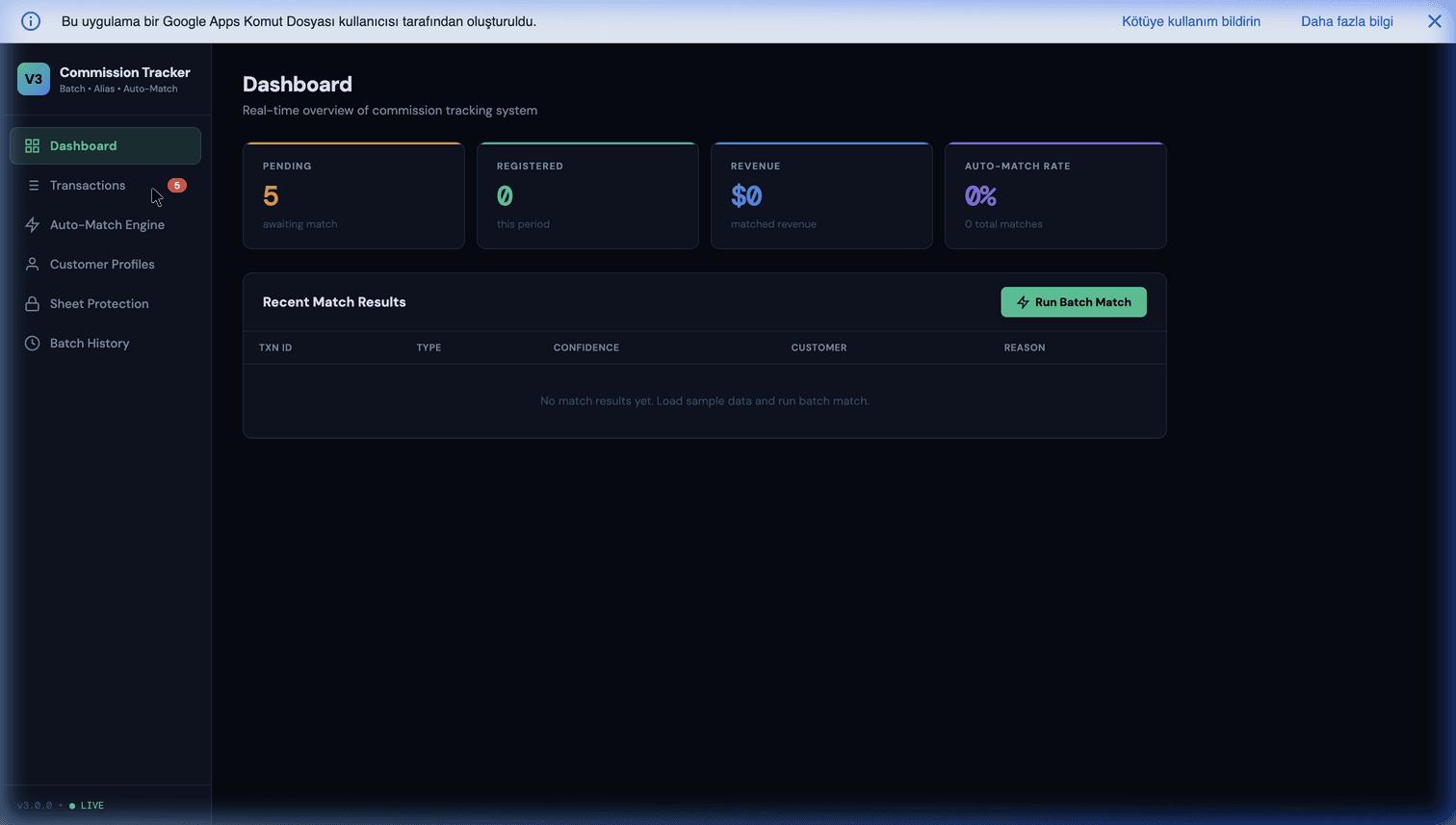
A commission tracker app calculates sales commission from your deal data, shows each rep what they have earned, and keeps a record of how the number was reached. The category exists for a good reason — commission is a payroll-grade calculation that in most companies lives in one spreadsheet that one person understands — and the software genuinely fixes that.
It also charges per payee, which means the tool gets more expensive precisely as your sales team succeeds. That trade is the whole decision. This page lays out what these tools actually do, what the pricing model does to your budget over three years, and where an owned system still wins.
The five jobs commission software does
Strip away the marketing and every tool in this category does the same five things:
- Ingests deals from a CRM, billing system or spreadsheet.
- Applies the plan — base rates, tiers, accelerators, splits between reps, draws, clawbacks on refunds.
- Produces a statement per rep per period showing which deals contributed what.
- Gives reps visibility so they can check their own numbers without emailing sales ops.
- Keeps an audit trail finance can rely on when someone disputes a figure months later.
Job 4 and job 5 are the ones people are really buying. The arithmetic is not hard; the trust is. A rep who cannot see the workings will assume the workings are wrong, and sales ops will spend the first week of every month proving they are not.
The pricing model is the story
Almost every vendor in this category prices per payee per month. Published rates commonly sit in the $15–$40 range, and the larger platforms do not publish at all — pricing comes after a demo, on an annual contract, often with a minimum seat count.
That model behaves in a specific way:
| Sales team | At ~$25 per payee/month | Over 3 years |
|---|---|---|
| 5 reps | ~$1,500/yr | ~$4,500 |
| 15 reps | ~$4,500/yr | ~$13,500 |
| 30 reps | ~$9,000/yr | ~$27,000 |
Nothing about the work changes between those rows. The plan is the same, the deals are the same, the calculation is the same. You are paying more because you hired.
Two more line items that rarely appear in the first quote: implementation or onboarding fees for anything beyond the simplest plan, and middleware if your CRM is not natively supported. Ask about both before comparing to anything else.
When dedicated software is genuinely the right call
Be fair to the category — there are cases where buying is clearly correct:
- Plans that change often, and retroactively. If rates are renegotiated mid-quarter and periods need recalculating, a platform built for versioned plans will save you real pain.
- Complex attainment maths. Quota attainment carried across periods, accelerators that unlock at thresholds, team-based overlays on individual numbers.
- Reps who need live dashboards. If sellers check their commission weekly and that visibility drives behaviour, a rep-facing portal has value a monthly emailed statement does not.
- Audit or compliance obligations where a third-party system of record is expected.
- Nobody to own it internally. A tool with a support line beats a spreadsheet nobody maintains.
If two or more of those describe you, buy the software. The rest of this page is about the case where they do not.
What actually breaks in spreadsheets — and what does not
The case against spreadsheets is usually made badly. The maths is not the problem; SUMIFS has never miscalculated a commission. Here is what really goes wrong:
- Silent formula edits. Someone drags a cell, a range shifts, and nobody sees it until payout day.
- The plan overwrites itself. Rates change in April, and now March can no longer be recalculated because the old rates are gone.
- No record of inputs. A rep disputes a figure in November. Which deals fed the August number? Nobody can say.
- Bus factor of one. The file's author is on holiday at month end.
Every one of those is a version-control and audit problem, not a calculation problem — and every one is fixable inside a spreadsheet with a script:
- Write each period's result to an append-only statement tab, with the deal IDs and the rates that were in force, then never touch it again.
- Keep the plan in a dated rates table, so a lookup by date reproduces any historical period exactly.
- Protect the formula ranges so only the script writes them.
- Email each rep their own breakdown automatically, so visibility does not depend on anyone remembering.
That is a few hundred lines of Apps Script and it removes the four real failure modes. The full build is in our complete guide to commission tracking in Google Sheets, and the audit-trail patterns specifically in building an audit-ready commission system.
The comparison, honestly
| Commission platform | Owned spreadsheet system | |
|---|---|---|
| Cost model | Per payee, per month | One-time build, $0 to run |
| Cost at 30 reps | ~$9,000/yr | Unchanged |
| Rep self-service | Built-in dashboards | Emailed statements, or a simple web app |
| Plan modelling | Strong, versioned | As good as you build it |
| Complex attainment | Strong | Real work to get right |
| Audit trail | Built-in | Built-in if you snapshot properly |
| CRM integration | Native connectors | API calls you write |
| Time to first result | Days to weeks | Days to weeks |
| Who owns the logic | Vendor | You |
| If you stop paying | Access ends | Nothing happens |
The pattern that decides it: complexity of the plan, not size of the team. A thirty-person team on a flat 8% with quarterly splits is straightforward to own. A six-person team with tiered accelerators, cross-period attainment and clawbacks is not, and will punish a homemade system.
The cost of getting it wrong is not the software
One thing both options share, and it is worth saying plainly: the expensive failure in commission tracking is not the tool, it is paying the wrong amount. Overpay and you will not get it back. Underpay and you lose a good seller and the trust of the rest.
That is an argument for whichever system your team will actually maintain and can verify — which for some companies is a platform with a support contract, and for others is a well-built sheet with an immutable log. What it is never an argument for is the manual monthly file that one person recalculates by hand. We wrote about what that costs in practice in the hidden cost of manual commission tracking.
How to decide in a week
- Write your plan down in full, including the awkward parts you usually handle by exception. If it fits on one page, a spreadsheet system will hold it.
- Count your payees, then double it and price the platform at that number. That is the number you are actually agreeing to.
- Ask two vendors for pricing including onboarding and any middleware, on the record.
- Price the build once, and compare over three years rather than one.
- Name the internal owner before you choose anything. Both options fail without one.
If you want that comparison done against your actual plan, send us how your commissions work — the rates, the exceptions, the headcount — and we will tell you which side of the line you fall on. The feasibility review is free, and when the answer is "buy the platform," we say so; it is a better outcome for you than a homemade system nobody trusts.
Frequently Asked Questions
What is a commission tracker app?
Software that calculates sales commission automatically from your deal data and shows each seller what they have earned. It pulls closed deals from a CRM, applies your commission plan — rates, tiers, splits, accelerators, clawbacks — produces a statement per rep per period, and keeps an audit trail of how each number was reached. The category exists because commission is a payroll-grade calculation usually run in a spreadsheet that only one person understands, and because reps dispute numbers they cannot see the workings of.
How much do commission tracking apps cost?
Nearly all of them price per payee per month, commonly in the $15–$40 range at the published end, with the larger platforms quote-only behind a demo. The pricing model matters more than the rate: cost scales with headcount, so every rep you hire raises the bill permanently, and many contracts are annual with a minimum seat count. A ten-person team at $25 per payee is around $3,000 a year; the same plan at thirty reps is around $9,000. Budget for the shape of that curve rather than for today's number.
Do I need commission software or can I use a spreadsheet?
A spreadsheet holds up well for a small team on plans that do not change often — up to roughly ten to fifteen payees with rate tiers, splits and a monthly cycle. You outgrow it when the plan itself gets complicated (multi-tier accelerators, quota attainment across periods, clawbacks on refunds), when reps need self-service visibility instead of emailed statements, or when you need an auditable trail for finance. The failure mode is rarely the maths — it is that one person owns the file and nobody else can verify it.
What actually breaks in a spreadsheet commission process?
Four things, in this order: someone edits a formula and nobody notices until payout day; the historical plan is overwritten when rates change, so last quarter can no longer be recalculated; a rep disputes a number and there is no record of which deals fed it; and the whole thing depends on one person who is on holiday at month end. Notice that none of those are calculation problems. They are version-control and audit problems, and they can be fixed inside a spreadsheet with a script that snapshots each period and logs its inputs.
Can commission tracking be automated without buying software?
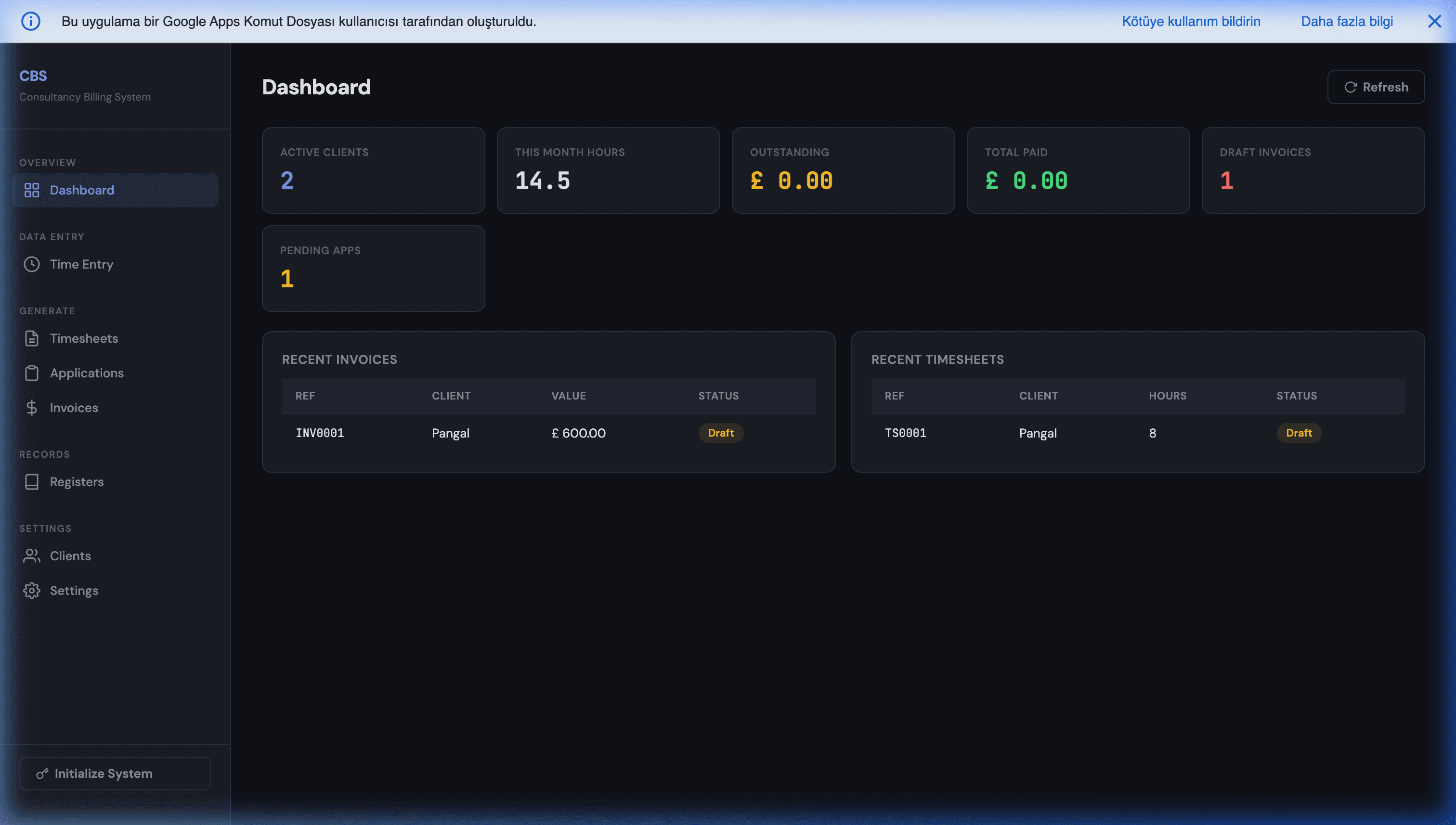
Yes. The work is a scheduled job: read closed deals, apply the plan rules, write an immutable statement row per rep per period, and email each seller their breakdown. In Google Sheets that is Apps Script on a time-driven trigger, and it runs free inside your own Google account with no per-payee charge. It will not match a commercial platform on rep-facing dashboards or on plan-modelling features, but it matches them on the part that actually causes disputes: a transparent, dated record of how each number was produced.
What should I check before buying a commission tool?
Five things. Whether pricing is per payee and what happens at renewal when your team has doubled. Whether your CRM integration is native or needs middleware you also pay for. Whether the tool can model your actual plan, including the awkward parts — splits, draws, clawbacks — rather than a simplified version of it. Whether you can export your full commission history in a usable format if you leave. And who inside your company will own it, because an unowned commission tool becomes a second source of truth that disagrees with the first.