How to Build a Secure Dedicated Client Portal for Free Using Google Apps Script
Hey everyone! Welcome back to MageSheet.
In our custom Apps Script frontends pillar, we explored how to move away from the basic Google Sheets grid and build an independent web frontend using Apps Script's doGet() function. Today, we are answering the number one question business owners ask when building these internal tools:
"How do I securely share this data with a client, ensuring they only see THEIR data, and not the data of all my other clients?"
Sharing a Google Sheet directly and trying to lock down specific cells or rows is a nightmare. It is prone to human error, and a savvy user can often bypass those restrictions by copying the sheet.
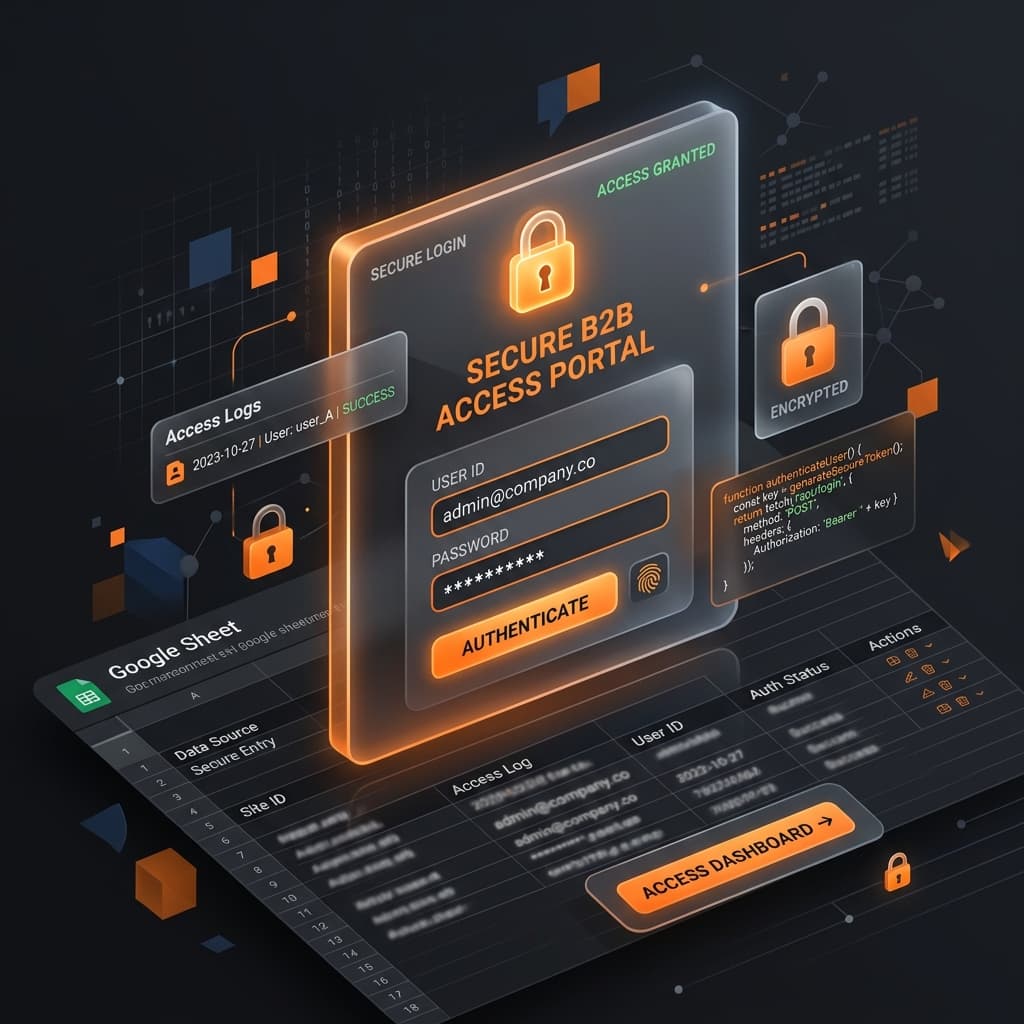
Today, we are going to build a Secure Dedicated Client Portal. A custom web application where a user logs in, and the server (Google Apps Script) filters the Google Sheet data securely on the backend before it ever reaches their browser.
The Architecture of a Secure Apps Script Portal
When you build a client portal in Apps Script, you shouldn't rely on browser-side filtering. If you send the entire spreadsheet to the frontend and use JavaScript to "hide" other clients' rows, anyone who knows how to open Chrome Developer Tools can read your entire database.
Instead, we use a Server-Side Filtering approach:
- Authentication: The user accesses the Web App UI and provides an identifier (like an email or a unique client pin).
- Verification (Backend): The backend
Code.gschecks these credentials against a master "Clients" sheet. - Data Fetching (Backend): If valid, the backend reads the "Data" sheet, filters out only the rows belonging to that user on the server, and returns just that subset to the frontend.
Step 1: Setting up the Database (Google Sheets)
Create a Google Sheet with two tabs:
Tab 1: "Clients"
| ClientEmail | AccessPin | ClientID |
|---|---|---|
| admin@company.co | 1234 | C-101 |
| user@other.com | 5678 | C-102 |
Tab 2: "Invoices"
| ClientID | InvoiceNumber | Amount | Status |
|---|---|---|---|
| C-101 | INV-001 | $5,000 | Paid |
| C-102 | INV-002 | $2,500 | Pending |
| C-101 | INV-003 | $8,200 | Pending |
Notice the relational structure. The ClientID securely links the user to their specific invoices.
Step 2: The Backend Logic (Code.gs)
Open Extensions > Apps Script. We will write a function that takes an email and a PIN, validates it, and returns the filtered invoices safely.
// Code.gs

// Expose the frontend HTML
function doGet() {
  return HtmlService.createHtmlOutputFromFile('Index')
    .setTitle('Secure B2B Portal')
    .setXFrameOptionsMode(HtmlService.XFrameOptionsMode.ALLOWALL);
}

// Securely fetch client data
function fetchClientData(email, pin) {
  const ss = SpreadsheetApp.getActiveSpreadsheet();

  // 1. Validate the user
  const clientSheet = ss.getSheetByName('Clients');
  const clientData = clientSheet.getDataRange().getValues();

  let validClientID = null;

  // Skip row 0 (headers)
  for (let i = 1; i < clientData.length; i++) {
    if (clientData[i][0] === email && clientData[i][1].toString() === pin) {
      validClientID = clientData[i][2]; // Found the ClientID!
      break;
    }
  }

  // If no match is found, reject the request immediately
  if (!validClientID) {
    return { status: "error", message: "Invalid credentials." };
  }

  // 2. Fetch ONLY their data
  const invoiceSheet = ss.getSheetByName('Invoices');
  const invoiceData = invoiceSheet.getDataRange().getValues();

  let clientInvoices = [];

  for (let i = 1; i < invoiceData.length; i++) {
    if (invoiceData[i][0] === validClientID) {
      // Exclude the ClientID from the frontend return payload for extra cleanliness
      clientInvoices.push({
        invoiceNumber: invoiceData[i][1],
        amount: invoiceData[i][2],
        status: invoiceData[i][3]
      });
    }
  }

  return { status: "success", data: clientInvoices };
}
This backend code is rock solid. The browser never receives C-102's invoices if C-101 logs in.
Step 3: The Frontend Login screen (Index.html)
Now we build the sleek, dark-mode glassmorphism login interface.
<!-- Index.html -->
<!DOCTYPE html>
<html>
  <head>
    <base target="_top">
    <style>
      body {
        font-family: 'Inter', sans-serif;
        background: #1e1e2f;
        color: white;
        padding: 3rem;
        display: flex;
        justify-content: center;
      }
      .portal-box {
        background: rgba(255,255,255,0.08);
        padding: 2.5rem;
        border-radius: 12px;
        border: 1px solid rgba(255,255,255,0.1);
        width: 100%; max-width: 400px;
      }
      input {
        width: 100%; padding: 10px; margin-bottom: 1rem;
        border-radius: 4px; border: none;
        background: rgba(0,0,0,0.3); color: white;
        box-sizing: border-box;
      }
      button {
        width: 100%; padding: 12px; background: #f97316;
        border: none; color: white; font-weight: bold;
        cursor: pointer; border-radius: 4px; margin-bottom: 1rem;
      }
      #dashboard { display: none; max-width: 600px; }
      .invoice-row {
        border-bottom: 1px solid #333; padding: 10px 0;
        display: flex; justify-content: space-between;
      }
    </style>
  </head>
  <body>

    <!-- Login Screen -->
    <div class="portal-box" id="login-screen">
      <h2>Client Portal Access</h2>
      <input type="email" id="email" placeholder="admin@company.co">
      <input type="password" id="pin" placeholder="Enter PIN">
      <button onclick="login()">Authenticate</button>
      <p id="error-msg" style="color: #ff4c4c; font-size: 0.9em;"></p>
    </div>

    <!-- Secure Dashboard Screen -->
    <div class="portal-box" id="dashboard">
      <h2>Welcome back!</h2>
      <h3 style="margin-top:2rem;">Your Active Invoices</h3>
      <div id="invoice-list"></div>
    </div>

    <script>
      function login() {
        const email = document.getElementById('email').value;
        const pin = document.getElementById('pin').value;
        document.getElementById('error-msg').innerText = "Authenticating...";

        // Call the backend function securely
        google.script.run
          .withSuccessHandler(handleResponse)
          .fetchClientData(email, pin);
      }

      function handleResponse(response) {
        if (response.status === "error") {
          document.getElementById('error-msg').innerText = response.message;
        } else {
          // Success! Hide login, show dashboard
          document.getElementById('login-screen').style.display = 'none';
          document.getElementById('dashboard').style.display = 'block';

          let html = "";
          response.data.forEach(inv => {
            const statusColor = inv.status === 'Paid' ? '#4ade80' : '#facc15';
            html += `<div class="invoice-row">
                       <span>${inv.invoiceNumber}</span>
                       <span>${inv.amount}</span>
                       <span style="color: ${statusColor}">${inv.status}</span>
                     </div>`;
          });
          document.getElementById('invoice-list').innerHTML = html;
        }
      }
    </script>
  </body>
</html>
Security Best Practices
When deploying this web app (Publish > Deploy as Web App), remember to set:
- Execute as: Me
- Who has access: Anyone
By executing "As Me", the script reads the Sheet using your Google credentials securely on the backend. This allows the end-user ("Anyone") to access the isolated parts of the data through the UI without you ever having to click "Share" on the underlying Google Sheet spreadsheet file.
If you are a B2B enterprise dealing with thousands of external partners, and building custom login portals through traditional SaaS platforms is eating up your IT budget, consider this Apps Script architectural pattern.
Need help integrating a robust Webhook pipeline, OTP text verification via SMS, or connecting this to an enterprise Magento database? Reach out to us.